
Imagine a thin and light laptop for the office or school but one that also fires up the latest demanding games. That’s possible now with machines sporting Intel’s fastest Core Ultra 3 series chips unveiled last month.
In essence, these processors codenamed Panther Lake offer a sort of “best of both worlds” of Intel’s previous generation. They bring more of the energy efficiency and AI prowess of the Core Ultra 200V (“Lunar Lake”) processors while delivering even more performance than the Core Ultra 200H (“Arrow Lake-H) processors.
The new Core Utlra Series 3 includes a good number of different processors but what I have for my review is one aimed at thin and light laptops that also pack unprecedented graphics performance on the go.
The Intel Core Ultra X7 358H processor sits near the top end of the new Core Ultra 3 series chips. H denotes higher performance and more importantly, the X in X7 means you get the zippy Arc B390 integrated graphics that makes the big difference.
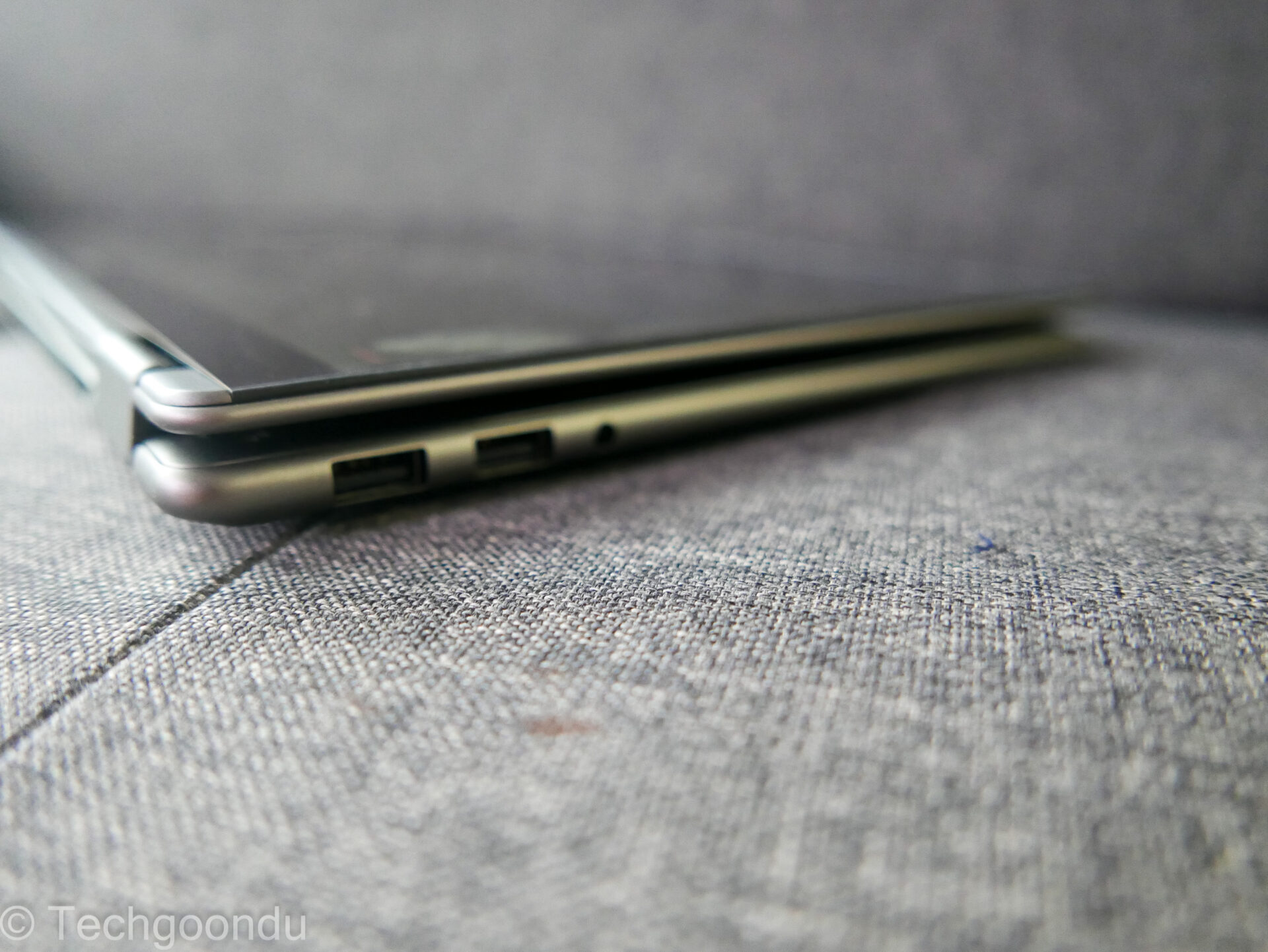
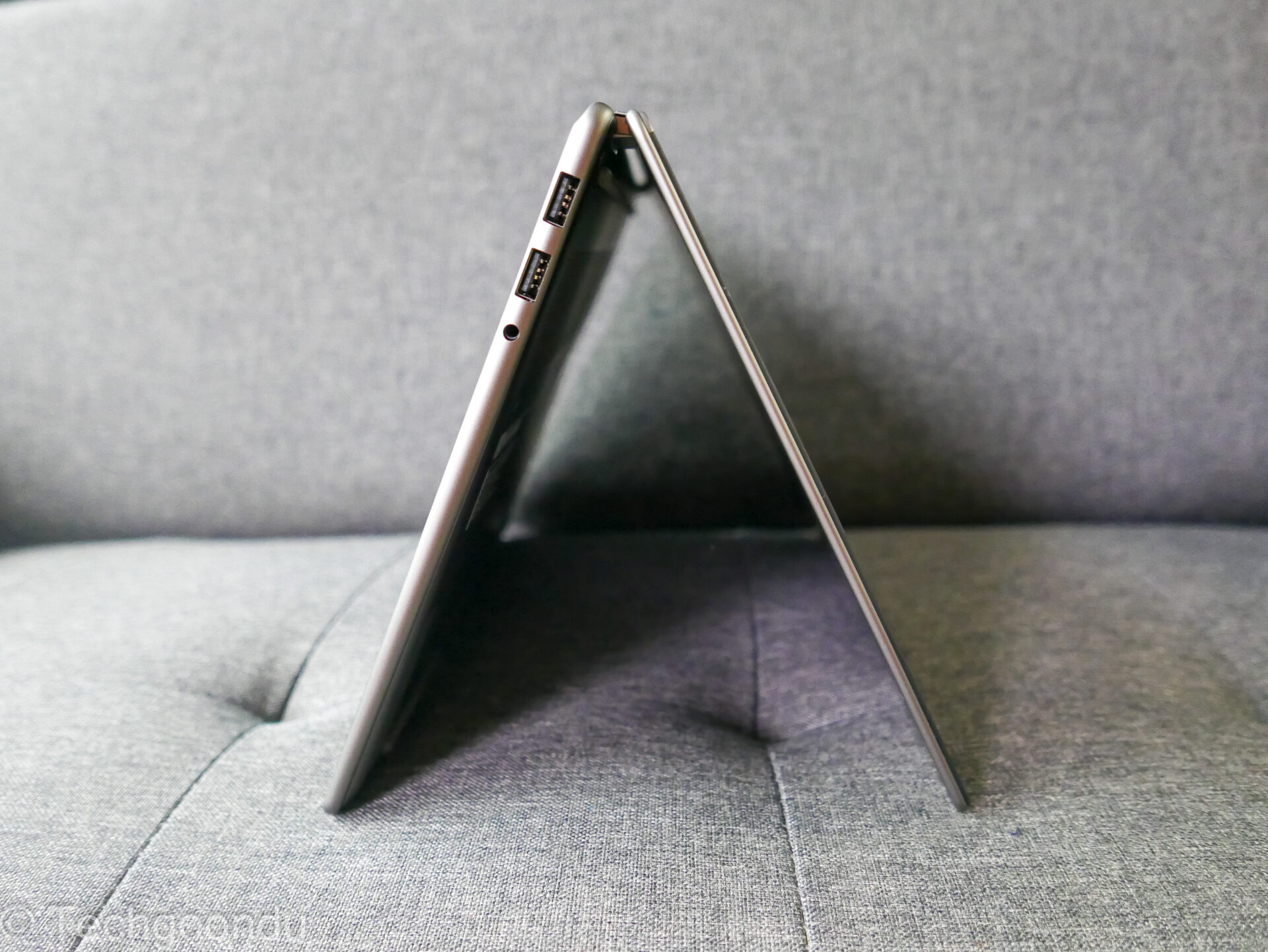
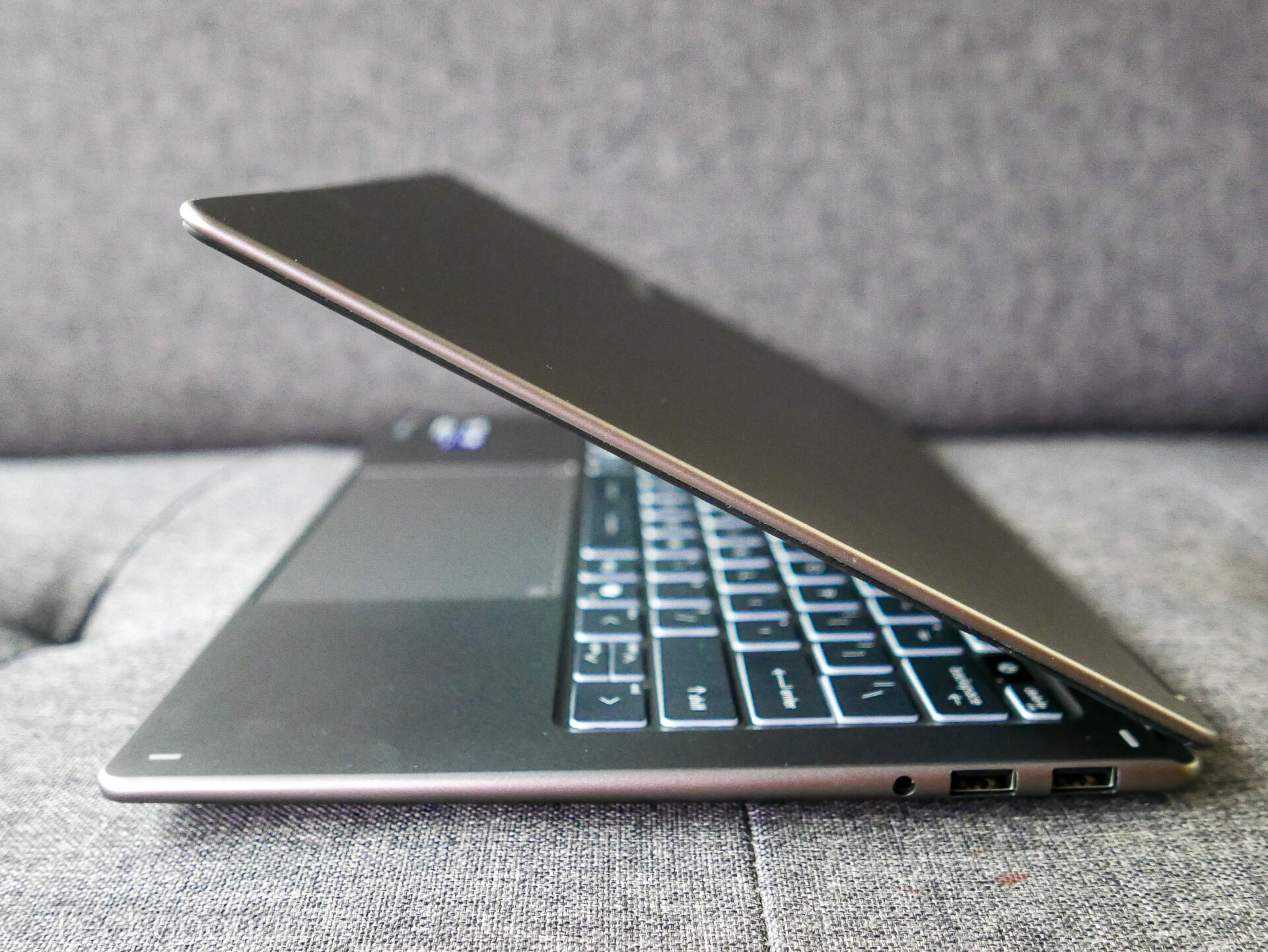
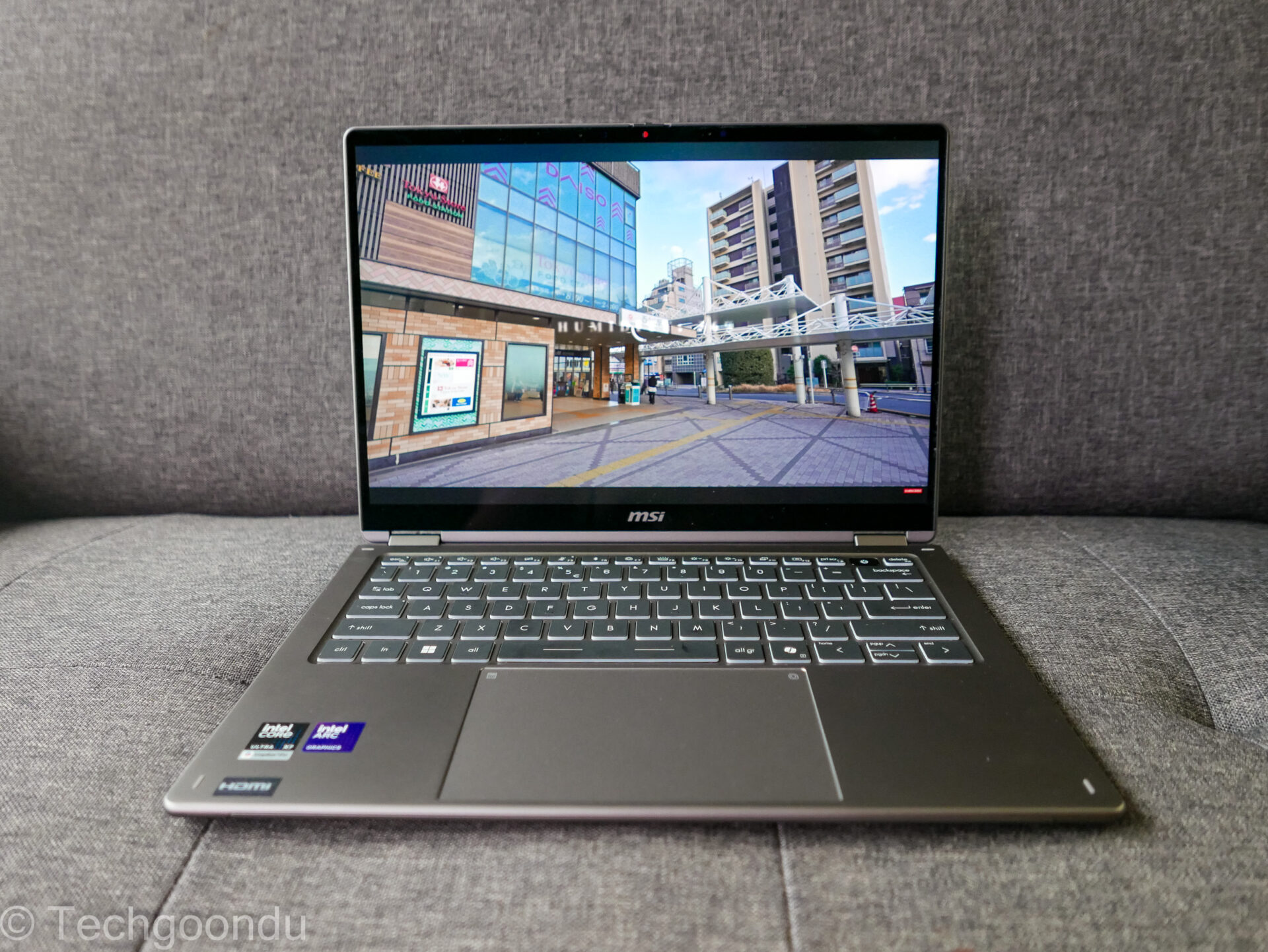
Along with 32GB or memory and a 1TB solid state drive, the chip powers the new MSI Prestige 14 Flip AI+ laptop. This review unit comes in a 13.9mm chassis and weighs just 1.32kg – pretty light for a convertible machine with a touchscreen.
With the new Intel chip, the promise is battery life that can stretch to over 20 hours (on some machines). Crucially, for models with an Intel Arc B390 graphics processing unit (GPU), you also get graphics performance similar to a decent Nvidia GeForce RTX 4050.
So, yes, for the first time ever, you can fire up a blockbuster game on the type of ultraportable portable laptop design that was once only good for some casual games and boring office work.
For Intel’s Arc B390 integrated graphics, one key improvement is the AI-powered frame generation (FG) technique that we have seen from rivals Nvidia and AMD as well.
Now, Intel has upped its game with XeSS-FG, which generates up to three frames of an image with AI for every frame that comes from the hardware. In other words, more frames per second and smoother gameplay.
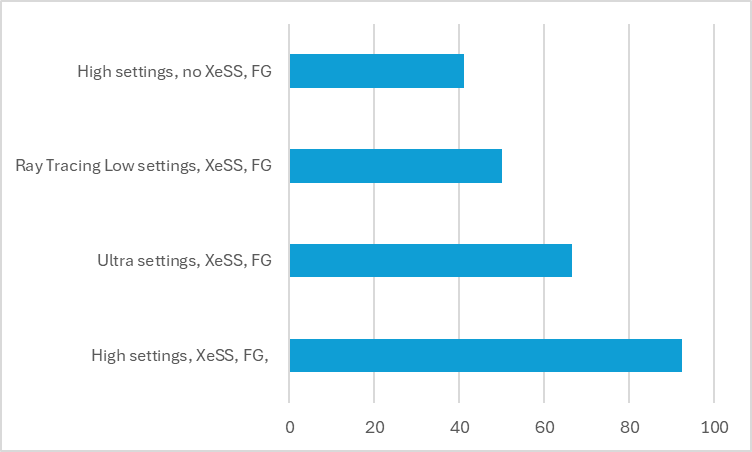
The performance boost is clear in many games, even the most demanding AAA titles. I fired up Cyberpunk 2077 and frankly, was quite blown away by what I saw.
Running on High presets at the laptop’s native 1,920 x 1,200 resolution, I could get smooth gameplay with a lot of the eye candy turned on. Running the game’s built-in benchmark, I got more than 90 frames per second (at least 60 is ideal) with XeSS and frame generation turned on. Remember, this is a thin and light laptop.
Even with settings turned to Ultra and even Ray Tracing (Low), the framerates were good and the game was playable. Clearly, the XeSS magic has changed the game.
That said, even without this AI assistance, you still get more than 41 frames per second on High settings, which is decent for integrated graphics performance. I would always have XeSS turned on, of course.
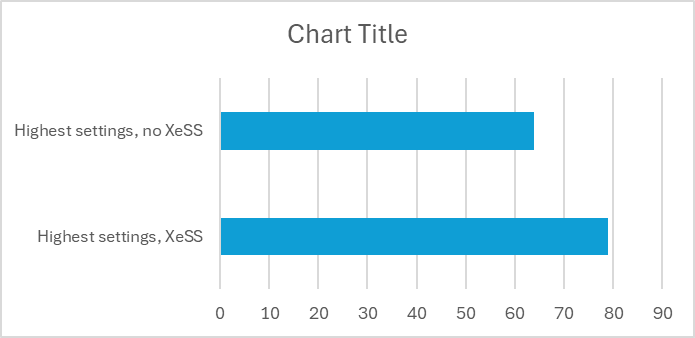
Not content with that game alone, I fired up Shadow of the Tomb Raider as well. With the Highest preset configuration and XeSS turned on, I got stellar 79 fps in the game’s built-in benchmark test. Even with XeSS turned off, I got a good 64 fps.
Some newer games may pose slightly more of a challenge if you insist on running on High settings but playing through them, I don’t feel that the framerates are that much of an issue.
In Doom Dark Ages, I got around 40-plus frames per second in actual game play with settings on High and XeSS turned on. Here, I had to dial down the XeSS image quality from Quality to Balanced, sacrificing some eye candy for performance with the native 1,920 x 1,200 resolution.
Interestingly, running the Sentinel Command in-game benchmark, the GPU hit 67.99fps but the CPU lagged slightly at just under 60fps (54.22fps). Some tuning in the software drivers in future by Intel should boost the numbers here.
The latest Battlefield 6 multiplayer shooter is another good test. I jumped into online matches and typically, framerates go between the 40s to 50s on a balanced graphics setting. Not as high as I like but the game is playable.
I got repeatedly killed in online matches but I’m not sure if that’s because of the less-than-60 fps graphics chip or just my slow reactions. I’d be happy to play the game on this thin and light laptop.
These tests were run with the laptop set to Performance mode when connected to a wall power socket, which boosts performance over a Balanced power mode.
Just to round things off, I also tested the machine with the 3DMark benchmark, which simulates real-world games. Here, in the Time Spy subtest, the MSI laptop scored 5,517. This is clearly ahead of Arrow Lake-H and Lunar Lake PCs launched last year.
On the whole, the GPU on the new Intel chip brings impressive results, reflecting the kind of graphics performance you would not dream of for integrated graphics in ultraportable machines.
Depending on how Intel and laptop partners price PCs with the new chips, these laptops with the Arc B390 GPU could even be a threat to more powerful – and bulkier – gaming laptops.
Of course, many of the new Intel Core Ultra Series 3 chips will power thin and light machines that companies buy as well. Here, for office work, performance sees a good amount of uplift as well.
I fired up PCMark 10, which measures performance in everyday tasks such as video conferencing and spreadsheets, and the MSI laptop came back with a score of 8,736. Again, this is faster than comparable Intel-powered laptops from last year.
I also tested daily office productivity performance with Geekbench 6. Here, the CPU came back with a score of 2,865 for single-core performance and 16,596 for multi-core performance. This is an improvement as well.
What about AI? The Core Ultra X7 358H promises 50 TOPS from its neural processing unit (NPU) for such tasks. Put through the Geekbench AI tests with the OpenVino AI framework that Intel chips favour, it came back with scores of 4,438 (single-precision), 37,286 (half precision) and 55,704 (quantised).
Unsurprisingly, these numbers place the new chip ahead of last year’s Lunar Lake chips (Arrow Lake-H doesn’t have an NPU that is beefy enough for Windows Copilot+).
Finally, of course, all the performance is nothing if the laptop cannot run long enough on battery. Here, the MSI machine’s 78Wh power pack impresses with its staying power, thanks also to the efficiency of the new Intel chip.
The chipmaker says the test laptop should run in excess of 16 hours on the Procyon Office Productivity Battery Life test, which basically fires up Microsoft Office tasks repeatedly until the battery is totally drained.
I didn’t manage to calibrate the brightness so I shall not directly compare with Intel’s estimates. Still, running at “balanced” mode for its performance and with screen brightness set to 50 per cent at start, the MSI laptop kept running for a stunning 19 hours 23 minutes.
In other words, if you don’t sleep and continuously work on some spreadsheets or text reports on your laptop, you can do so for a crazy 19 hours. It’s likely you’ll keel over before the machine does.
What’s not to like about performance and battery life? Perhaps the only thing I can nitpick with is the heat.
The top part of the MSI laptop near the hinge helps remove heat from the tightly packed components inside the chassis and it can get too hot to touch when you fire up a game.
Of course, the fan is also pretty loud though that should not be a problem if you’re wearing headphones for your gaming sessions. It’d be interesting to see is the heat is common across other laptops sporting the new Intel Core Ultra Series 3 later this year.
So, what does this all mean for the laptop buyer? The good news is that Intel chips, which are often still favoured by laptop makers over rivals AMD and Qualcomm, now have some of its best CPUs in years.
Combining great everyday performance and top-notch power efficiency, the Core Ultra Series 3 also brings unprecedented graphics prowess not seen on integrated graphics and ultraportable machines previously.
To be fair, Qualcomm and AMD have rival chips lined up that also promise efficiency and performance (we’ll try them out later), but Intel rightly deserves praise for its current lineup. Notably, they are made in the long-awaited 18A process that has taken Intel a good few years to get going.
Now that they are here, the new chips could herald a new generation of laptops that can almost do it all – grind on your boring office work and fire up a first-person shooter afterwards – without running out of juice.
If you’re buying a laptop this year, do look out for Core Ultra Series 3 chips that come with the zippy Arc B390 graphics chip. They have upped the game significantly for ultraportable notebooks this year and should be on your list of machines to check out