
A rare drop in memory prices last week briefly lifted the gloom for PC buyers. After all, there have been unprecedented price hikes in the past six months.
A new Google AI algorithm that promises to let data centres use less memory was attributed to the slight drop. Sadly, that hasn’t caused a steady fall yet.
So, some 32GB DDR5 memory modules are selling from just under S$600 on Amazon – still high though down from the over-S$600 price last month. Many are still over the S$600 mark.
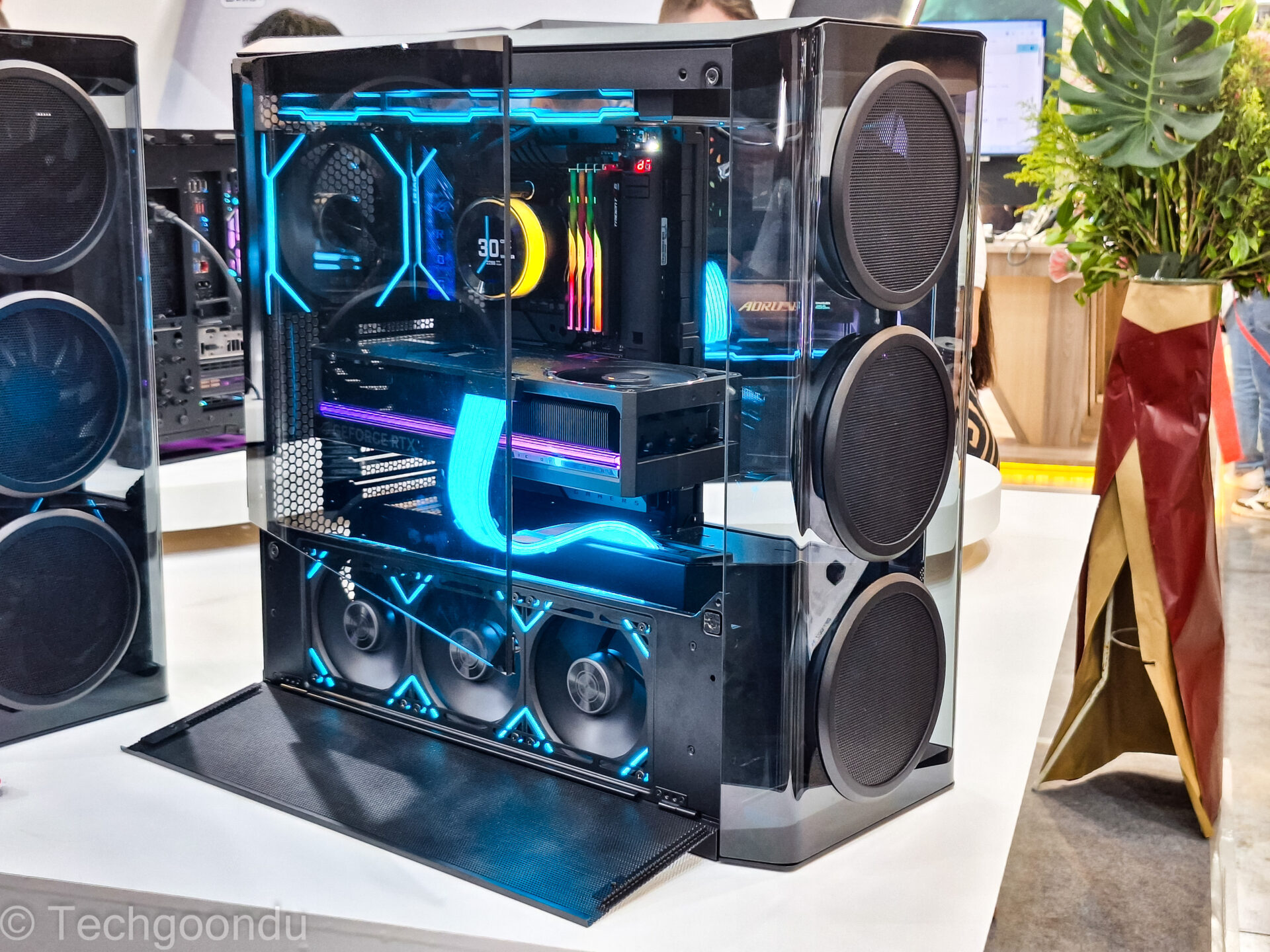
That’s not to mention that solid state drive (SSD) prices and even hard disk prices have skyrocketed with AI demand.
With that in mind, how should you optimise your next PC build or laptop purchase? Here are a few tips to get the best bang for buck.
1. Go for “slower” RAM
When buying a new PC, look out for the memory capacity on offer – go for 32GB if you can, or at least 16GB if you only do mostly basic tasks like surfing the Web or e-mail.
If you go on Amazon or Lazada in Singapore, you’ll also find many “speed” options for memory modules of the same capacity.
DDR5 memory used in PCs today comes with anything from 4,800MHz to 6,400MHz for speed listings. The higher, the faster you get, but the speed gains are usually marginal (10 per cent if you’re lucky). So, always prioritise capacity over speed (a slower 32GB module over a faster 16GB one).
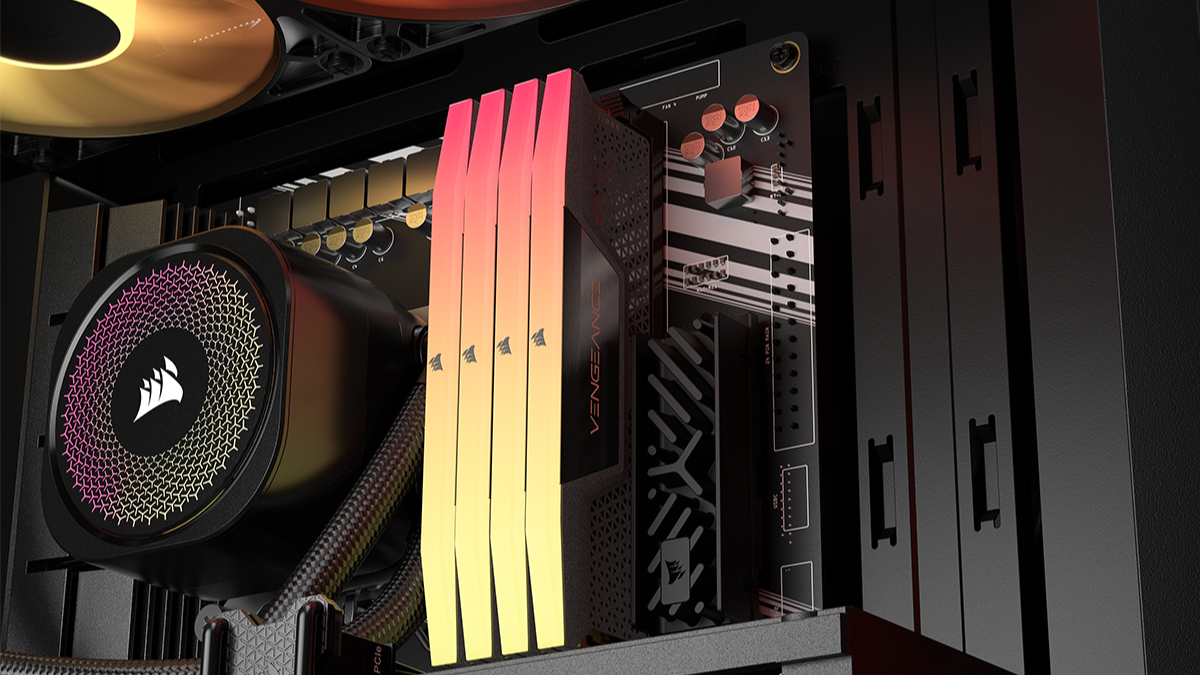
What about older DDR4 RAM? There’s news that modules are being made again, thanks to the current shortage. However, your motherboard has to support these DDR4 modules – new PCs in the past year or so likely won’t.
If you’re thinking of extending your four-year-old PC, there’s a chance you can get stick on some DDR4 memory – which are cheaper. Check first, of course.
For some, recycling may be an option too. If you have an old network-attached storage (NAS) device around, there might a chance of finding old DDR4 (SODIMM) modules you can reuse for your laptop. Compatibility is not guaranteed, of course!
2. Choose an older CPU
If you’re buying a new laptop, know that many PC makers are trying to clear models that sport older Intel or AMD CPUs from a year ago.
These are still plenty fast for most things you do on the go so you may get a decent deal and still have the performance to handle your tasks.
By saving up a little on your CPU, you may be able to spend it on more memory. More RAM – say, going from 16GB to 32GB – is handy if you’re opening up lots of programs at a go, or plan to run video or photo editing apps. Or even AI tasks on your PC.
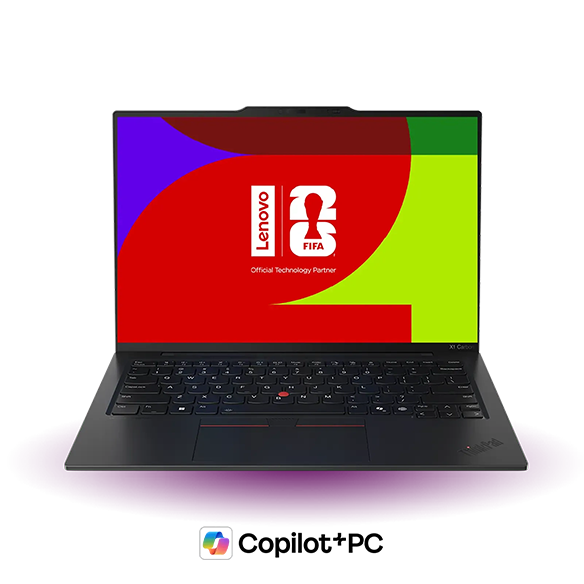
In particular, see if you can still find laptops that sport Intel’s “Lunar Lake” or Core Ultra 200v CPUs.
Unlike other laptops, these machines have the memory soldered right on the CPU, so PC makers may still have some of these machines around to be cleared.
If you find one at a discount with 32GB of memory, it could be a better deal than a laptop sporting this year’s Core Ultra 3 CPUs with only 16GB of RAM (a common configuration).
The exception, of course, if you’re a budget gamer. In that case, some of the top-end Intel laptop CPUs this year can let you fire up AAA games without breaking the bank.
This will call for a tough compromise between more graphics horsepower via the new CPU or more memory to make things run generally smoothly.
3. Prioritise memory over storage
If you’re doing a lot of work on large files, say, photos or videos, then a laptop or desktop PC with a large solid state drive (SSD) is needed.
For many other users, though, you might get away with 512GB of storage on your laptop if you are tight for budget.
After all, if it’s just some e-mails and light video editing that you’re doing on your machine, the files that you don’t regularly use can be stored elsewhere, say, on a cheaper and slower external drive or a network drive.

Don’t forget there’s also online cloud storage. For stuff you don’t use often, it makes sense to offload them to a less costly medium for safekeeping.
If it comes to choosing between more storage or memory, it might be better to focus on memory for your PC. There are more options for storing your files but memory is costly now and it’s often not as easy to upgrade, either.
4. Focus your power on graphics
Still on optimising for performance, one group of users who have been impacted badly by the current state of PC components is gamers. Graphics cards have been madly priced for a while now, even before memory and storage price hikes.
Yet, the best bet for gamers would be to focus their budget on graphics power. After all, if you can’t fire up your games at the framerates you like, then there’s no point having a fast CPU or lots of memory.
The good news is you can get away with a mid-range CPU and even 16GB of memory if you’re on a budget for gaming.
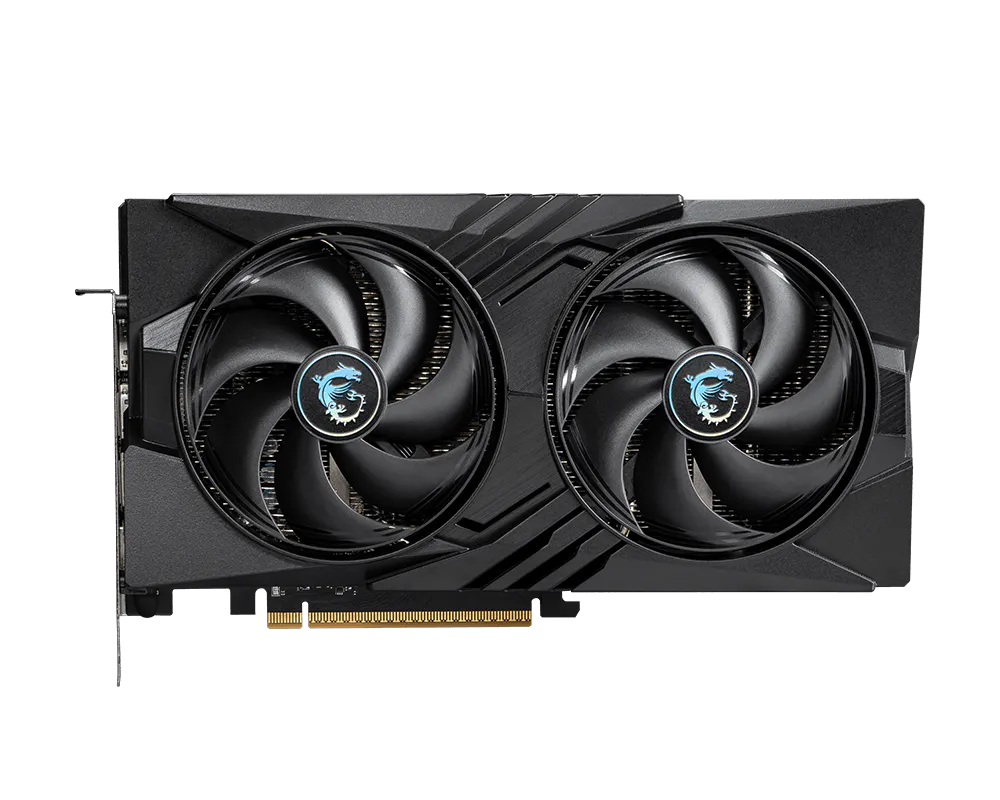
You can choose to dial up the graphics card to a mid-range option, such as the popular Nvidia GeForce RTX 5060 (about S$500), for example.
Unfortunately, the current high prices look like they will be around for a while – until 2028 at the earliest, some predict. That’s too long to wait if your old PC is slowing down drastically.
This means prioritising the items you spend on – from zooming in on memory when you can to other components that may make a bigger difference. In other words, bang for buck is what you aim for, unless money is no object…