

It’s taken an amazing seven years but I finally replaced my trusty old Dell XPS 13 recently with a Lenovo ThinkPad X9 14 for my work laptop.
The Dell ultraportable had travelled places with me and been great for small places like economy class cabins. It was durable, suffering knocks and scratches before surviving a battery transplant in 2021.
In the end, it was slowing down too much. The final straw came in August, when it occasionally didn’t power up after being disconnected from the wall socket.
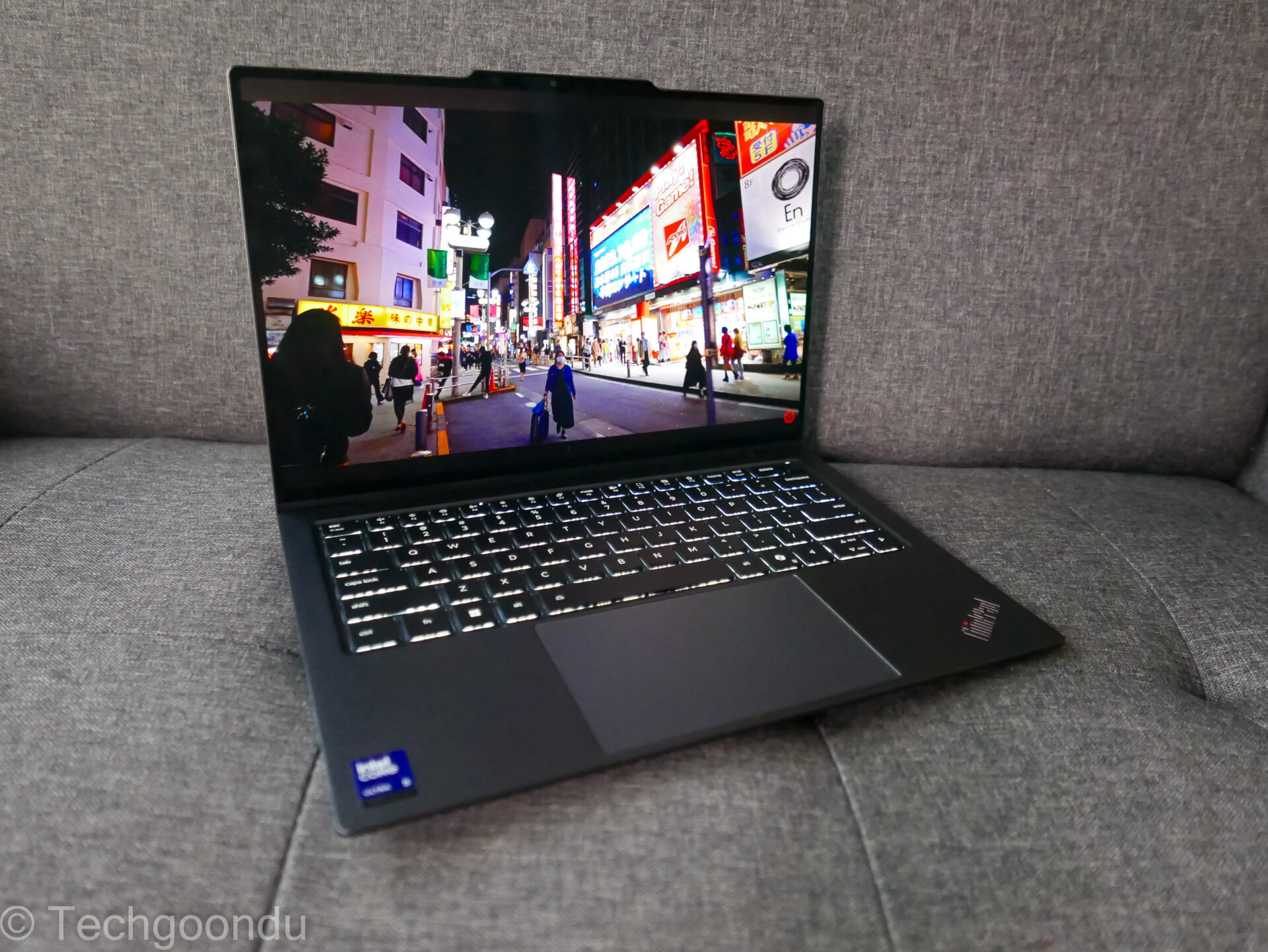
So, after considering many ultraportable replacements, I set my mind on a Lenovo ThinkPad X9 14. Yes, it’s the Aura Edition, as Lenovo likes to name some of its newest machines using Intel chips.
I spec’d up my new ThinkPad X9 with an Intel Core Ultra 5 228V chip, 32GB of DDR5 memory, a 512GB solid state drive (1TB was sold out that time!), and a 14-inch 2.8K OLED touchscreen, which I really like for surfing websites and navigating around Google Maps.
The damage? Around my S$2,000 budget. I had to select one-year warranty instead of the default three years but that’s cool.


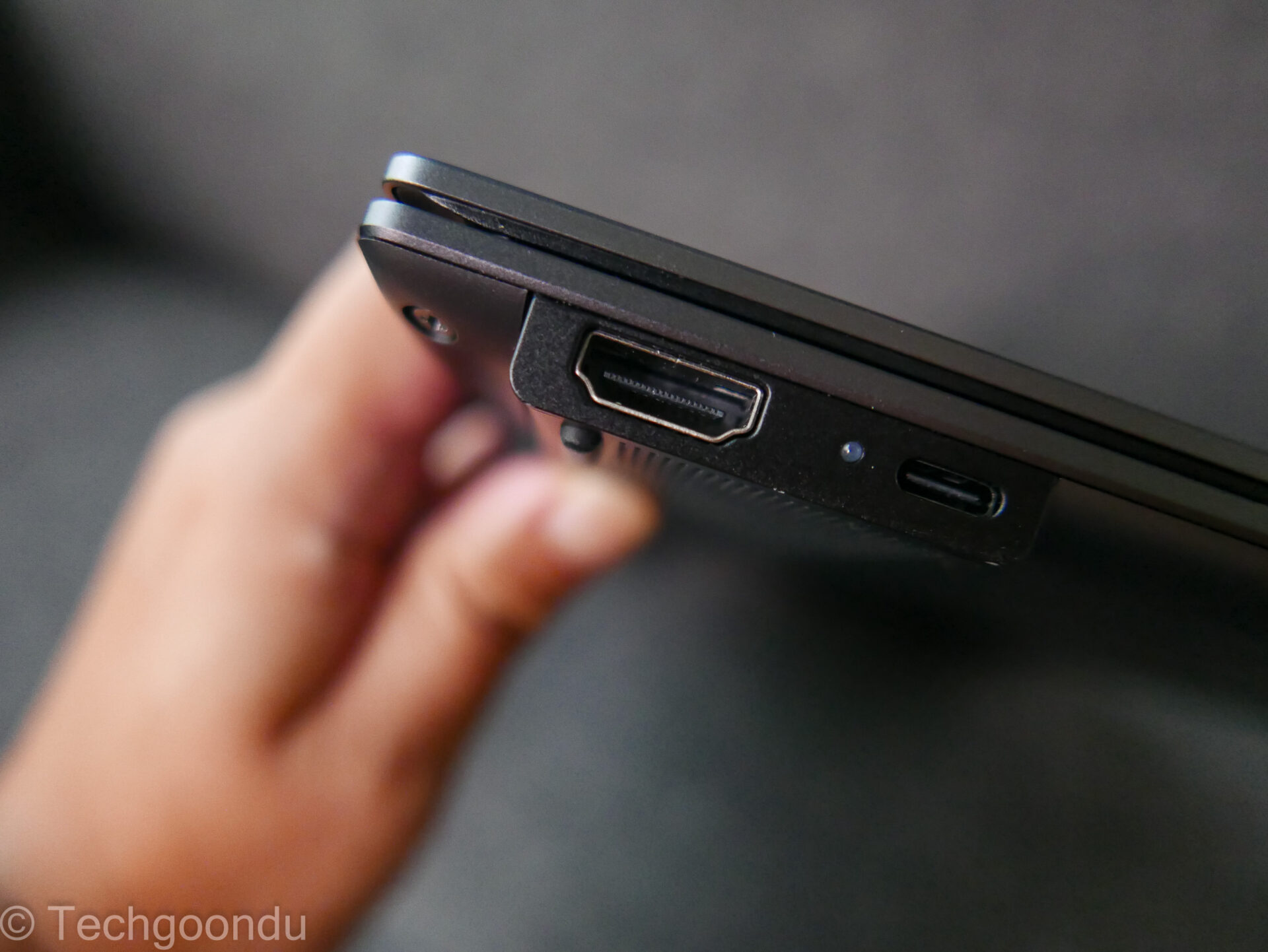
Many of the components are easily replaceable, including the commonly changed battery and upgradeable solid state drive (the ThinkPad X9 uses an M.2 2242 drive that’s smaller than more common 2280).
Since I bought my ThinkPad X9, there may have been better deals on the Lenovo website. A version with a faster Core Ultra 7 chip, 32GB RAM, 1TB drive and three-year warranty goes for about S$2,300 at the time of writing.
To be honest, Lenovo wasn’t on my list until recently. Another Dell XPS 13 was my initial option but while the new machines were still great, they were priced high for the specs I wanted. Plus, the Dell rebranding hadn’t helped consumers look for what they want, either.
I considered Asus’ Zenbooks as well and was close to pressing checkout on a few occasions. These were beautifully designed and they had the high-res touchscreens I have grown used to with my old Dell machine.
Yet, I had been intrigued by the Lenovo ThinkPad premium range since a trip earlier this year to Yokohama to check out the PC maker’s latest notebooks.
The ThinkPad X1 Carbon, weighing under 1kg, would be my favourite. However, it came with a hefty price tag. Even after scaling down the support to one year instead of three years, the price for laptop with an Intel Core Ultra 5 chip, 32GB RAM and 1TB solid state drive came up to about S$2,600.
That’s not too bad for a ThinkPad X1 Carbon, because I had signed up for the corporate programme, which offered additional small discounts. Still, too much over my budget.
So, in the end, it came down to the ThinkPad X9 14, which I had also glimpsed for the first time in Yokohama. I’ve been a happy user for the past couple of months.
Opening up a laptop while waiting for my kids’ tuition to end is one thing I’ve been doing for a while now and the ThinkPad X9 lets me get some serious work done. Of course, with the new hardware, things move faster. More than that, though, is the usability.
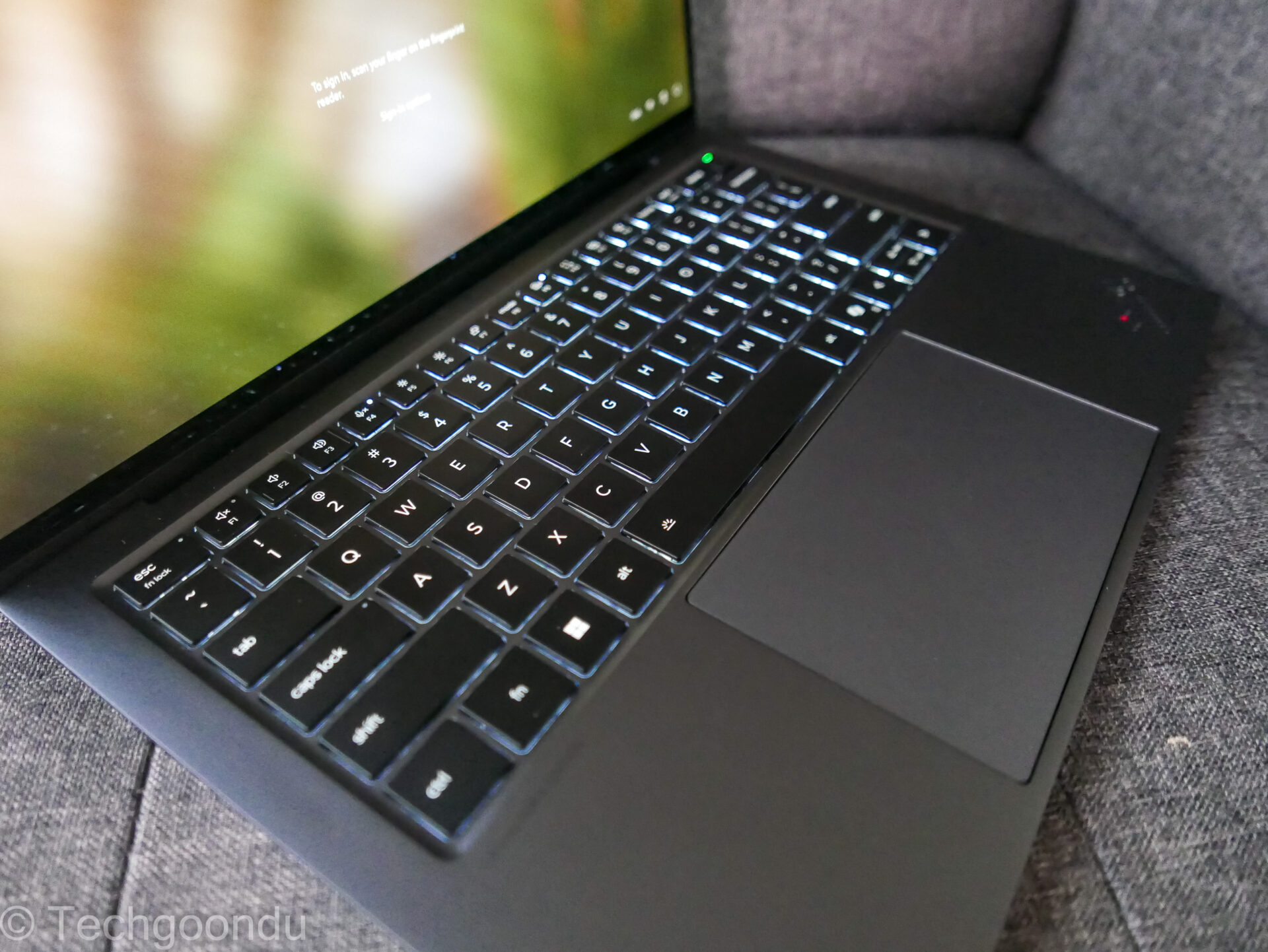
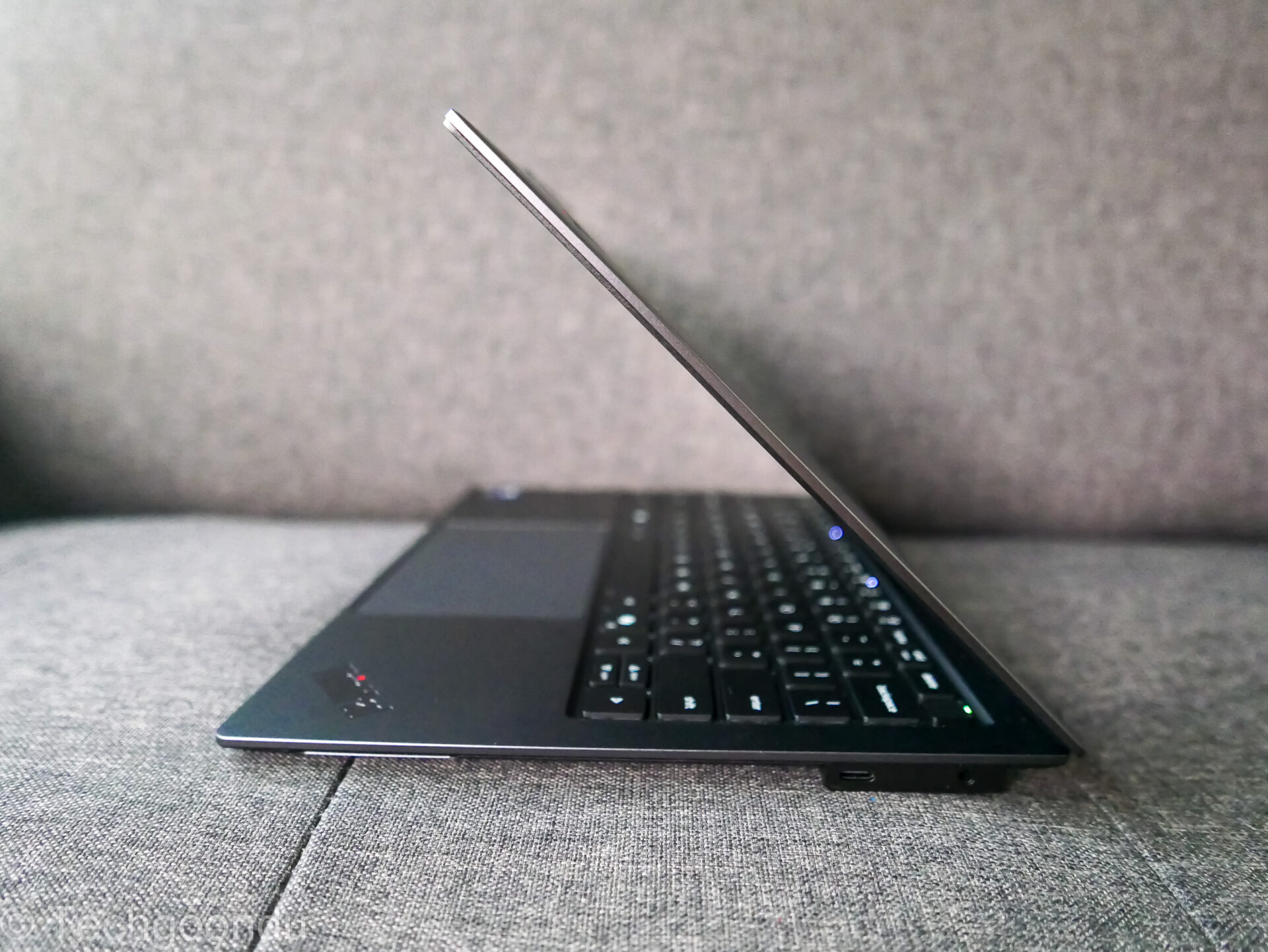
The haptic touchpad, which is larger than on the ThinkPad X1 Carbon, is a joy to use. Large and easy to access, it lets you navigate between windows and menus easily. Copying and pasting text? Simple.
As someone who types for a living, the keyboard on the ThinkPad X9 is a welcome companion. Whether firing away quick e-mails or long articles, you appreciate the keys that offer good tactile response while enabling fast touch-typing. Backlit keys help in dimly lit rooms and aircraft cabins as well.
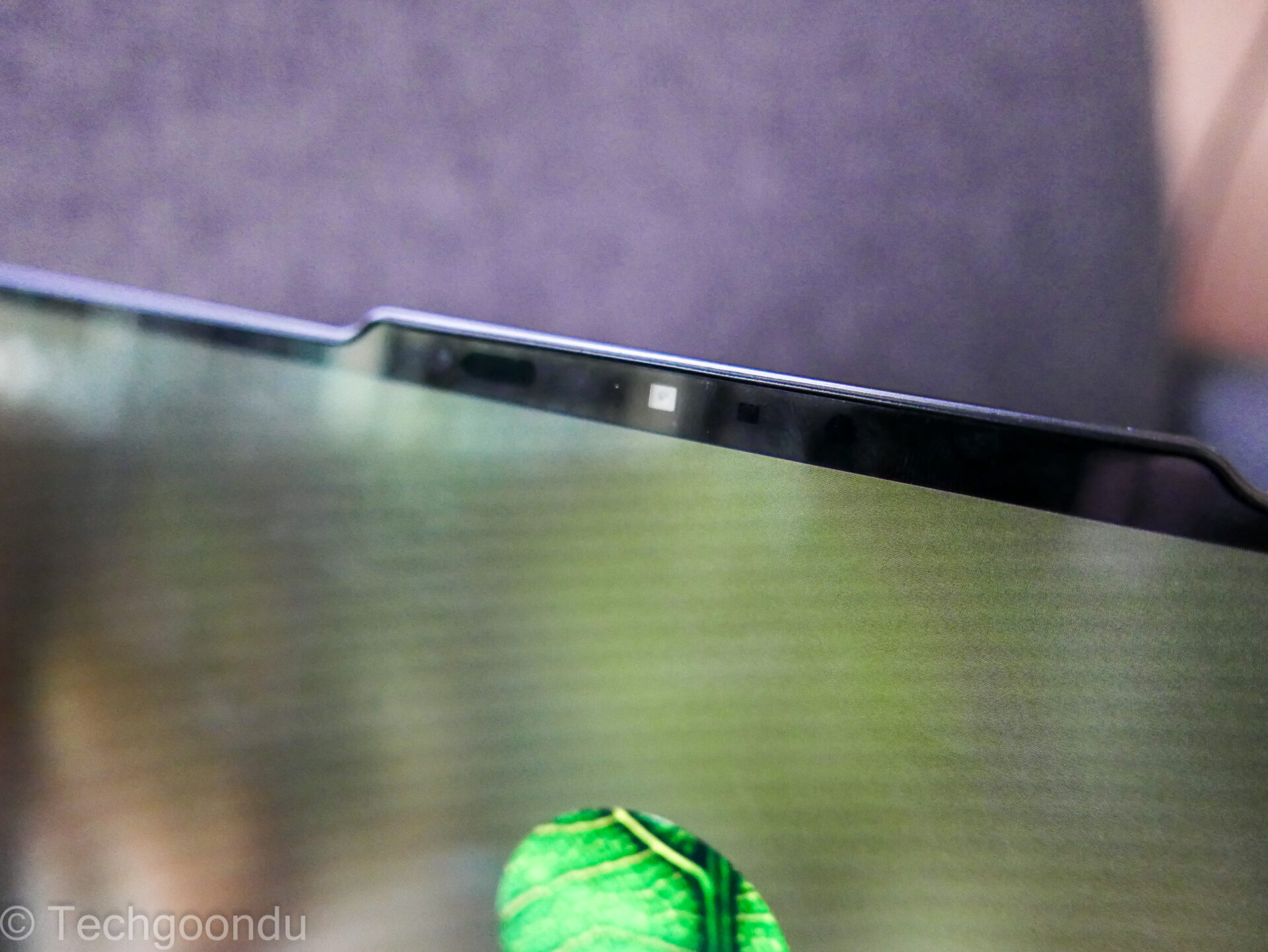
The 8-megapixel camera is another big plus. Having endured the old Dell XPS 13 “nose cam” all these years, I’m glad to have a well-positioned camera. The image quality you get on the latest premium laptops is impressive as well.
The ThinkPad X9 14, to be fair, is designed after Covid hit, so Zoom and other video calls are a big part of everyday corporate life now. A good laptop camera helps you appear better in presentations, possibly determining if you win a project from a client or a raise from your boss.
Of course, all this is useless if your battery dies quickly. The ThinkPad X9’s three-cell, 55 watt-hour battery may be smaller than the ThinkPad X1 Carbon’s 57Wh unit or the Yoga Slim 7i’s 70Wh unit, but I’ve been using my new laptop past the 10-hour mark easily without recharging.
Thanks to Intel’s battery-sipping “Lunar Lake” CPU, the ThinkPad X9 excels in doing the simple stuff without wasting power. Of course, when I’m testing, say, my home network, I set things to max performance.
The Wi-Fi 7 (with 2×2 antenna) onboard, by the way, gets me as fast as 2.6Gbps, when connected to a Ubiquiti Unifi U7 Pro XG access point over a 6GHz link.
Hooked up via a 5Gbps USB network adapter, the Lenovo laptop’s fast expansion ports get me close to the limit as well. This is a fast machine if you’re thinking of a 10Gbps home network.
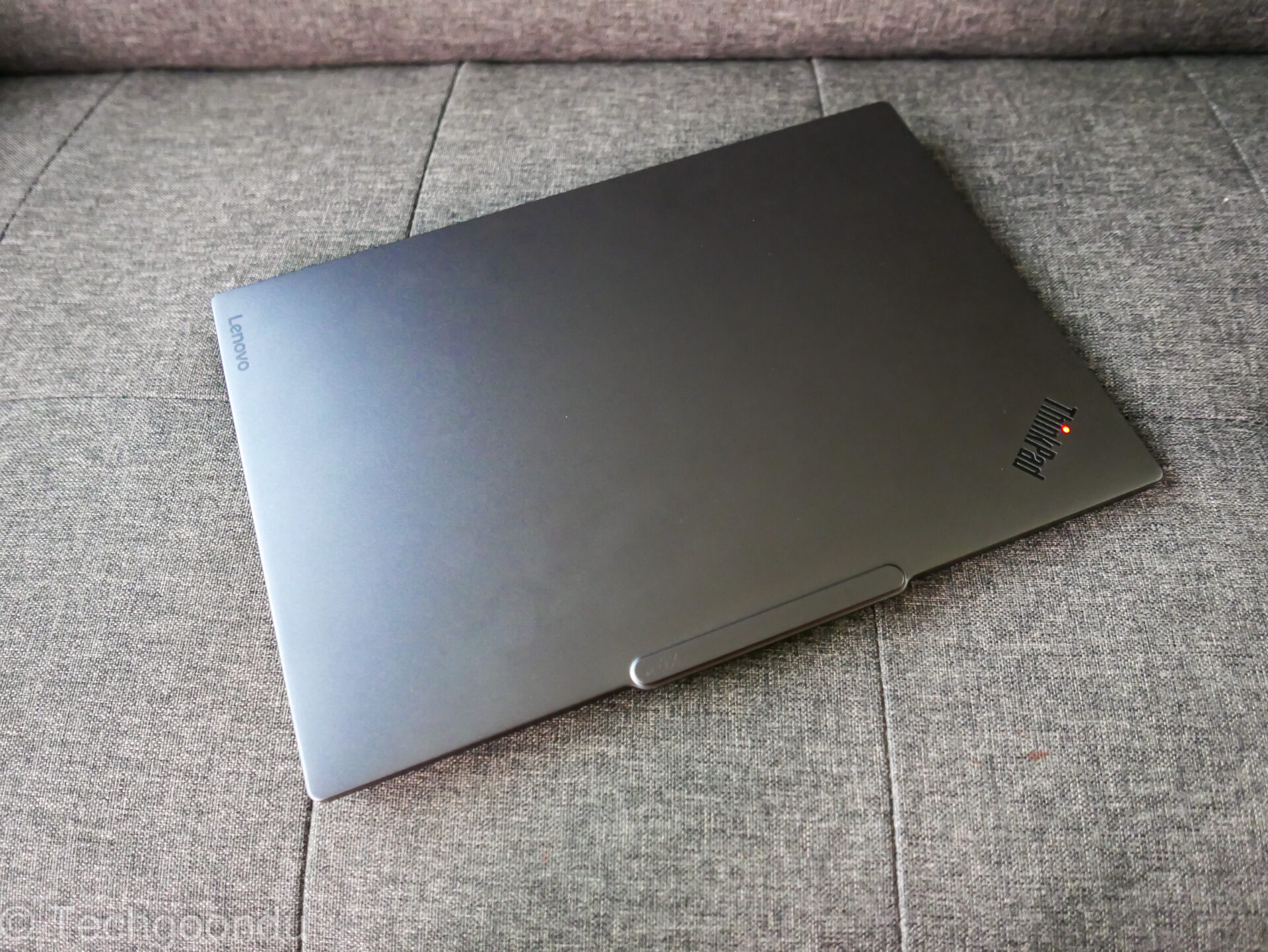
The construction of the ThinkPad X9 is another big plus. While not as “solid feeling” as the ThinkPad X1 Carbon or the Dell XPS 13, the ThinkPad X9’s aluminium frame still comes across sturdy enough.
The machine is certainly built for the road, since it’s part of Lenovo’s premium ThinkPad range. There are many smart designs refined over the years – a hinge that lets the screen unfold flat and a camera cluster that acts like a handle of sorts for you to lift the screen are two.
Other features such as an anti-glare screen and a fast fingerprint reader, not available on more “mainstream” models such as the Yoga Slim 7i, don’t grab headlines but you can’t live without them once you understand their usefulness for everyday work.
Now, I need to caution that the ThinkPad X9 isn’t the traditional black corporate-issue ThinkPads that many are used to. The first of its kind in the ThinkPad range, it comes in “thunder grey” and more recently, even white! It also doesn’t have the trademark red trackpoint that some ThinkPad diehards swear by.
For many new Lenovo users, though, this is a great “modern” ThinkPad that’s nearly as premium as the flagship ThinkPad X1 Carbon. Though weighing slightly more at about 1.2kg, it is still easily portable for a 14-inch laptop.
I’m still not sure if this is the beginning of another seven-year relationship, like with the Dell XPS, but things are off to a good start, for sure.
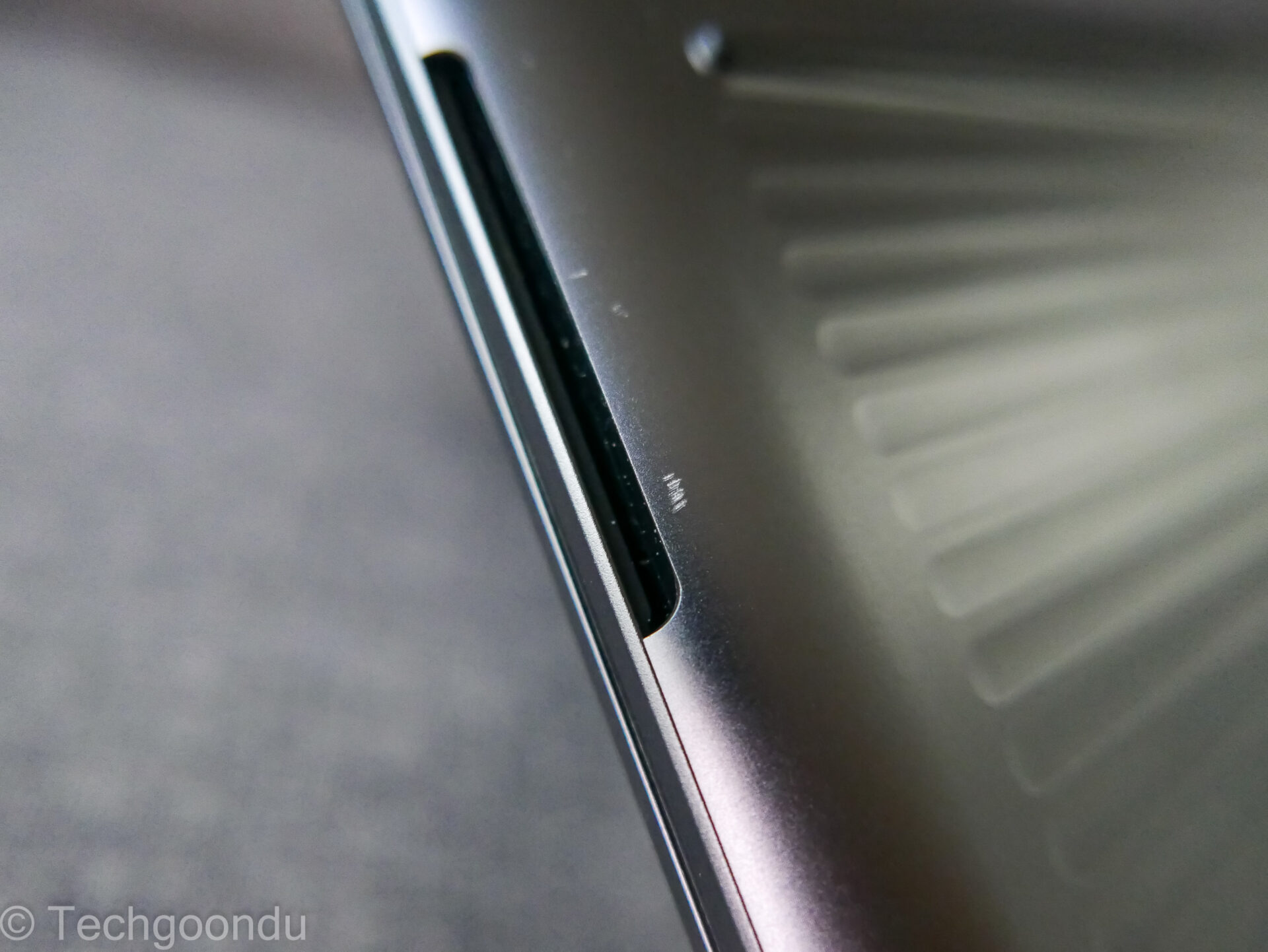
I’ve already brought my ThinkPad X9 on a trip to Vietnam recently. No issues so far, except for a few small nicks in the paintwork. To be expected, I’d say, if you bring your laptop around for work.
Of course, as a friend and laptop aficionado also reminded me recently, when he saw me stuffing my ThinkPad into a bag hastily, the user needs to take care of his stuff too. Yikes!








The ThinkPad X9 14 Aura Edition truly looks like a powerful, productivity-focused laptop. Love the emphasis on build quality, performance, and real-world usability.