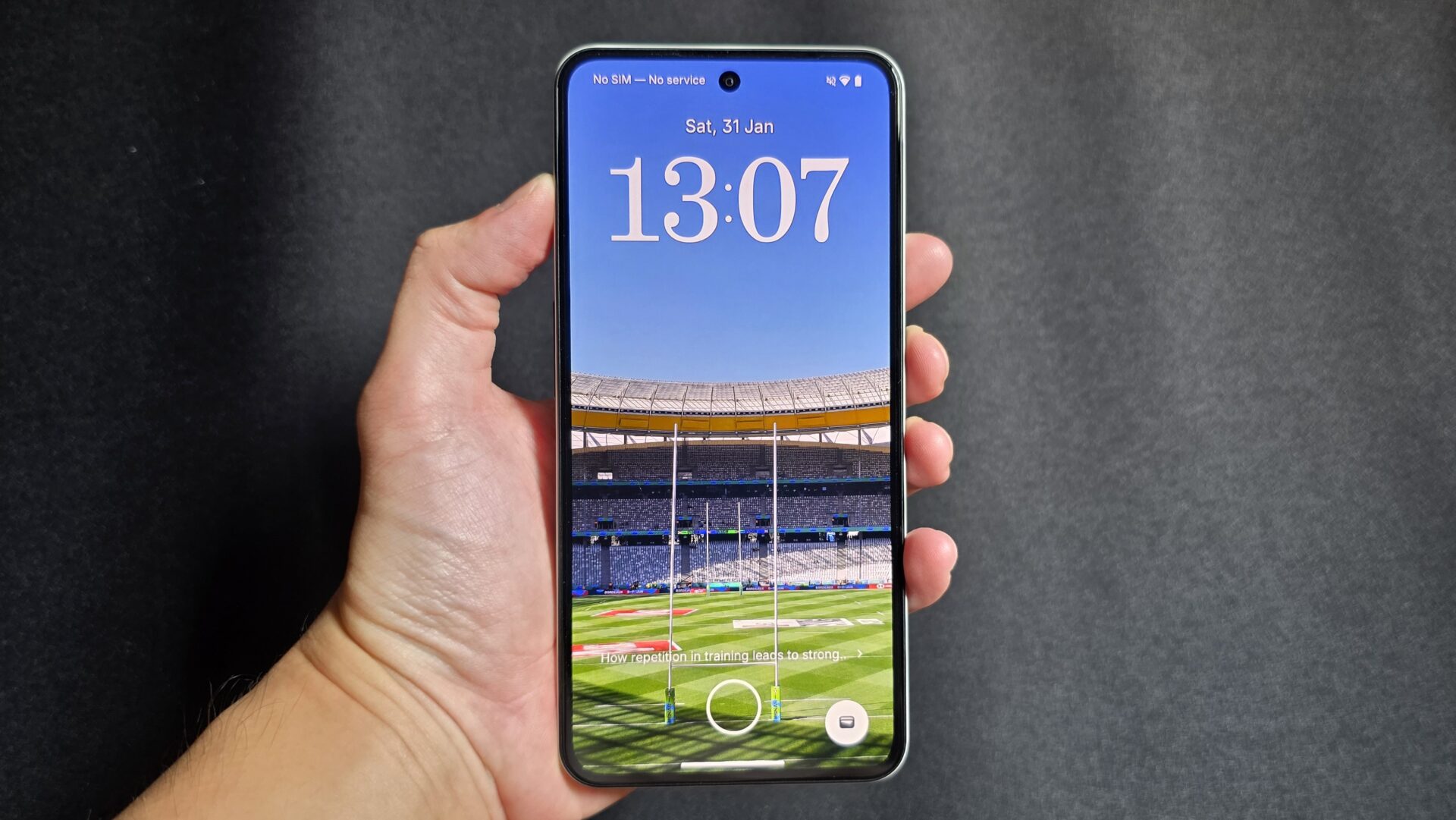
I assumed the CMF line is where Nothing positioned its value-oriented offerings. So when the Nothing Phone (3a) Lite appeared recently, I wondered if it doesn’t overlap with the phone maker’s existing products.
To start with, the S$299 price tag for the 256GB storage variant means that the Nothing Phone (3a) Lite is S$100 cheaper than the CMF Phone 2 Pro.
There are three cameras on the phone, but the fixed focus macro shooter is nowhere as versatile as the wide and ultrawide lenses. Processing here is also courtesy of Mediatek’s Dimensity chips rather than a Qualcomm.
Design and screen


Nothing’s techie, monochrome design language is not going away, with the grey frame and circuit-like lines in full display on its clear back. The “lite” device, however, also comes with a “lighter” design. I could barely make out the outline of what should be a rectangular battery on the right.
Also missing light is the Glyph light array matrix. No white LED display with mini games here. The Phone (3a) Lite gets a single LED that blinks in different colours and patterns. Very retro there, but that also limits its customisability and function
The design may be light, but the phone’s construction does not feel cheap. The matte metal sides, rounded corners, and chamfering between the display glass and middle frame make the Phone (3a) Lite a comfortable device to hold. The device’s 164 x 78 x 8.3 millimetre frame weighs just 199g.
The phablet-sized 6.77-inch AMOLED display is not lightweight in performance. It has a 1,080 x 2,392 resolution and 120Hz refresh rate, and does not wash out at far angles. The black bezel around the display is more obvious than costlier siblings but do not make the phone unwieldy.
Brightness maxes out at 1,290 nits with the brightness slider at its maximum, and 2,120 nits with adaptive brightness on. The fast 120Hz display rate drops to 90Hz after a few seconds without interaction, and reaches 60Hz only when playing full screen videos.
The display is protected by Panda Glass, not the usual tech from Corning that you see on many other smartphones.
Performance and features
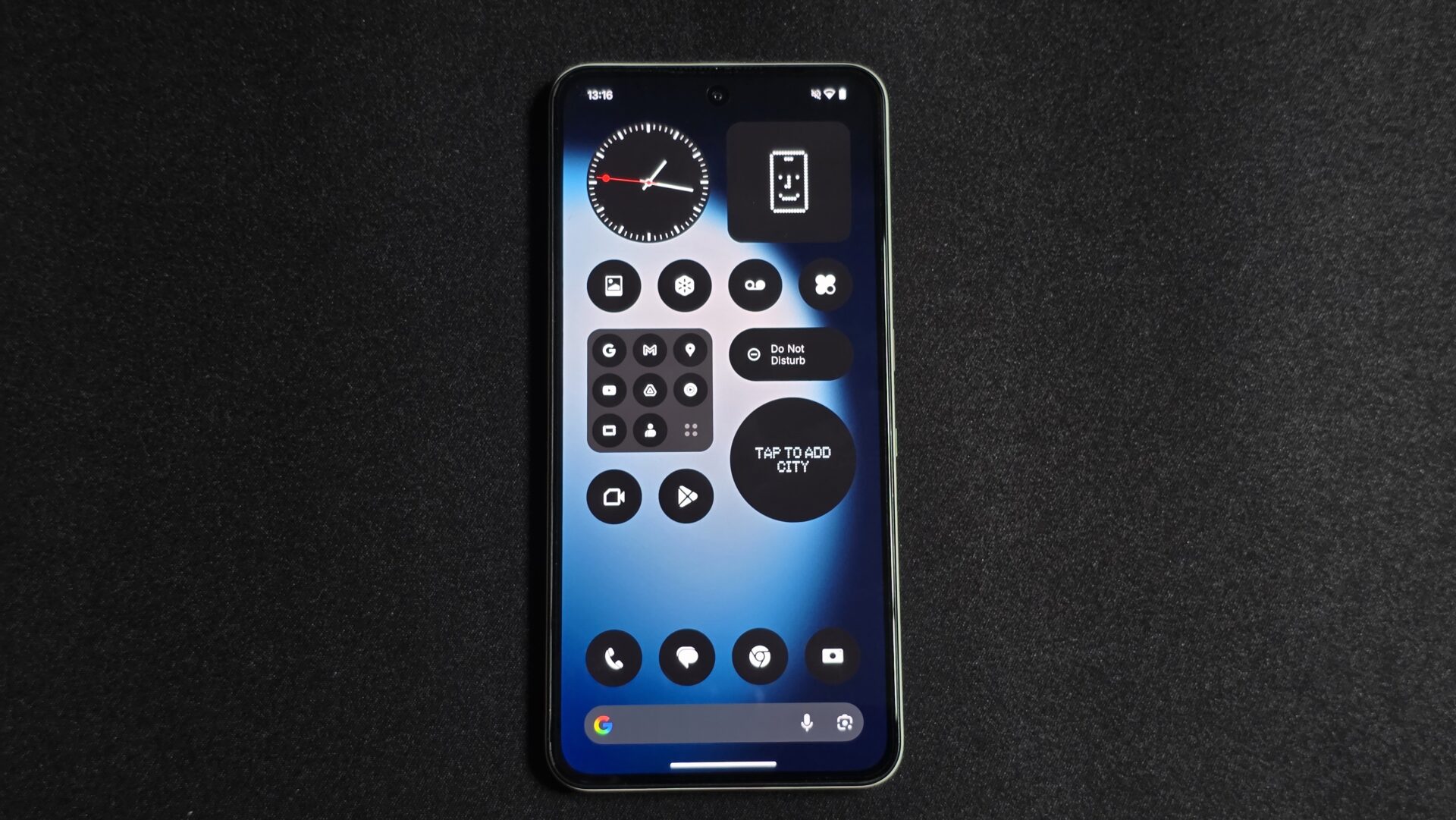
The Nothing Phone (3a) Lite uses a Mediatek Dimensity 7300 Pro processor and a Mali G615-MC2 graphics chip. The Dimensity may be a good mid-range part, but this is not an issue because Nothing delivers an operating system with little heaviness or lag.
The phone supports microSDXC storage expansion on its second SIM card slot, which should be useful for some users. It has a rather ho-hum IP54 water resistance rating, which means the device will at least survive splashes, but not a soak.
Recent Nothing devices we reviewed had some muffled speaker issues, so I was looking forward to seeing how the Phone (3a) Lite did. Unfortunately, while the speakers are truly loud, the feeling as if one is hearing things underwater remained.
Battery life from the 5,000mAh cell is impressive, beating even the CMF Phone 2 Pro, which already did amply well. I calibrated the screen to 200 nits brightness, and ran the PCMark 10 for Android’s Work 3.0 Battery Life test with Wi-Fi on. With dynamic refresh rate turned on, the device lasted 17 hours and 20 minutes.
The phone supports 33W USB-C wired charging. No wireless charging here, as expected of a budget-friendly phone that needs to discard some features to keep the price down.

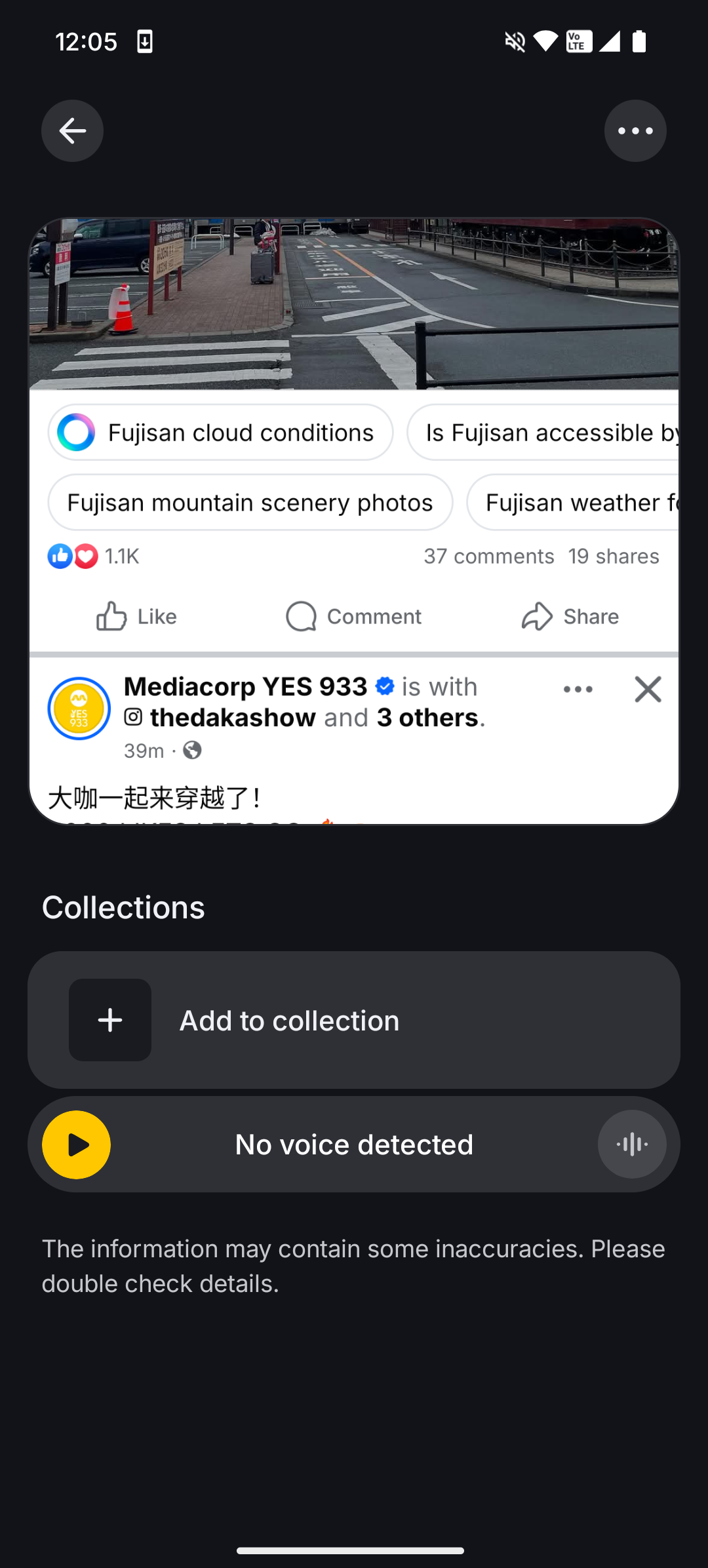
Nothing has retained the Essential Space feature on the Phone (3a) Lite. It is, in effect, an AI-enriched task summariser and organiser and screenshot search engine rolled into one.
Take a screenshot and/or leave a voice note using the Essential Key positioned near the Power button on the right of the device, and Essential Space will remember it for you.
At the beginning of each day, Essential Space is able to produce a briefing of the most important details from earlier notes. It also makes screenshots more searchable due to the details that it digest.
Useful, if you are comfortable that your tasks and screenshots functionalities are in a walled garden only accessible via Essential Space.
Cameras
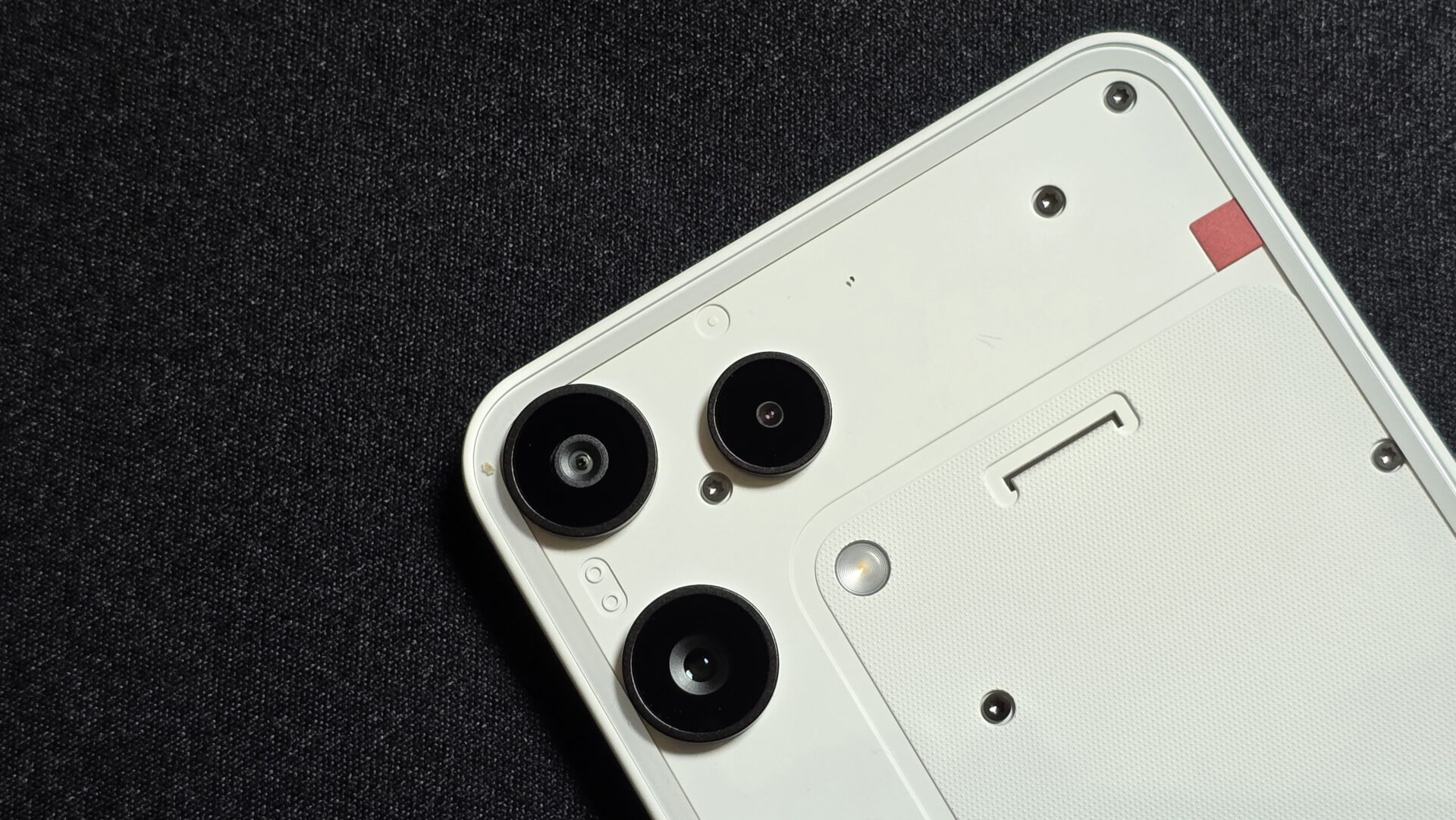
The imaging on the Nothing Phone (3a) Lite is, simply put, typical of its price class. The main shooter is decent enough, the ultrawide just about copes with landscapes and can be quite fuzzy with detail, while the macro camera is specialised and fixed focus, which gets into a tangle with actual use.
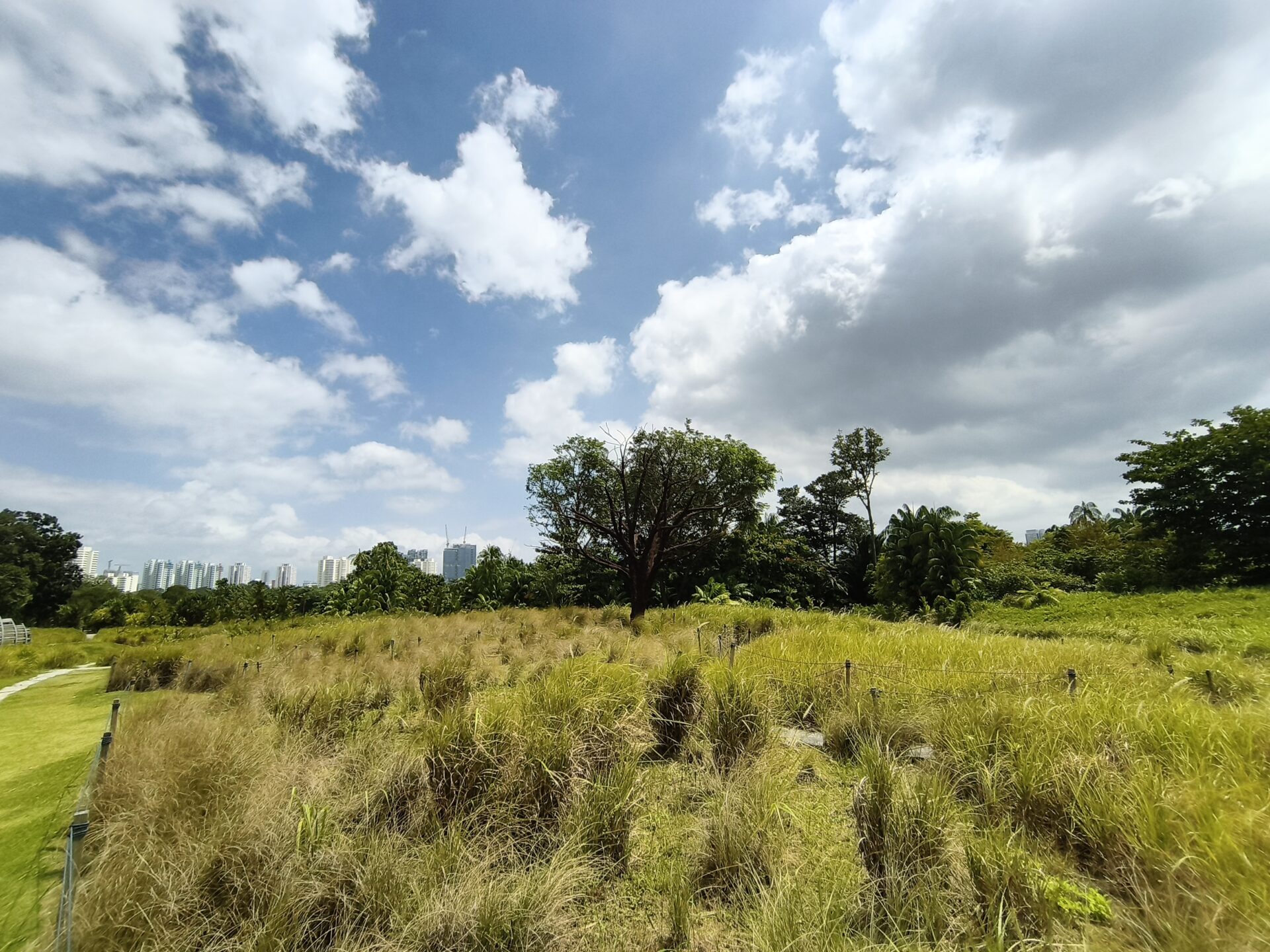
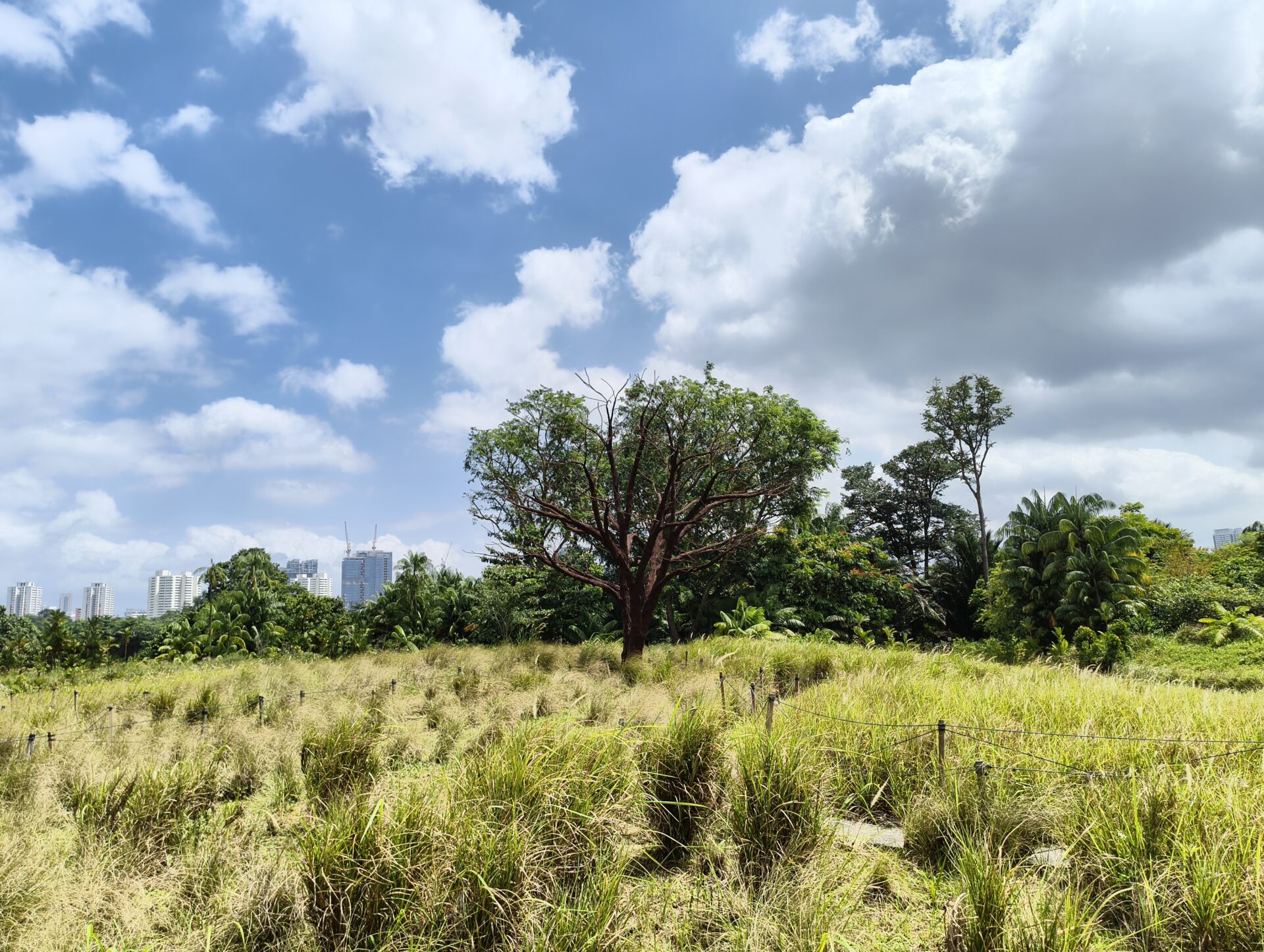
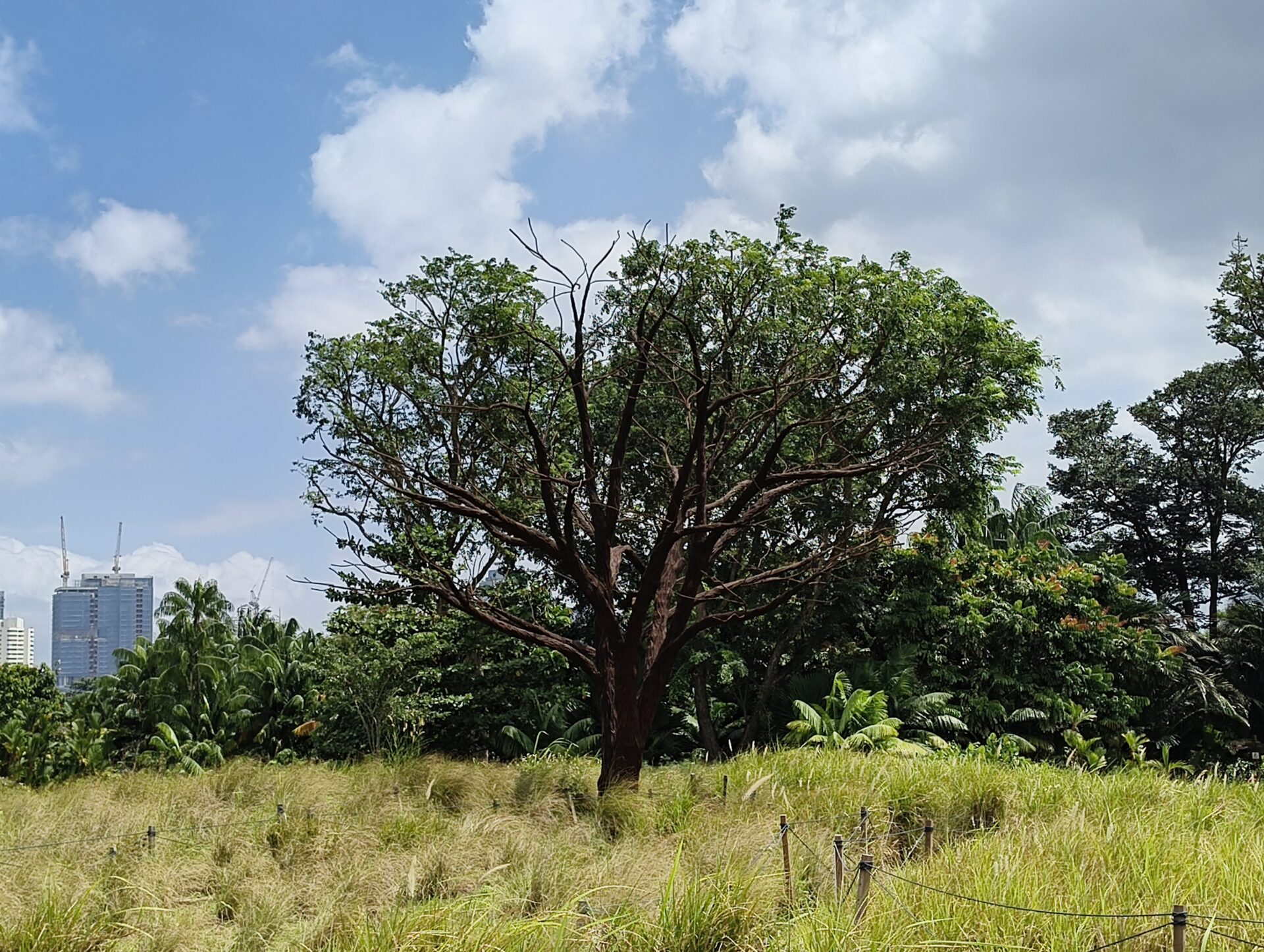
Looking at a picture of Jurong Lake Gardens’ lone tree, the sky renders fine but the tree is not well-lit, and the shrubbery looks muddy. The main camera gets the tree and sky in much better detail, but blows out the shrubs a little. A 2x crop reveals limits of the sensor, as the detailing of the tree branches are not great.
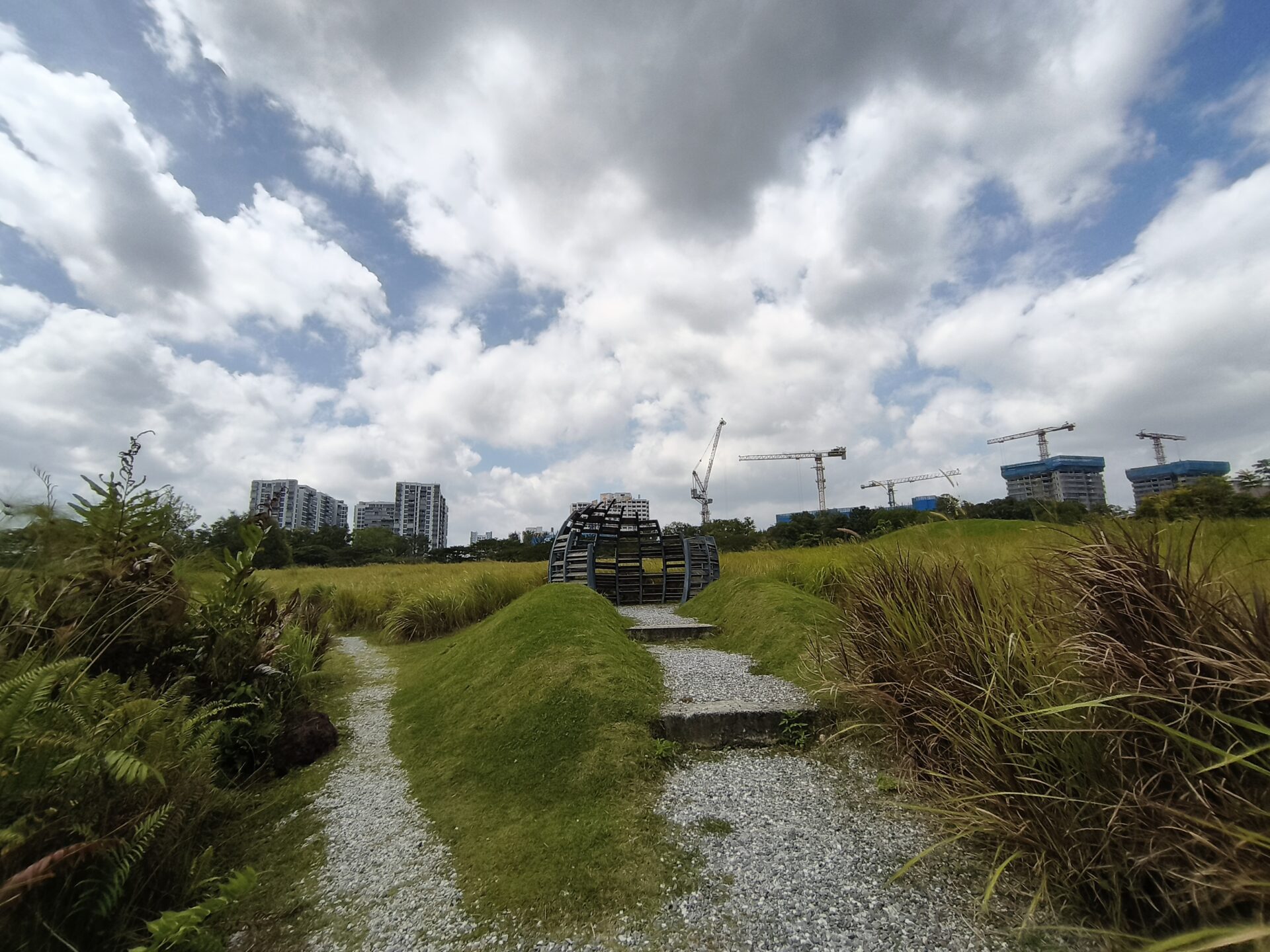
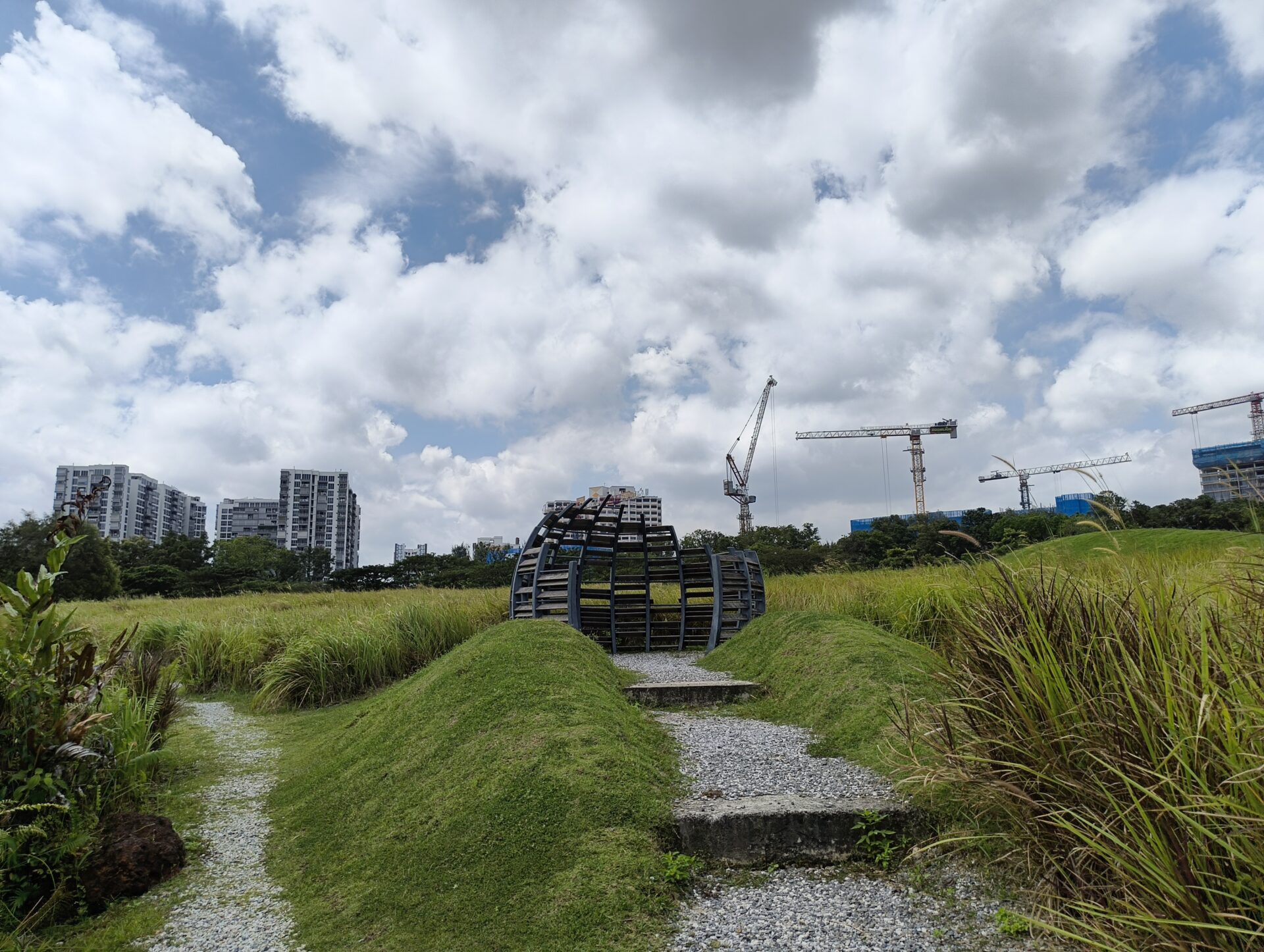
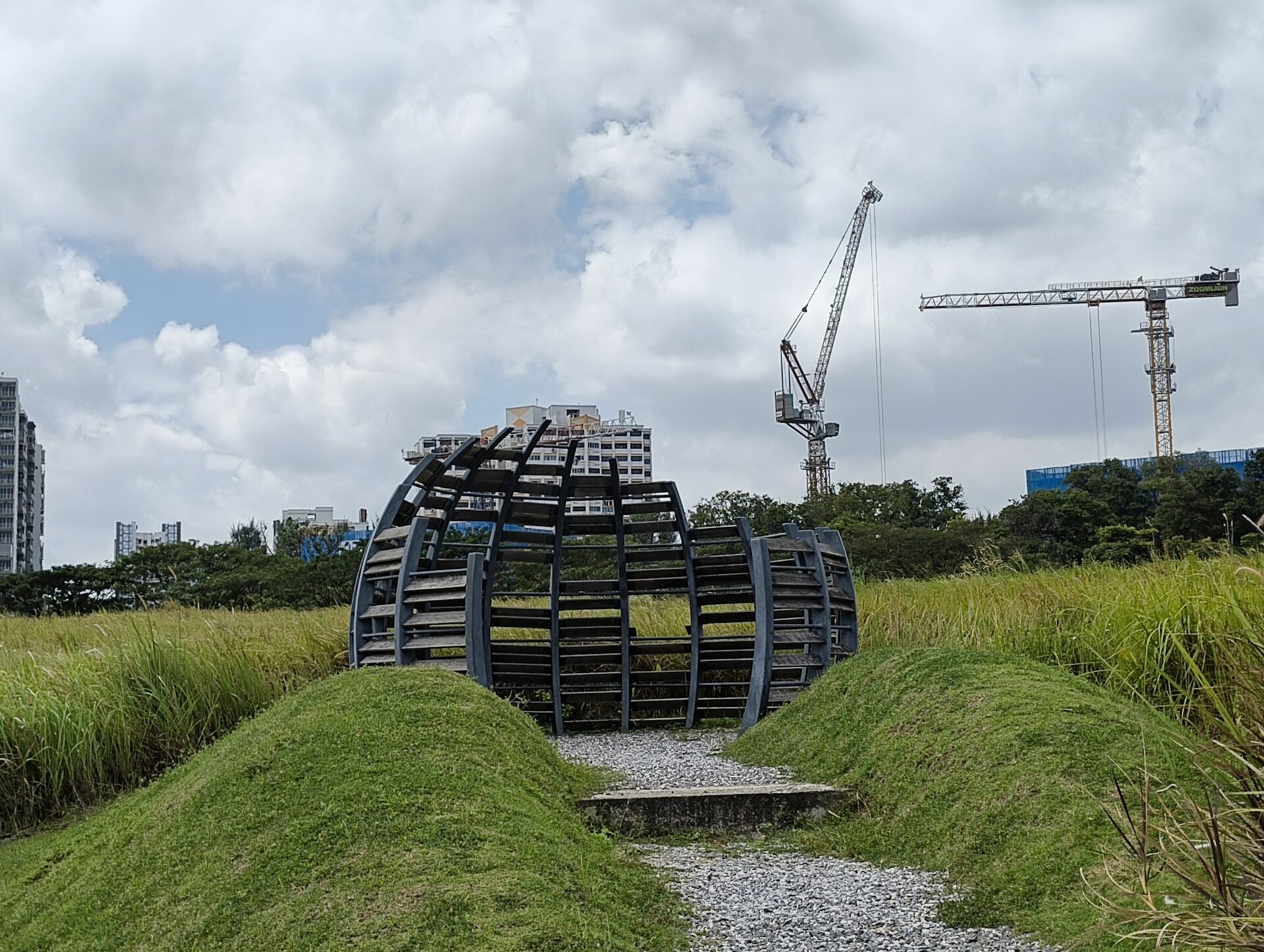
Turning to the bird hide at the Gardens’ grasslands, this ultrawide shot is much better, with nothing blown out and details good. The main camera does a much better job with the same scene, lighting up and filling out details not emphasised in the ultrawide nicely. The 2x crop here feels a little low-resolution, probably a reason to use the zoom only if necessary.
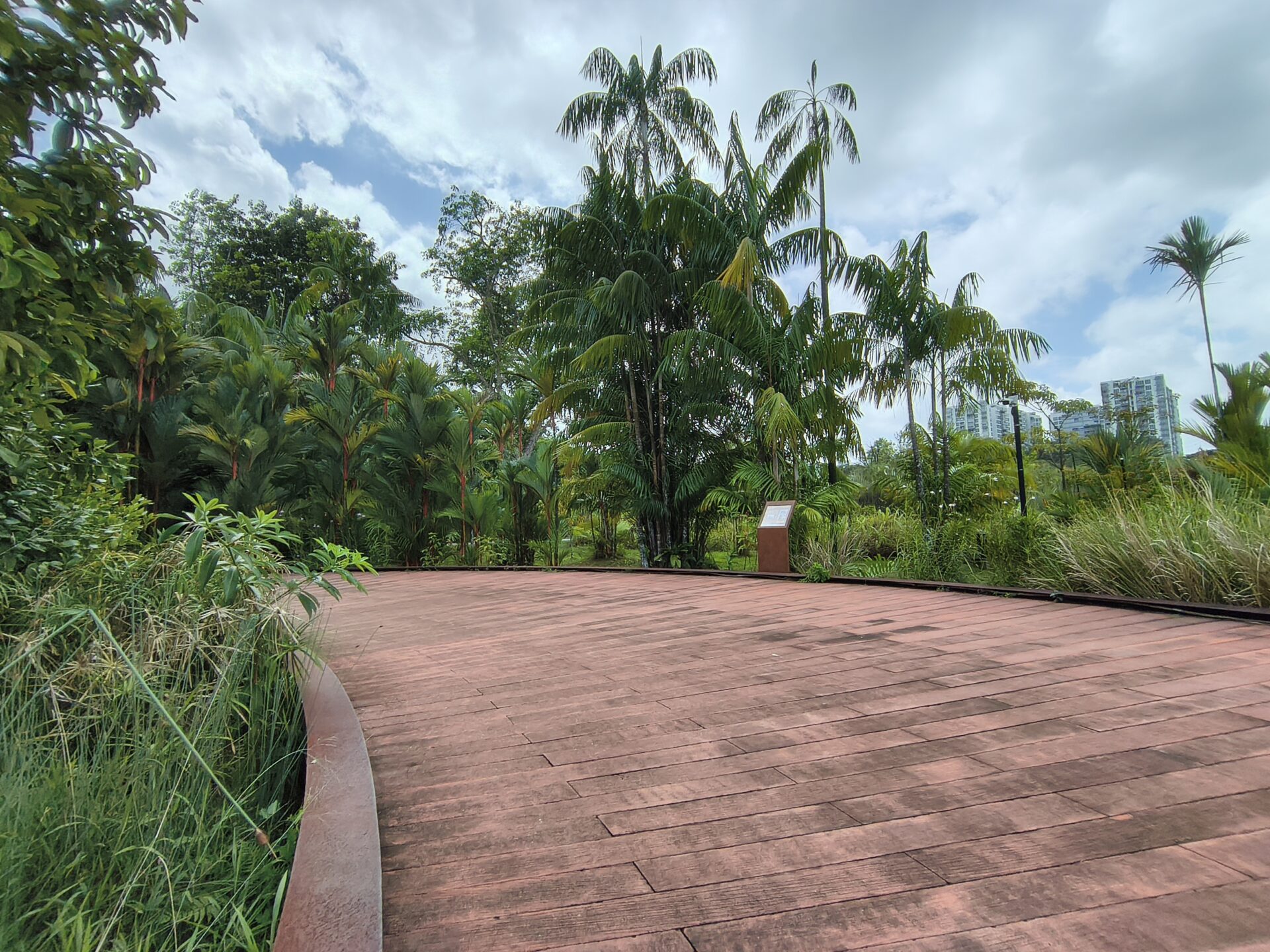
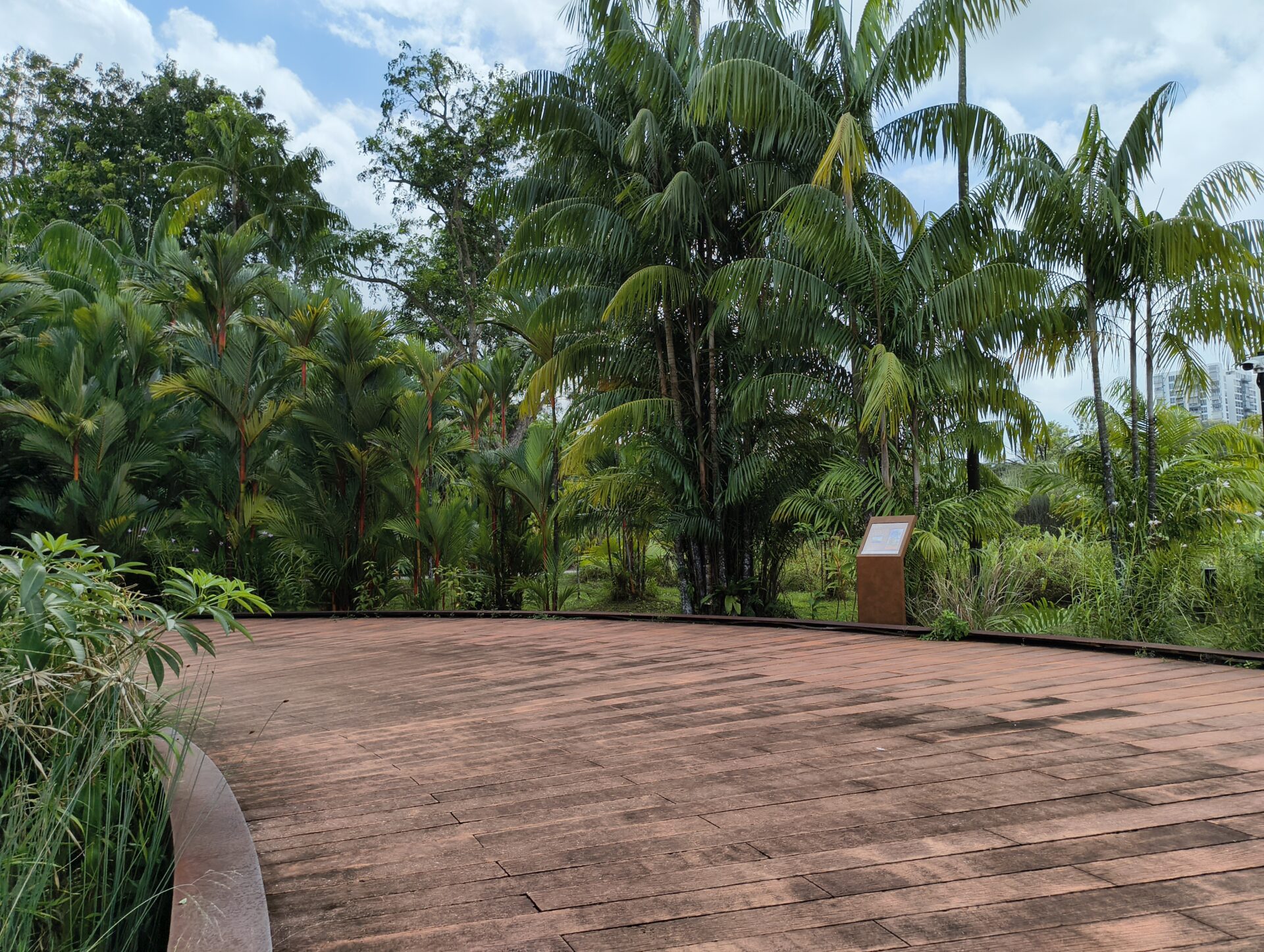
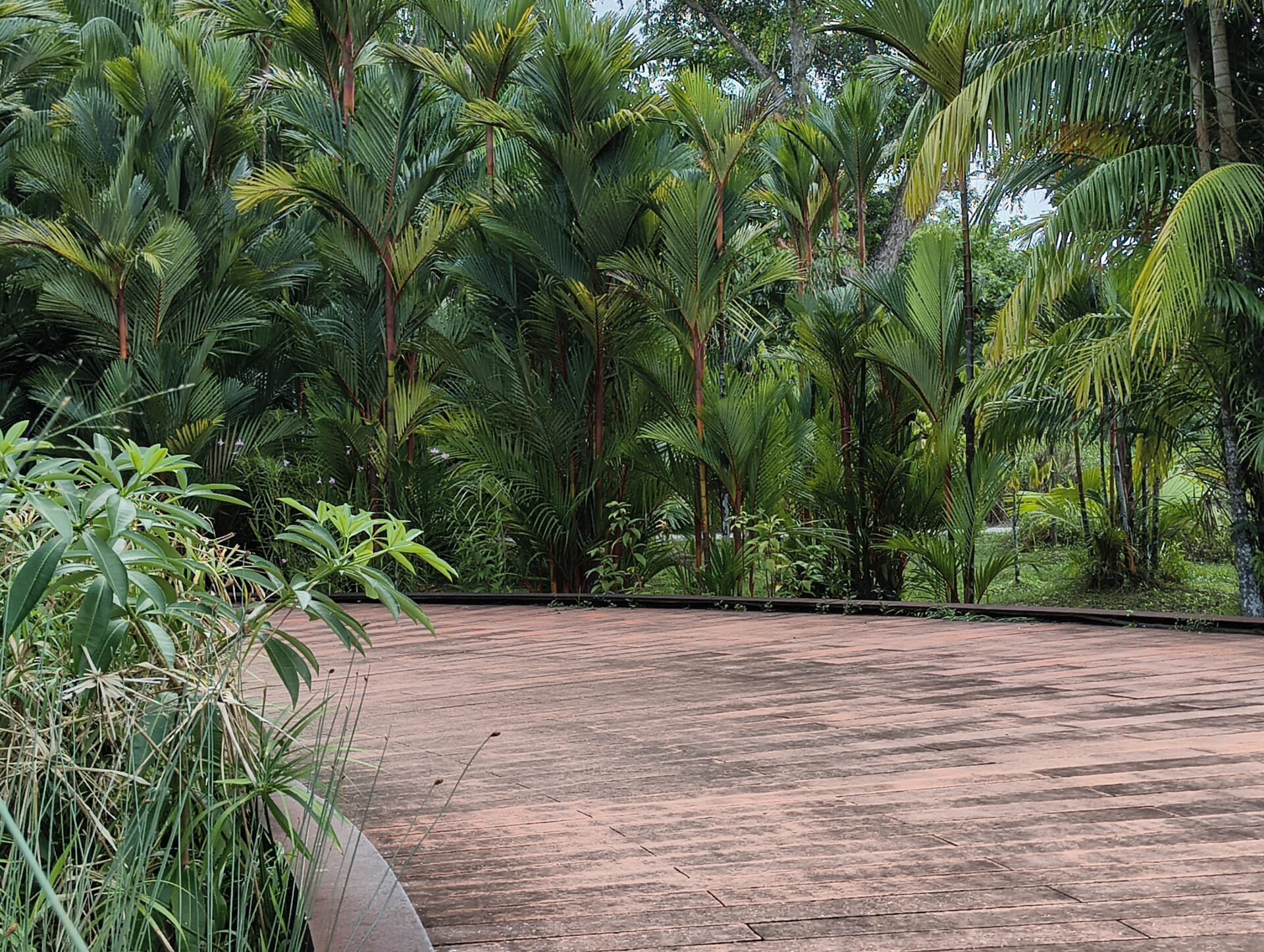
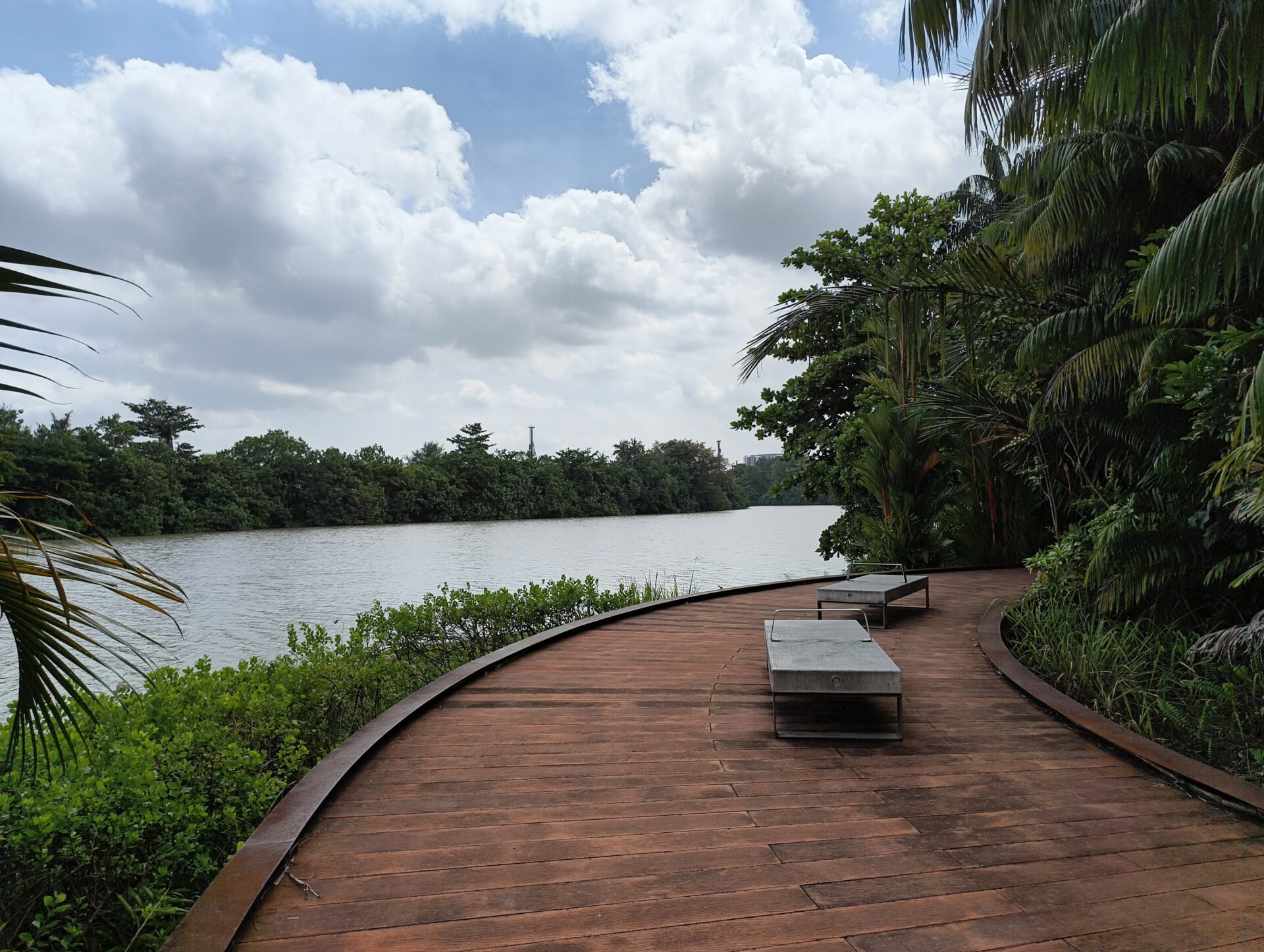
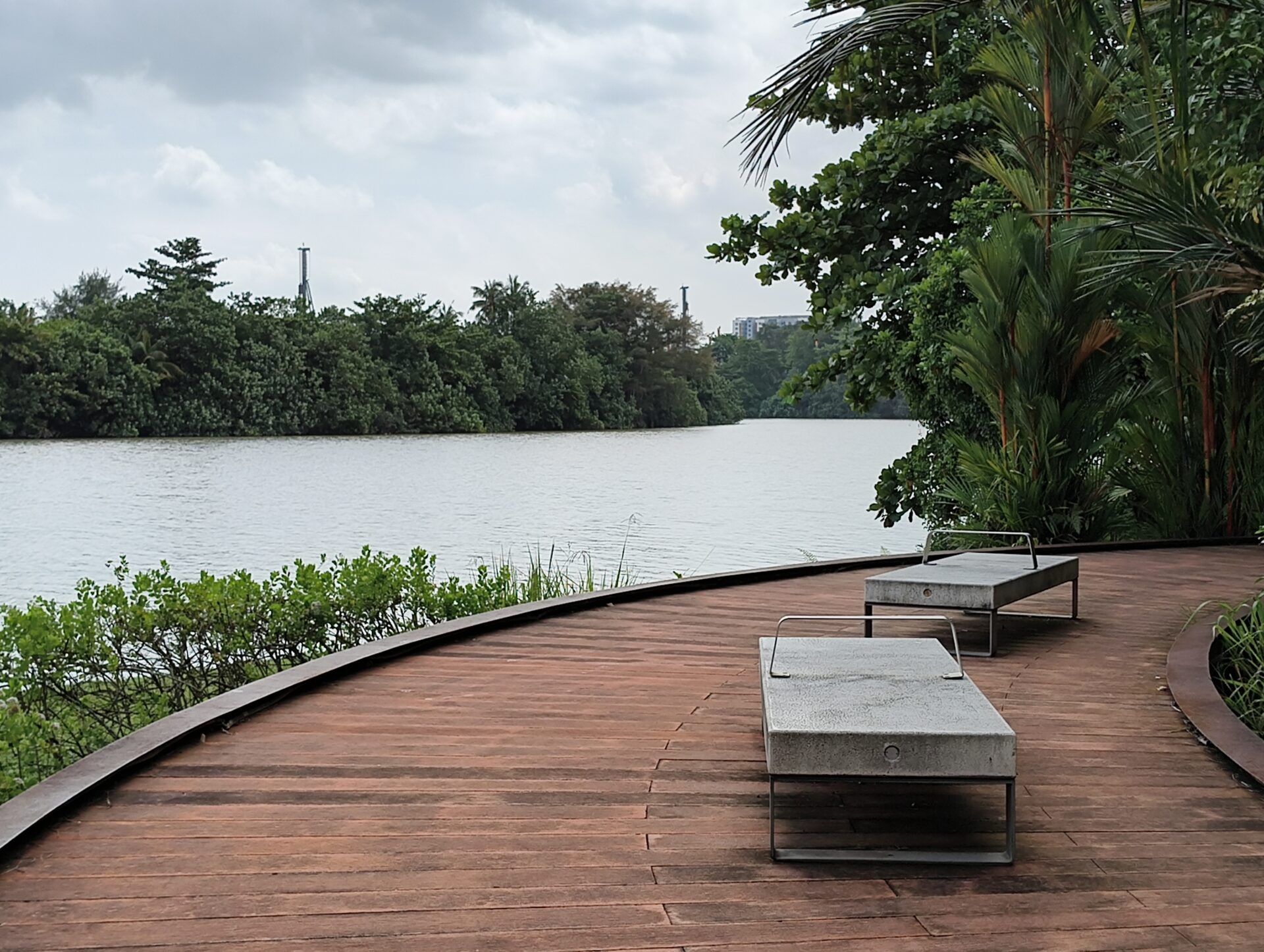
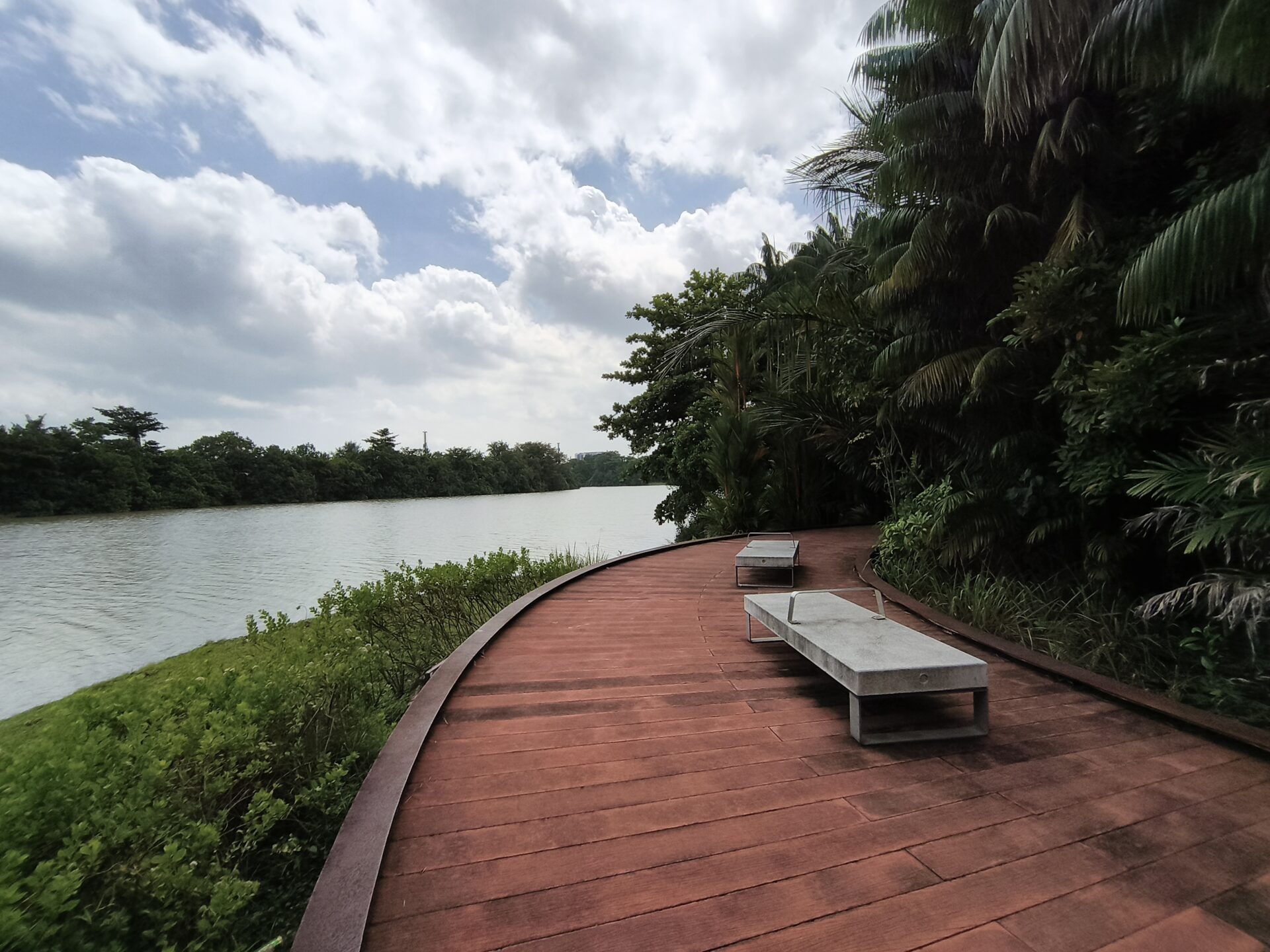
Along Rasau Walk, the ultrawide shot carried a slight blue tint. The main camera also has a blue tint but has more details. Nevertheless, you can make out the limited resolution from the rendering of the informational stand on the right.
Where the path meets water, I think both the wide and ultrawide shots are underexposed under the strong shining sun. The ultrawide camera gives the path a richer red but the trees end up in the shadows.
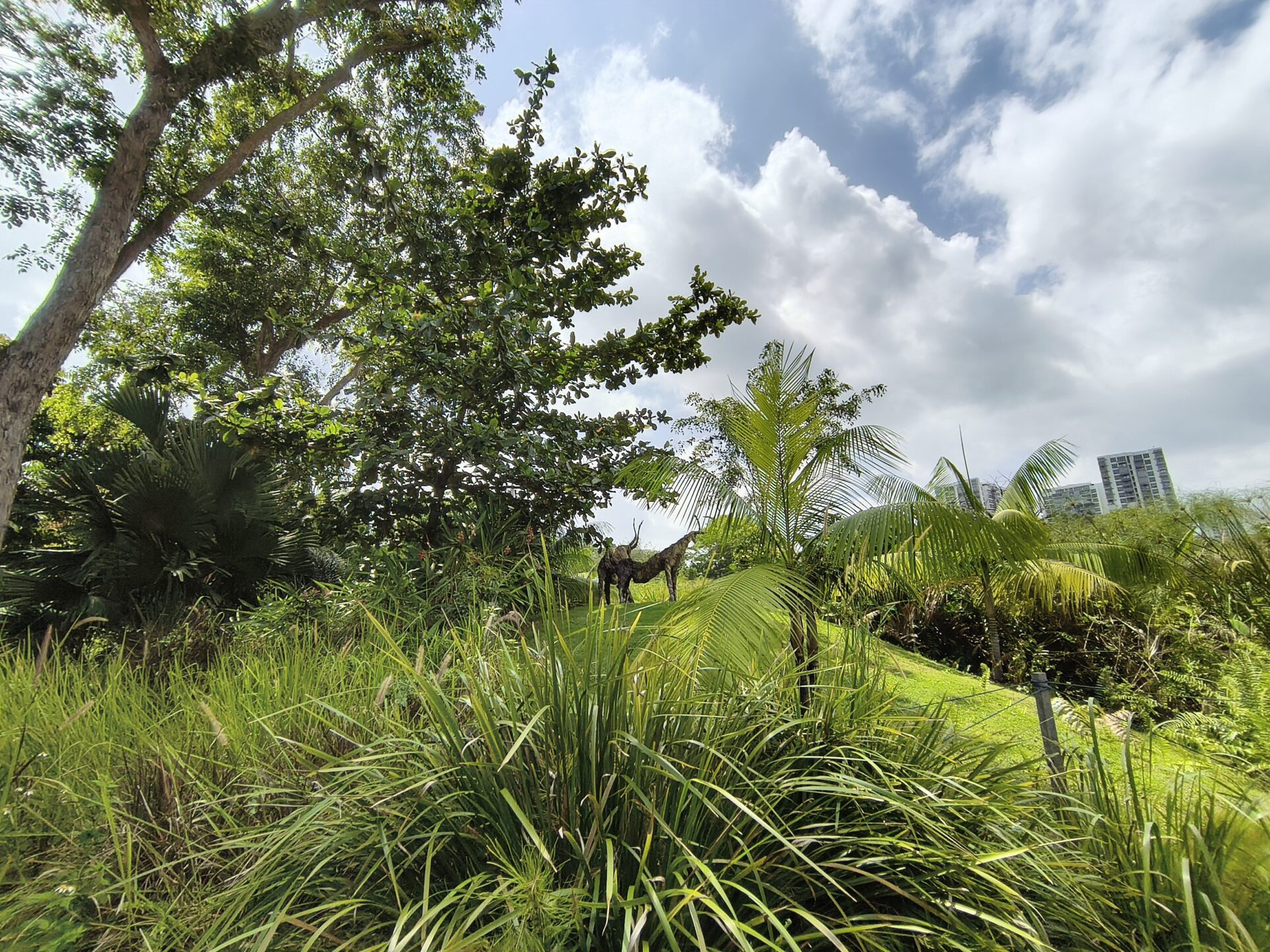
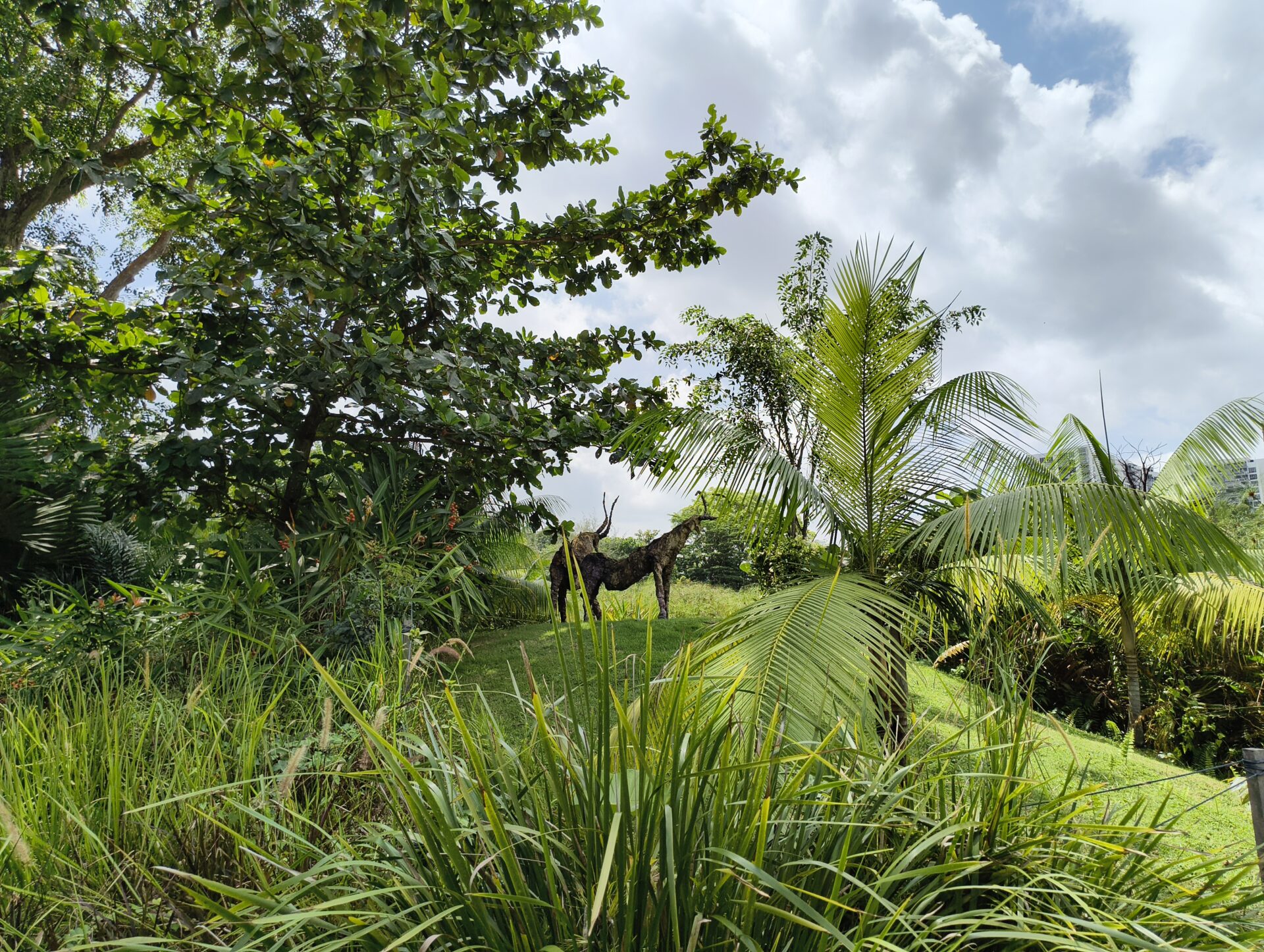
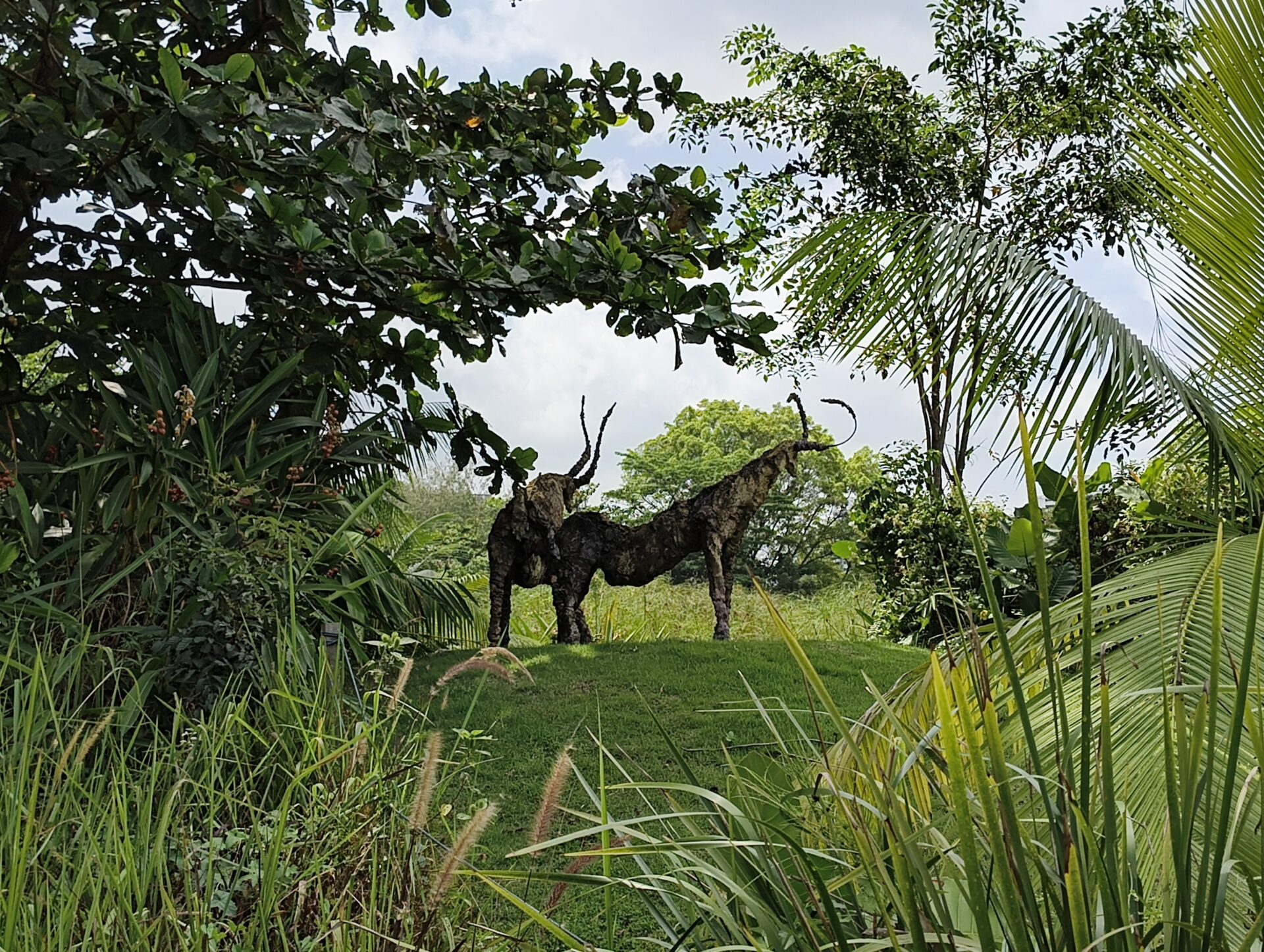
I like the ultrawide shot of the mythical deer, with the skies nicely rendered, light filtering through greenery properly captured and the deer standing on the knoll. The wide camera does well too, especially with the greenery.
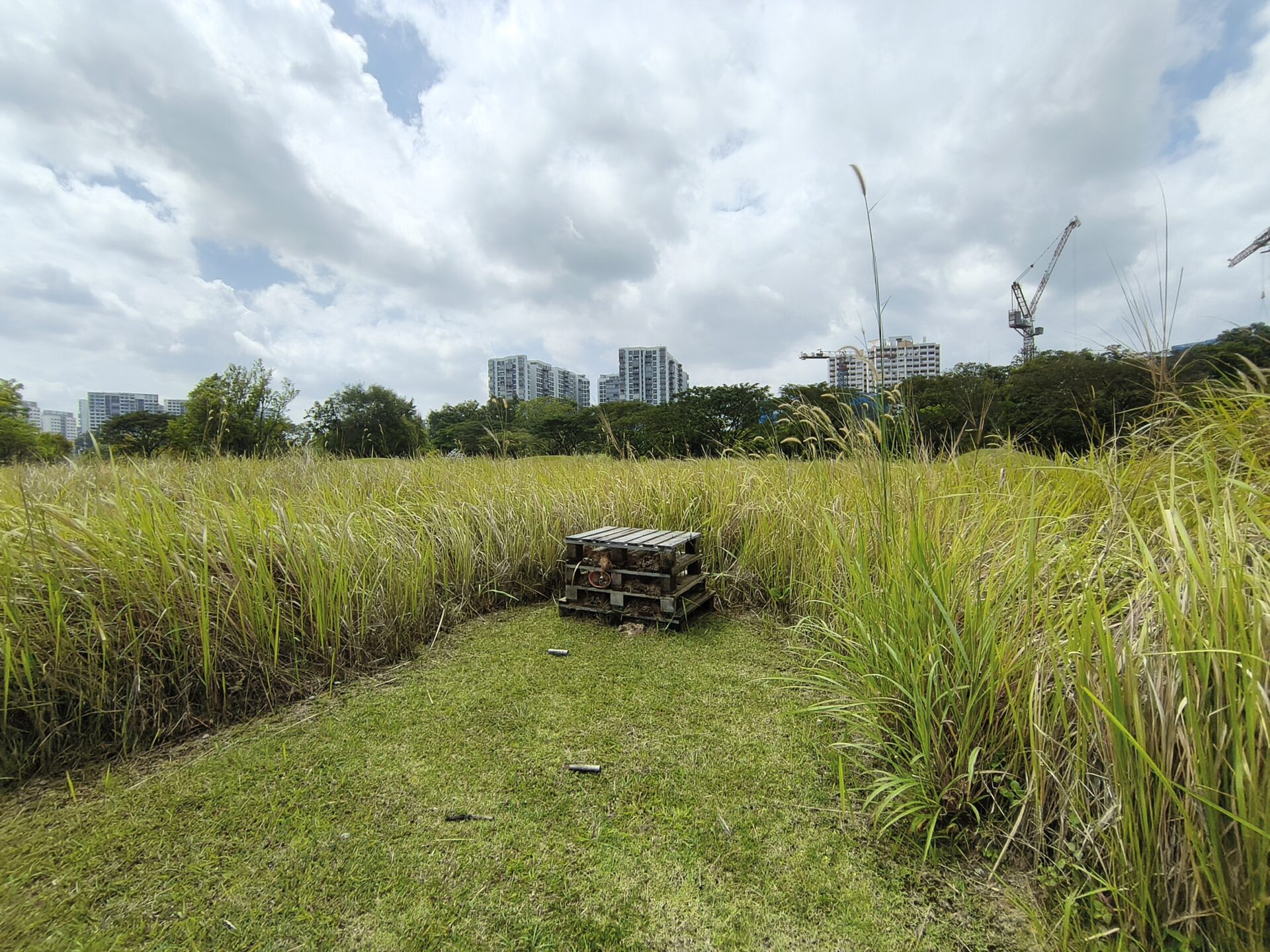
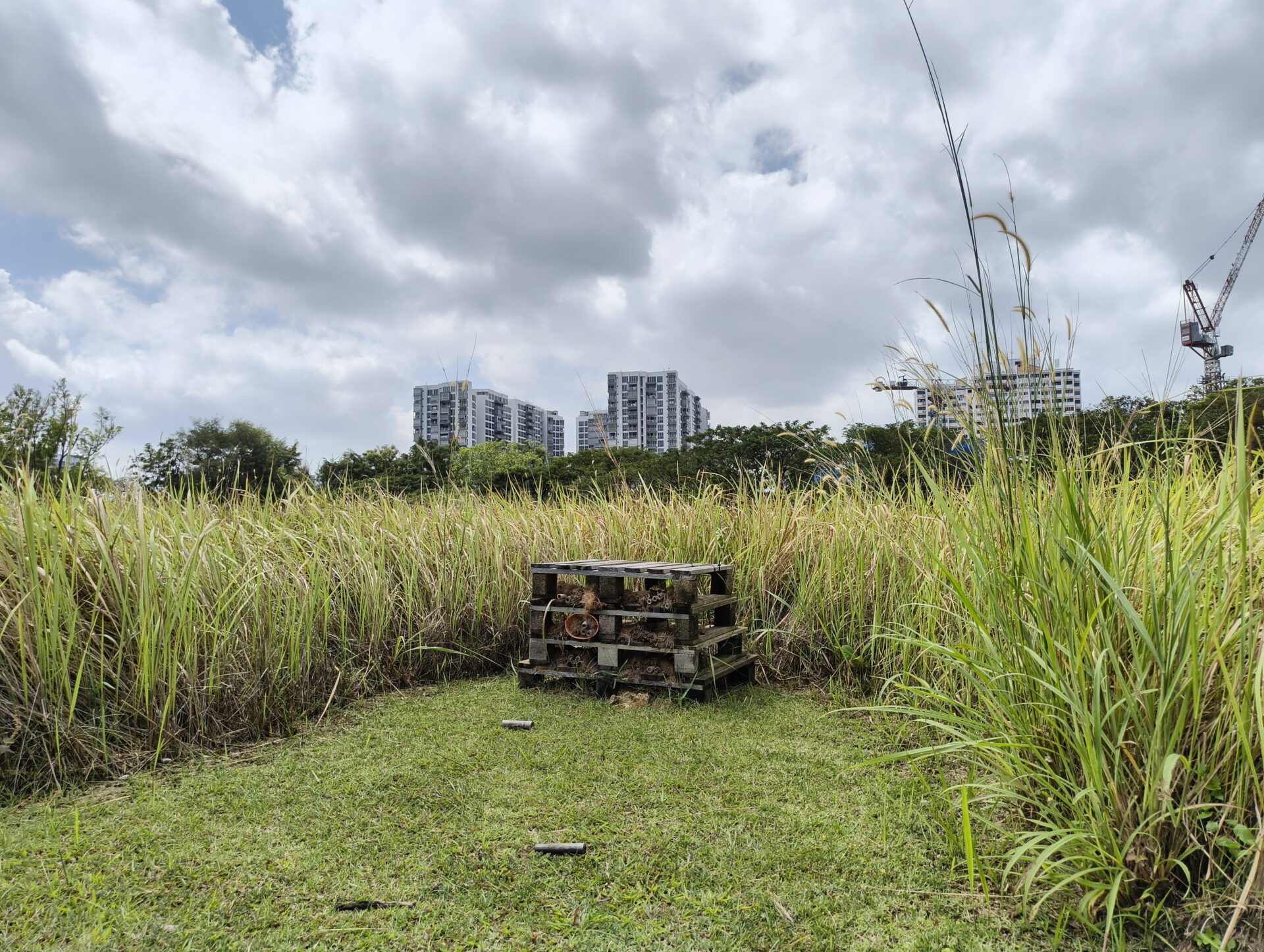
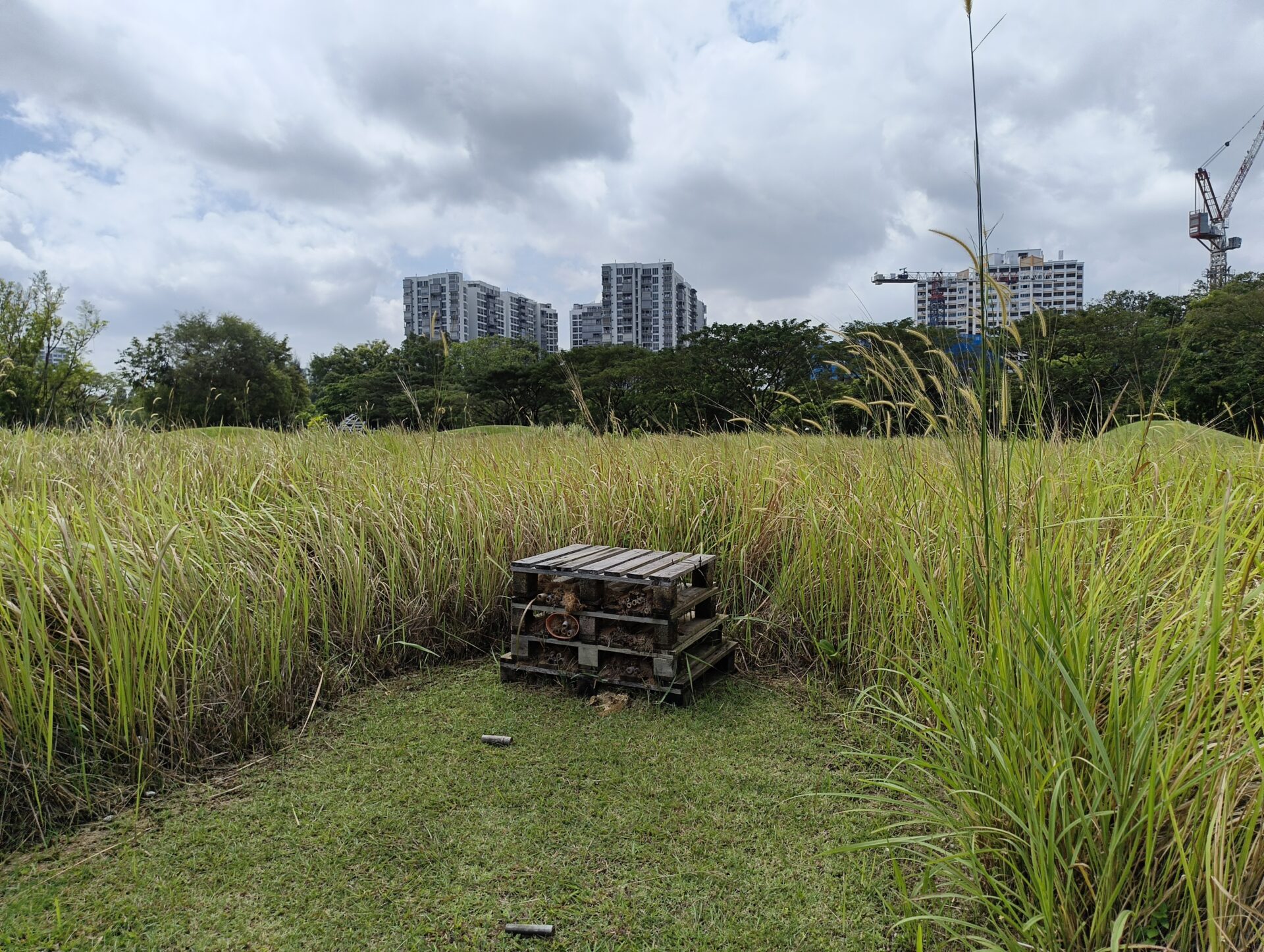
Here are some more bonus shots of this wooden platform at the grasslands:
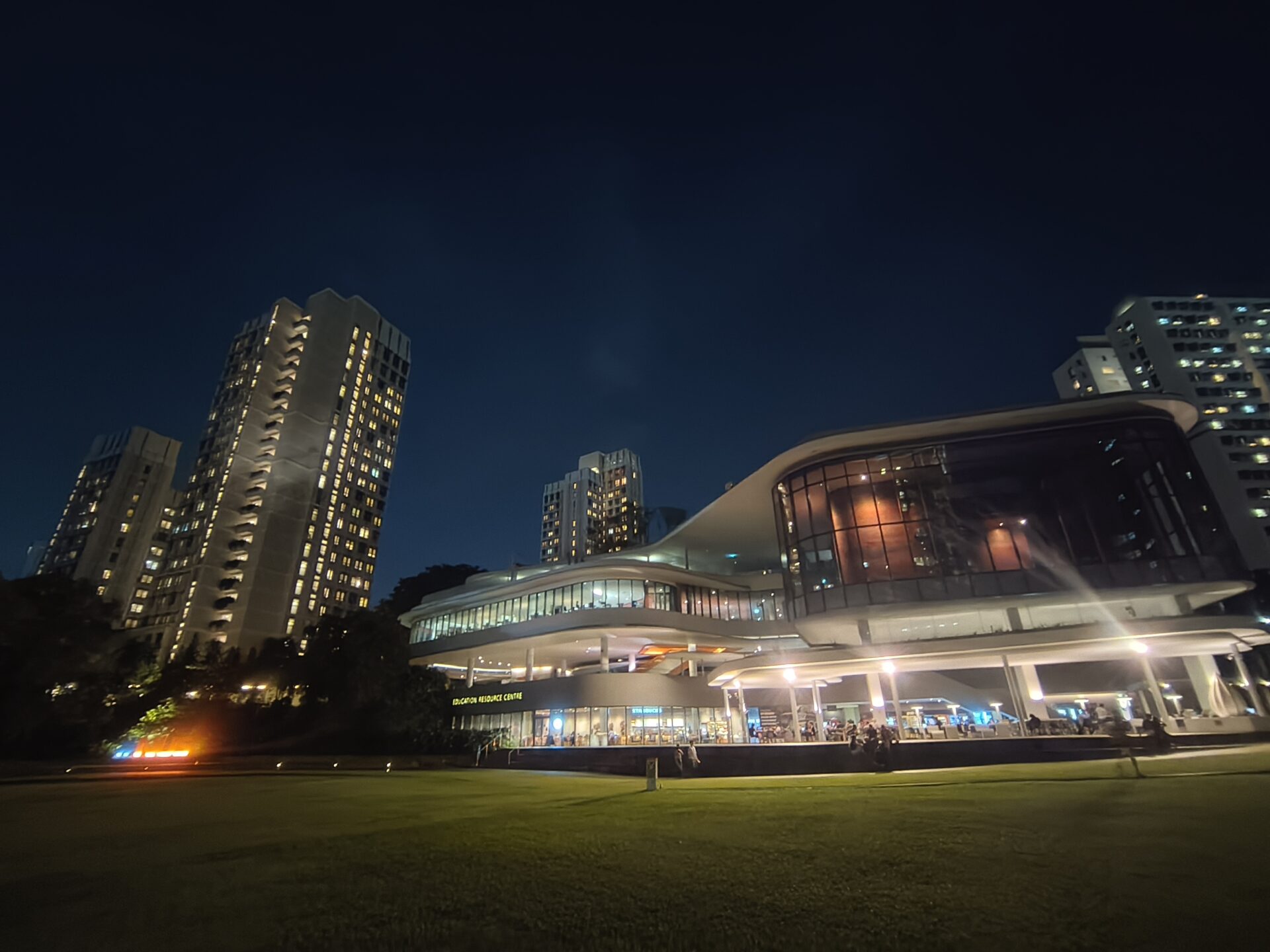
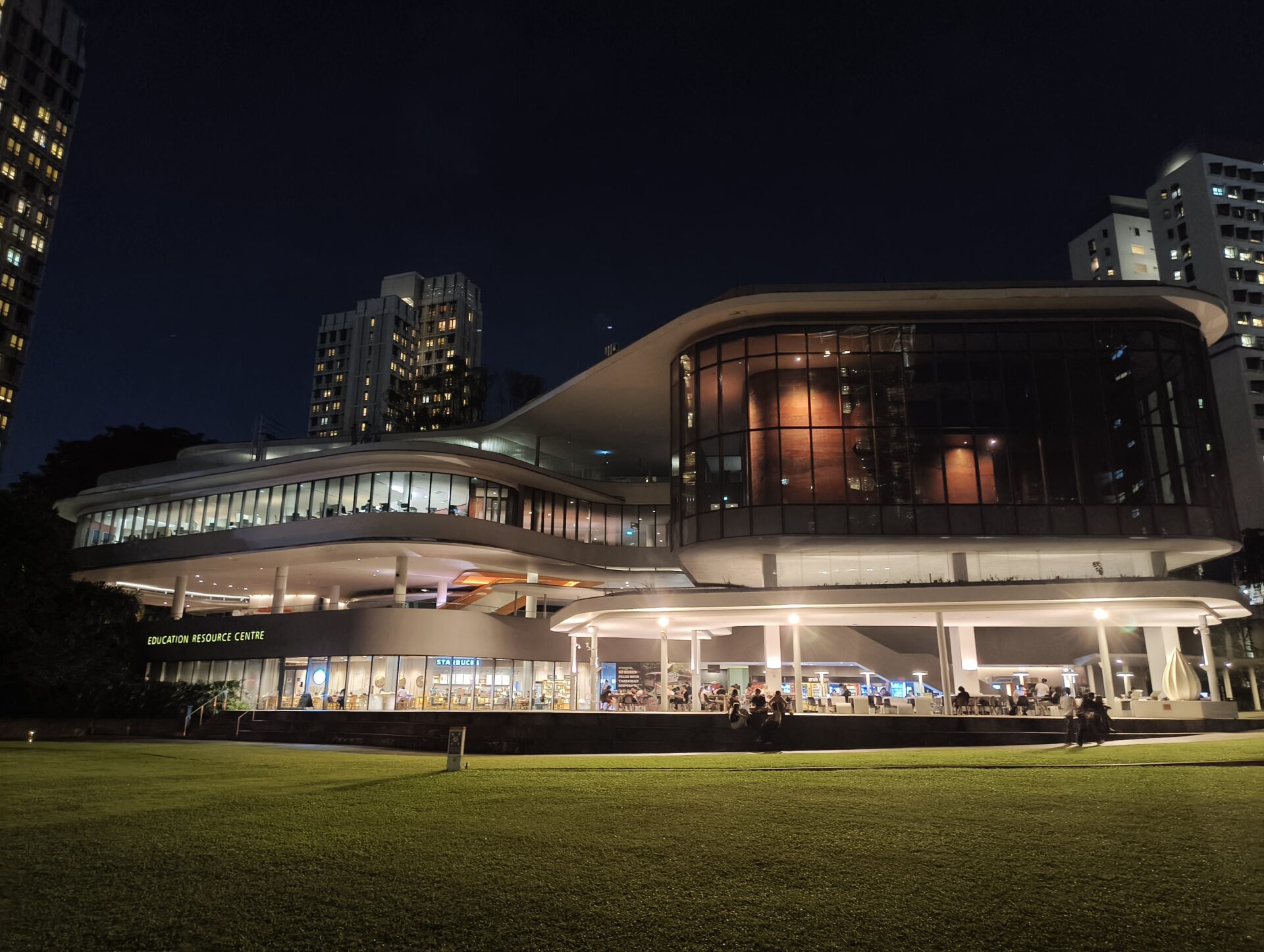

As night fell at the Education Resource Centre, the ultrawide camera struggled with lights, giving us orbs where things were lit and fuzzy lines for detail. The main camera did much better, with colour balance on point and details decent even if they looked more sharpened by algorithm than picked up by the sensor.
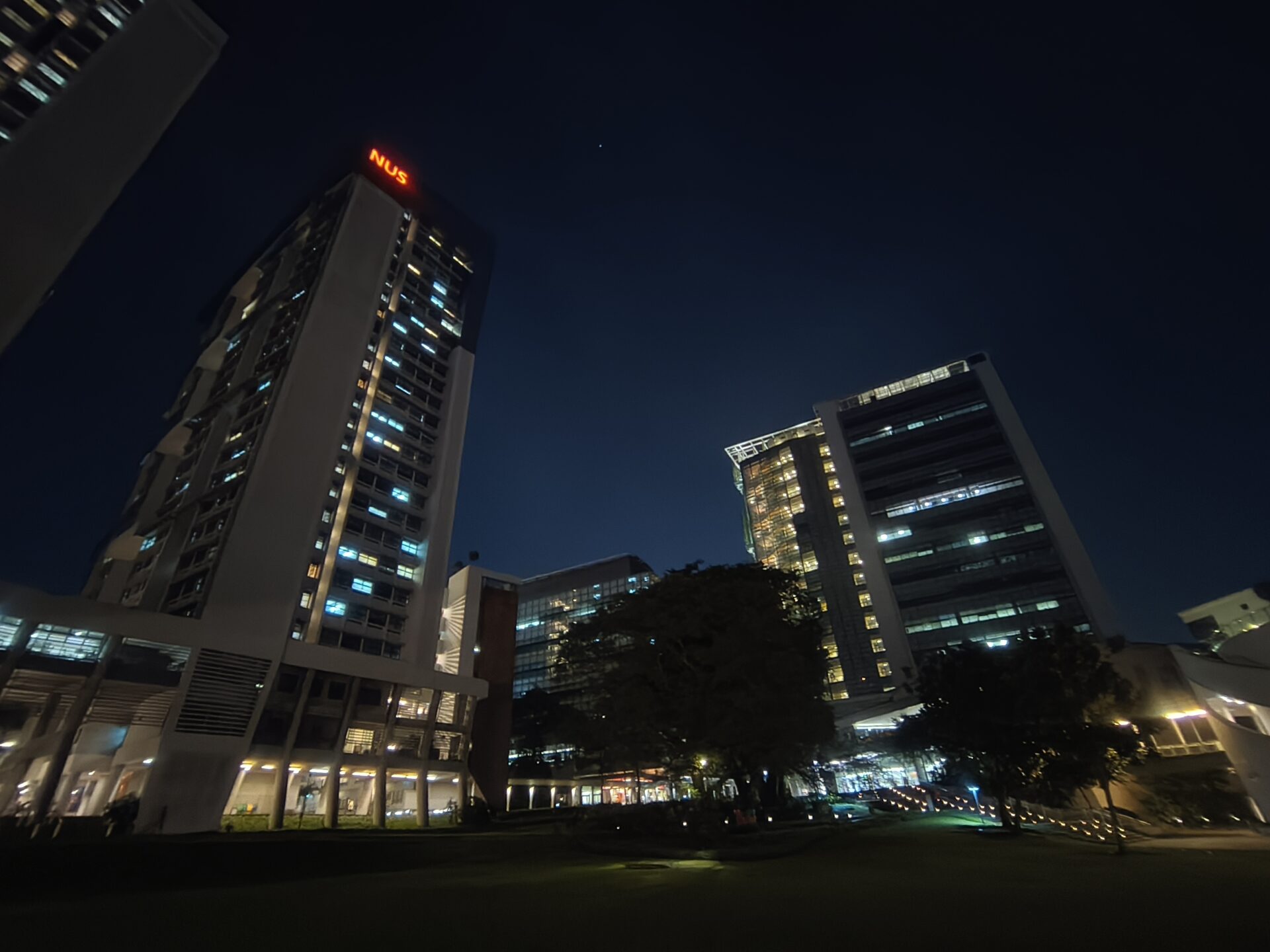
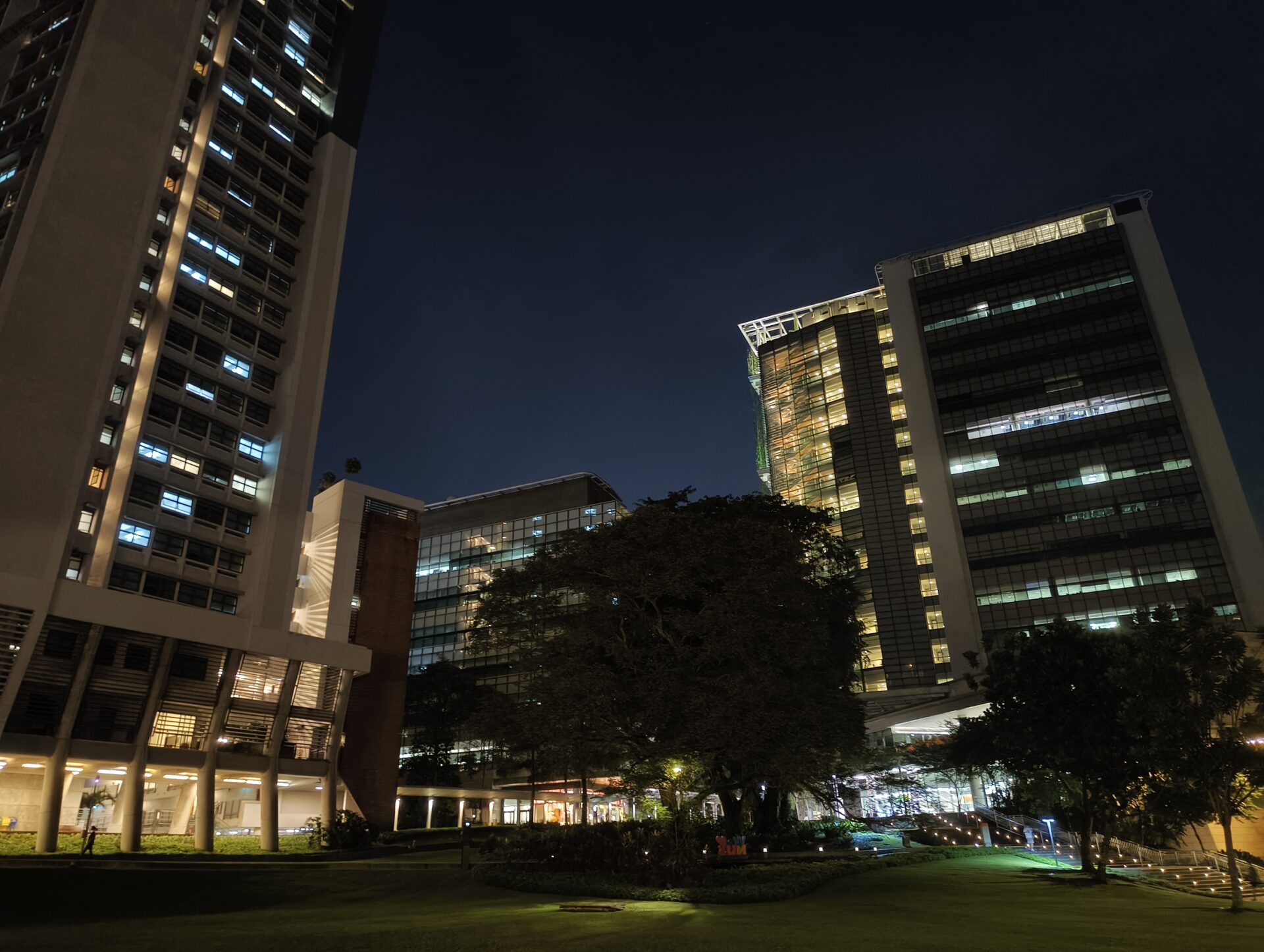
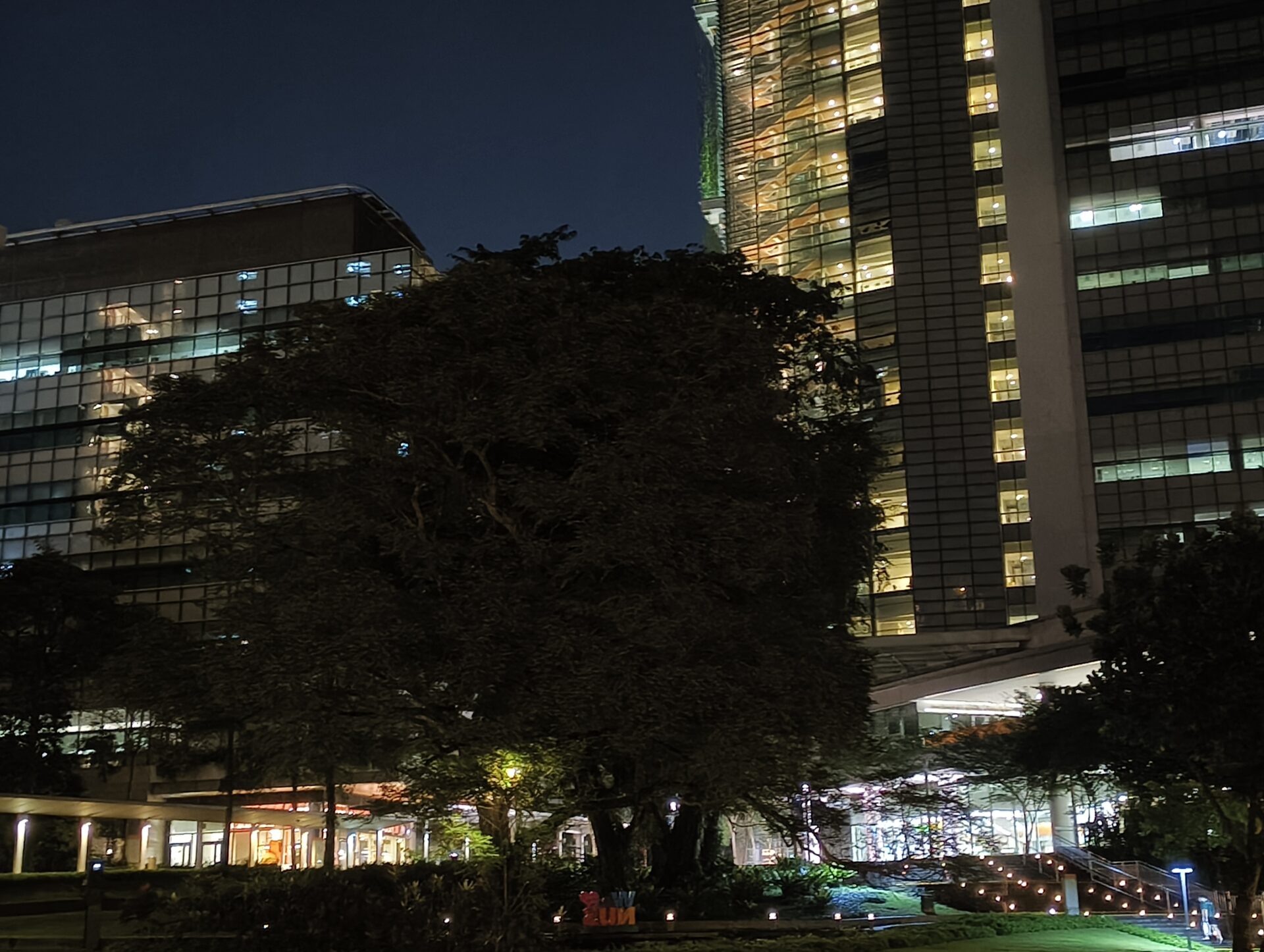
The pattern repeats itself with the shots overlooking Town Green and Town Plaza, traditionally among the darker snaps in my reviews. On the ultrawide camera, I can see a lone star, but not the trees, and the lights turned on in the buildings even look a little sinister due to limited detail. The main camera is way, way better at the same shot and things do not look quite as ghastly.
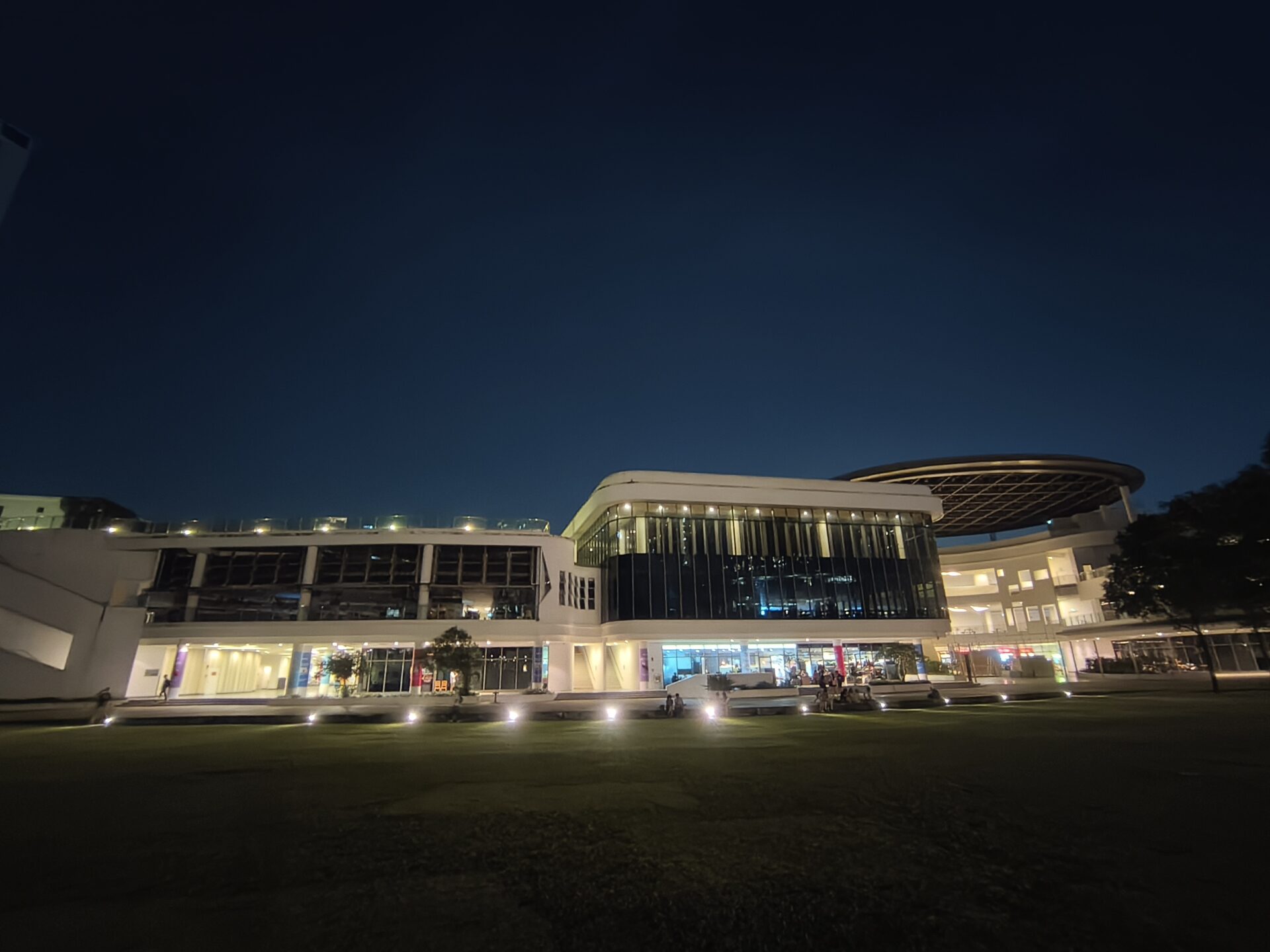
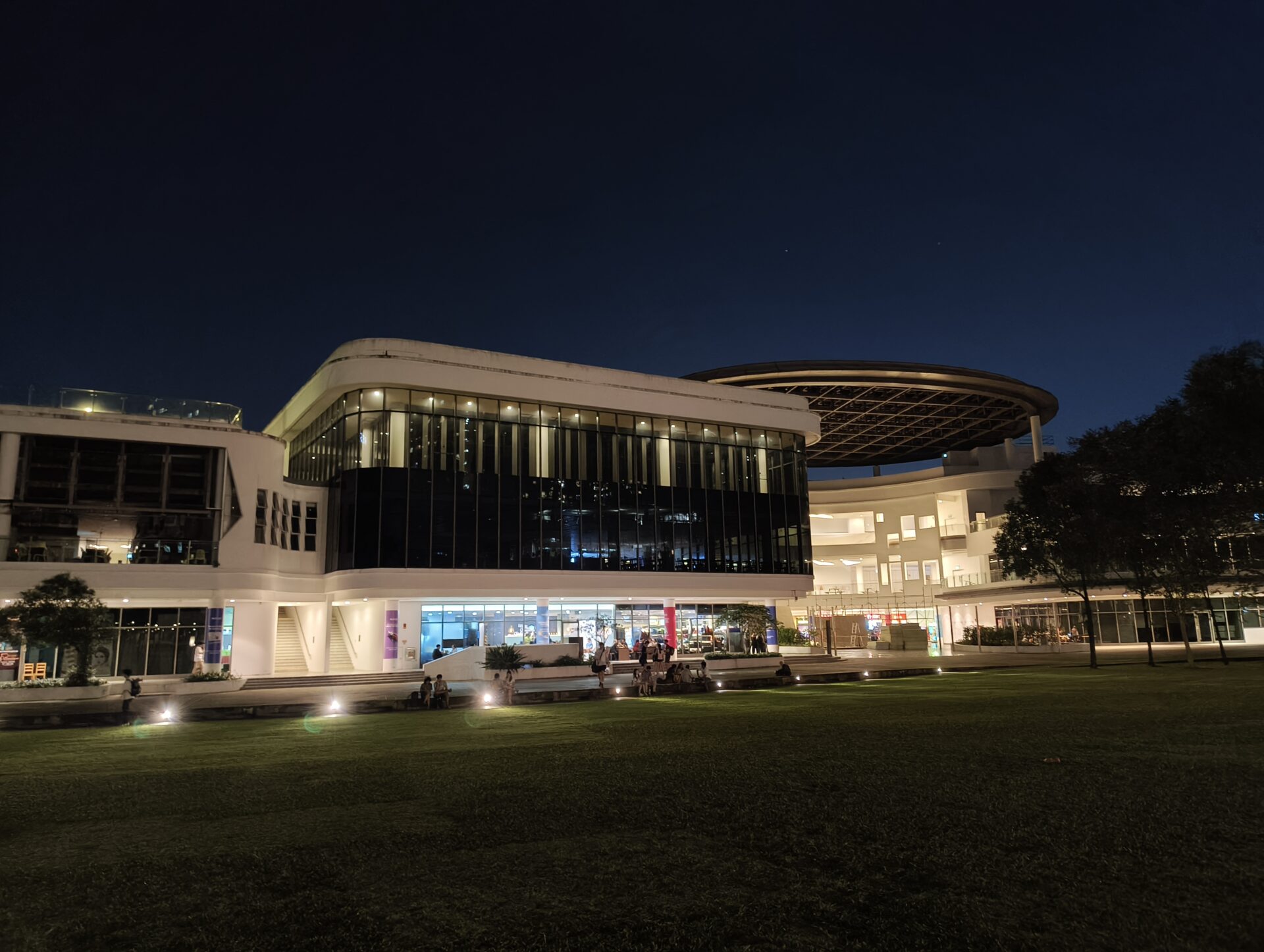
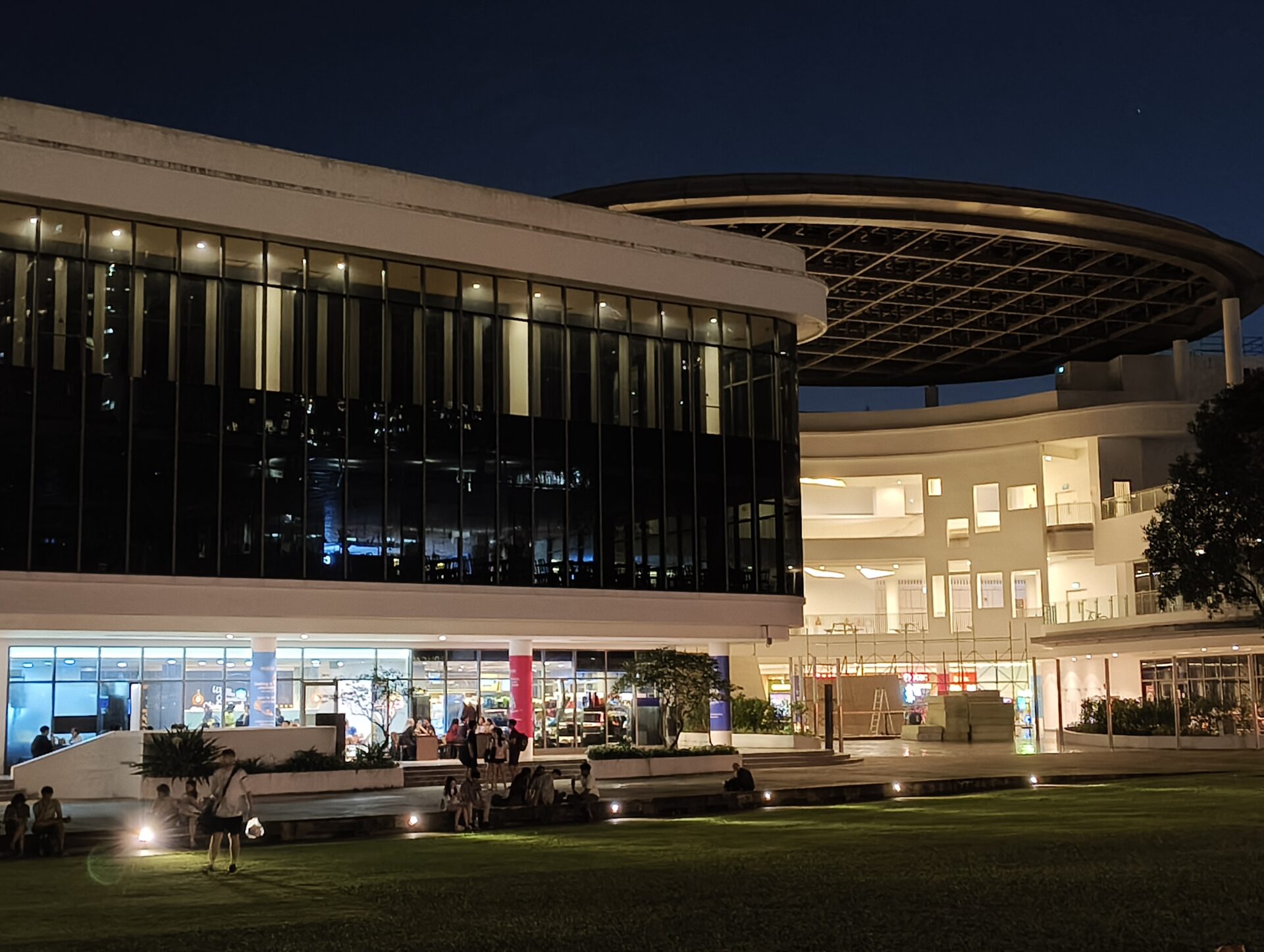
The differences between the ultrawide and wide shots are less prominent with these shots of Stephen Riady Centre, thankfully. The orbs for lights thing persist in the ultrawide picture, but the shot is much better lit.
Conclusion
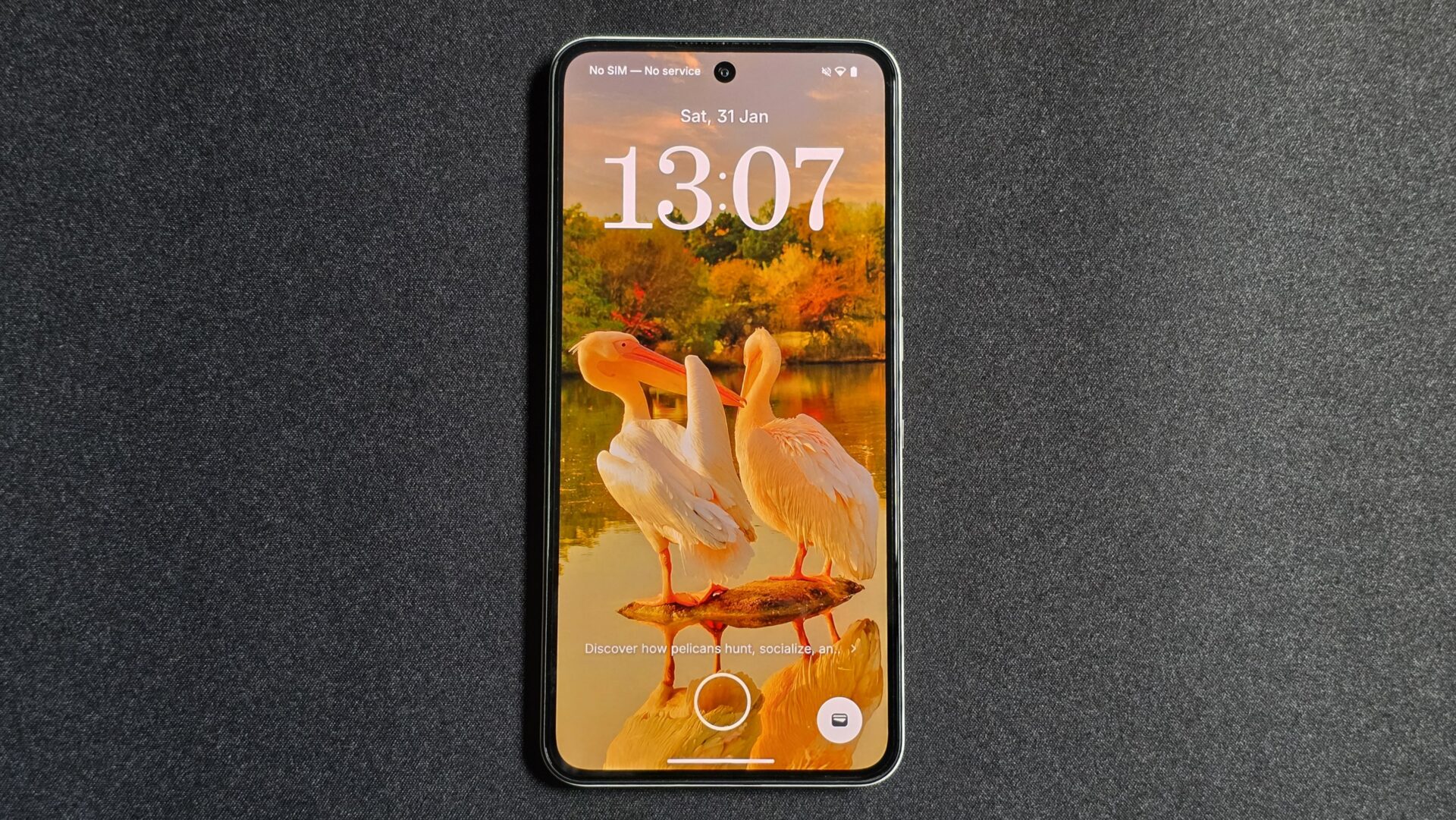
The Nothing Phone (3a) Lite is a bit of a mixed bag. The build, software and screen work well. The battery life is excellent. Even the main camera is really okay.
However, I wish all the cameras were more than okay. Nothing, as a brand, challenges our perception of budget devices. It still does so regularly, but its new budget phone’s imaging hardware falls short.
This may be linked to the need to differentiate the Nothing and CMF lines. Notably, in its new Nothing Phone (3a) Lite, the company has not used the same sensor in the CMF Phone 2 Pro, which costs S$100 more.
It is probably eager to get more devices onto the market to create more buzz and reach more potential customers. This is necessary, but may dilute its product lines in the process.
I hope future devices can better stand out against the entry-level options from the likes of Xiaomi and Oppo. Their phones are well made, too, which means Nothing has to pitch its software and Glyph features even more.