In partnership with Asus
For many professionals and small business owners, using AI today still means manually copy-pasting prompts into a web chatbot and waiting for static replies – a process that often adds friction rather than saving time.
Well, a more practical shift is underway: agentic computing is coming to your PC, so don’t just send prompts via your chatbot. The hardware is here to run tasks through AI agents.
That is the core proposition behind the Asus Agent Computer, which basically transforms an everyday desktop or Powered by Asus gaming PC into an always-on digital assistant.
Instead of paying recurring monthly application programming interface (API) fees or cloud token bills to external providers, you can run autonomous agents directly on your own hardware to handle routine grunt work quietly in the background while keeping your sensitive data strictly on-device.
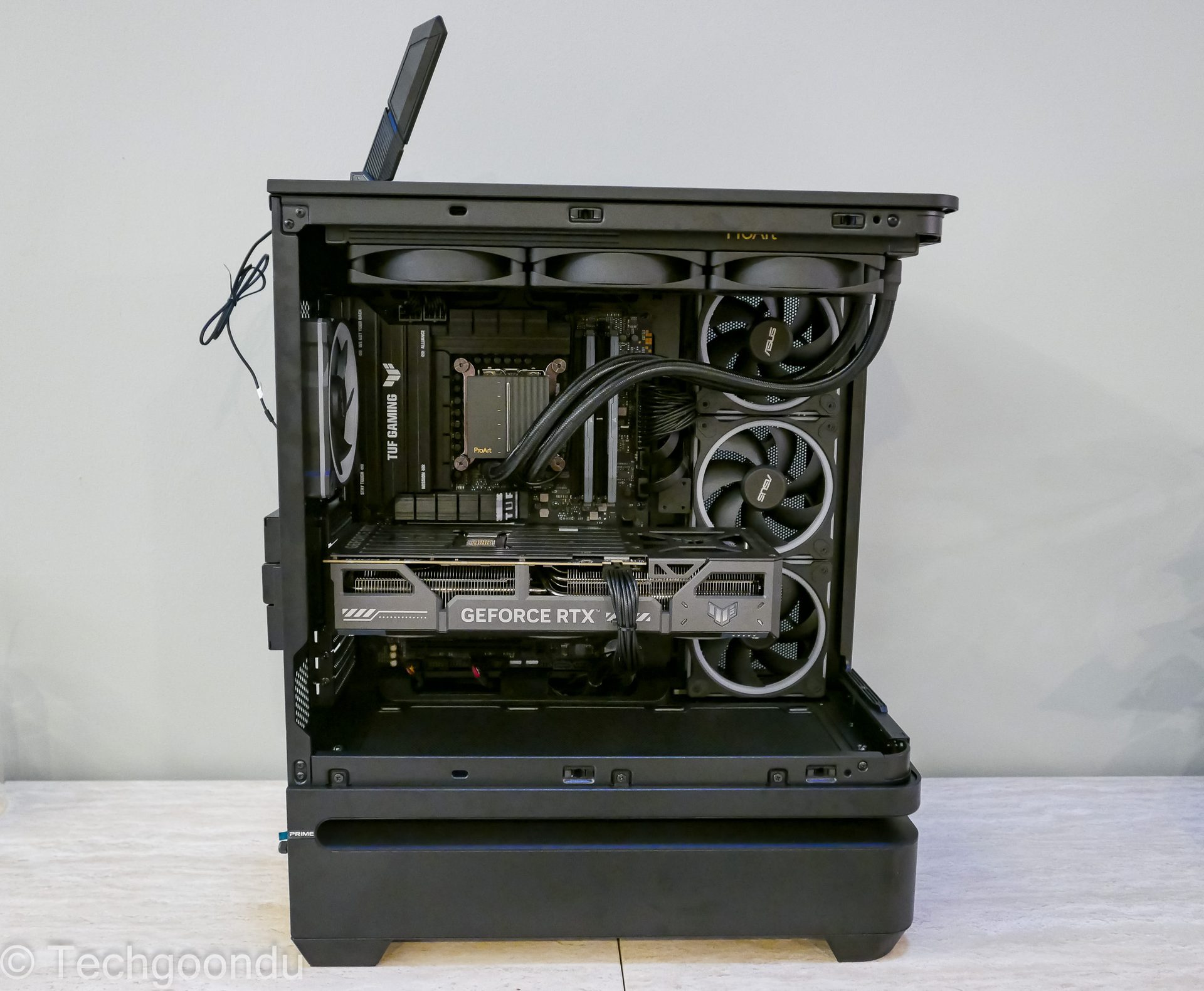
How a Powered by Asus PC doubles as an AI sidekick
You do not need a dedicated server room to run agentic AI. If you already own or plan to build a gaming PC Powered by Asus, that same rig can double as an Asus Agent Computer. While you are gaming, working, or away from your desk, your system can host local AI agents in the background. Like a diligent digital sidekick, these agents handle tedious tasks without requiring constant supervision or hand-holding.
An Asus gaming PC is no longer just a machine for entertainment. By tapping into unused hardware capacity, you turn your desktop into a dual-purpose asset that handles productivity by day and gaming by night, maximising the value of your hardware investment.
Acting as your personal assistant and social media manager
Beyond basic admin, an Asus Agent Computer can take on the role of, say, a personal assistant and automated social media manager. Running open-source models like Qwen-2.5 through Ollama, the agent operates in the background to handle end-to-end content workflows without requiring constant manual prompts:
- Information gathering: The agent scans your local project notes, extracts key marketing highlights, and checks industry news feeds for relevant updates.
- Drafting and scheduling: It automatically formats a weekly content calendar, drafts platform-tailored posts for LinkedIn, X, and Instagram, and selects appropriate media assets from your local drive.
- Queueing for review: Instead of posting unvetted content, the agent compiles a neat dashboard preview and sends a summary notification via Slack or Telegram, waiting for your final approval.
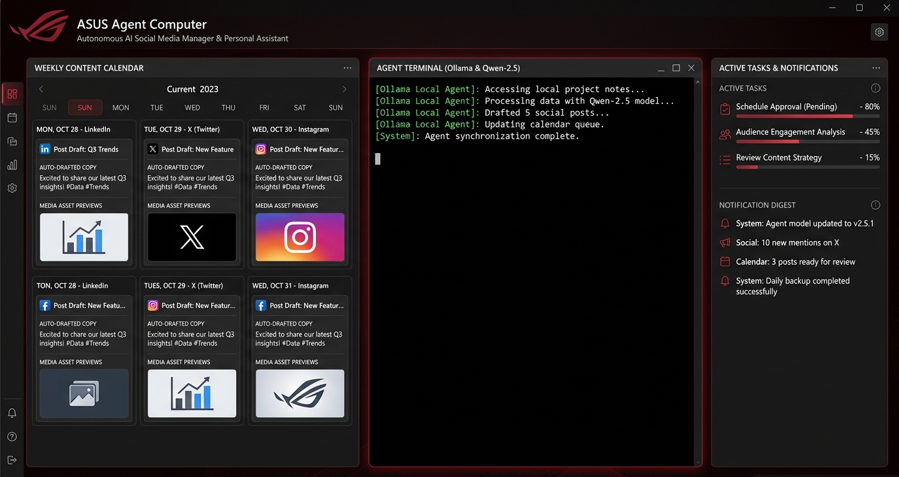
Agentic workflow using Ollama and Qwen
To see how this works in practice, consider how an actual AI agent operates locally using open-source tools like Ollama paired with open models such as Qwen:
1. Local model deployment: You install Ollama on your Asus PC and load an open-weights model like Qwen directly onto your graphics card. Everything runs locally on your hardware.
2. Connecting local tools: You link the model to an agentic framework that grants permissions to access specific local folders, read calendar files, or interact with local productivity software.
3. Assigning high-level intent: Instead of typing a single prompt, you assign a broad task. For example: “Review my project notes in the Documents folder, extract upcoming deadlines, draft a weekly content calendar, and flag schedule conflicts.”
4. Autonomous execution: The AI agent independently navigates your local files, parses dates, formats a structured schedule, and updates your calendar files. It works quietly in the background while you play a game or step away from your PC.
Unlike generative chatbots that simply reply to a single prompt, an agentic AI independently executes multi-step workflows, solving problems and organising files until the job is completed.
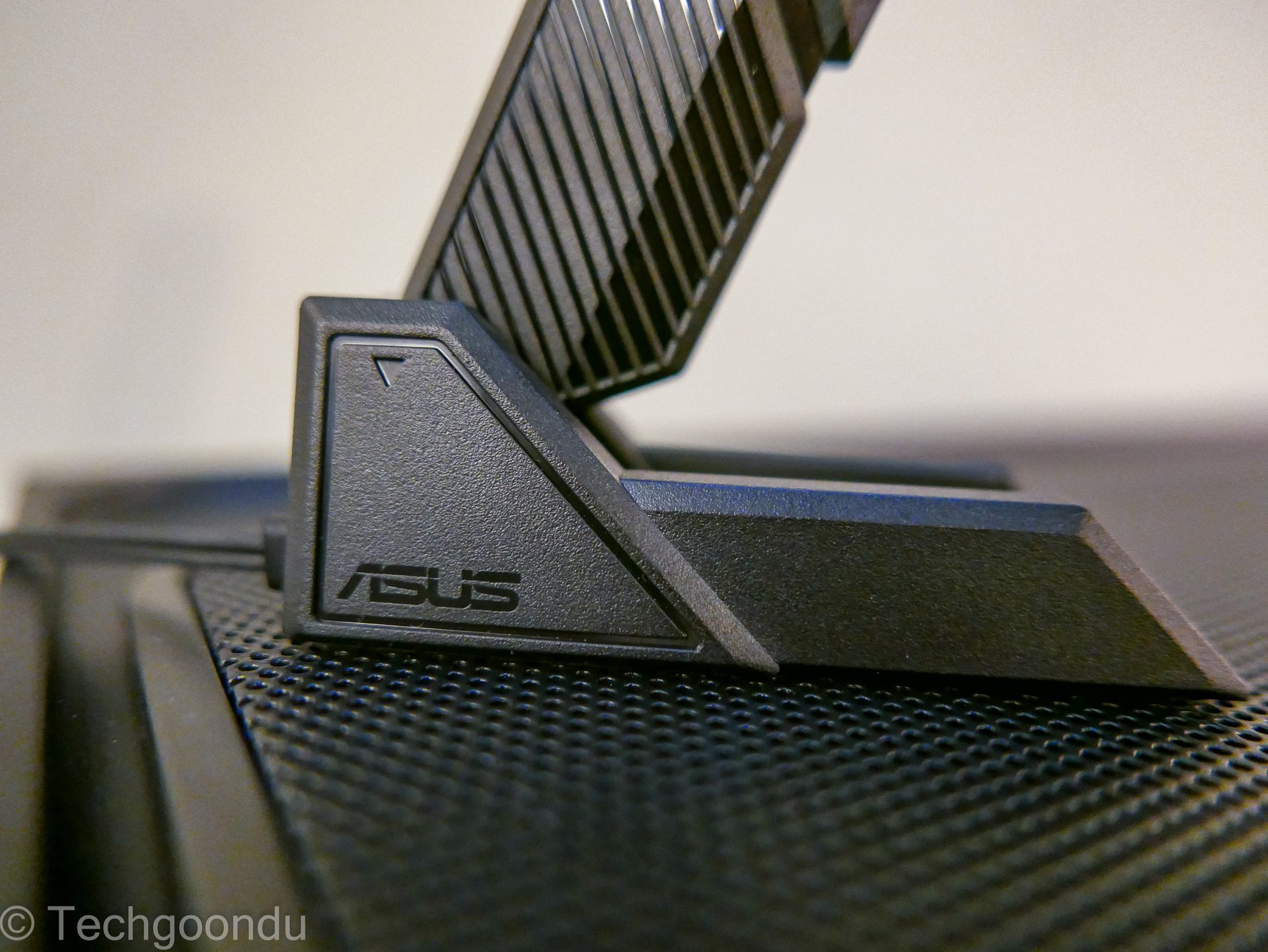
Cost of ownership
Choosing between local AI and cloud-based services often comes down to total cost of ownership, privacy, and usage patterns.
Cloud AI platforms typically charge recurring monthly subscriptions or per-token API usage fees. While cloud services can be cost-effective for occasional, sporadic queries where buying dedicated hardware is unnecessary, continuous agentic workflows may end up costing more.
According to standard industry benchmark cost models, public cloud API token costs for frequent agentic operations average approximately S$30 per 1 million tokens.
For heavy multi-agent workloads – processing roughly 15 to 25 million tokens monthly across continuous context retrieval and tool execution – cloud API fees can average S$15 to S$25 per day (S$450 to S$750 monthly).
In contrast, running the same workload locally on an Asus Agent Computer yields inference speeds of 58.4 tokens per second on open 14B models (such as Qwen-2.5) using local Nvidia RTX hardware.
Based on standard electricity cost calculations (monthly power expense = kW × Hours/day × 30 days × S$0.31-S$0.32/kWh electricity tariff rate in Singapore), local electricity expenses for continuous background agent execution range from S$3.80 to S$15.20 per month (averaging S$12 to S$15 a month for high-end desktop and NUC setups running 0.20kW power draws).
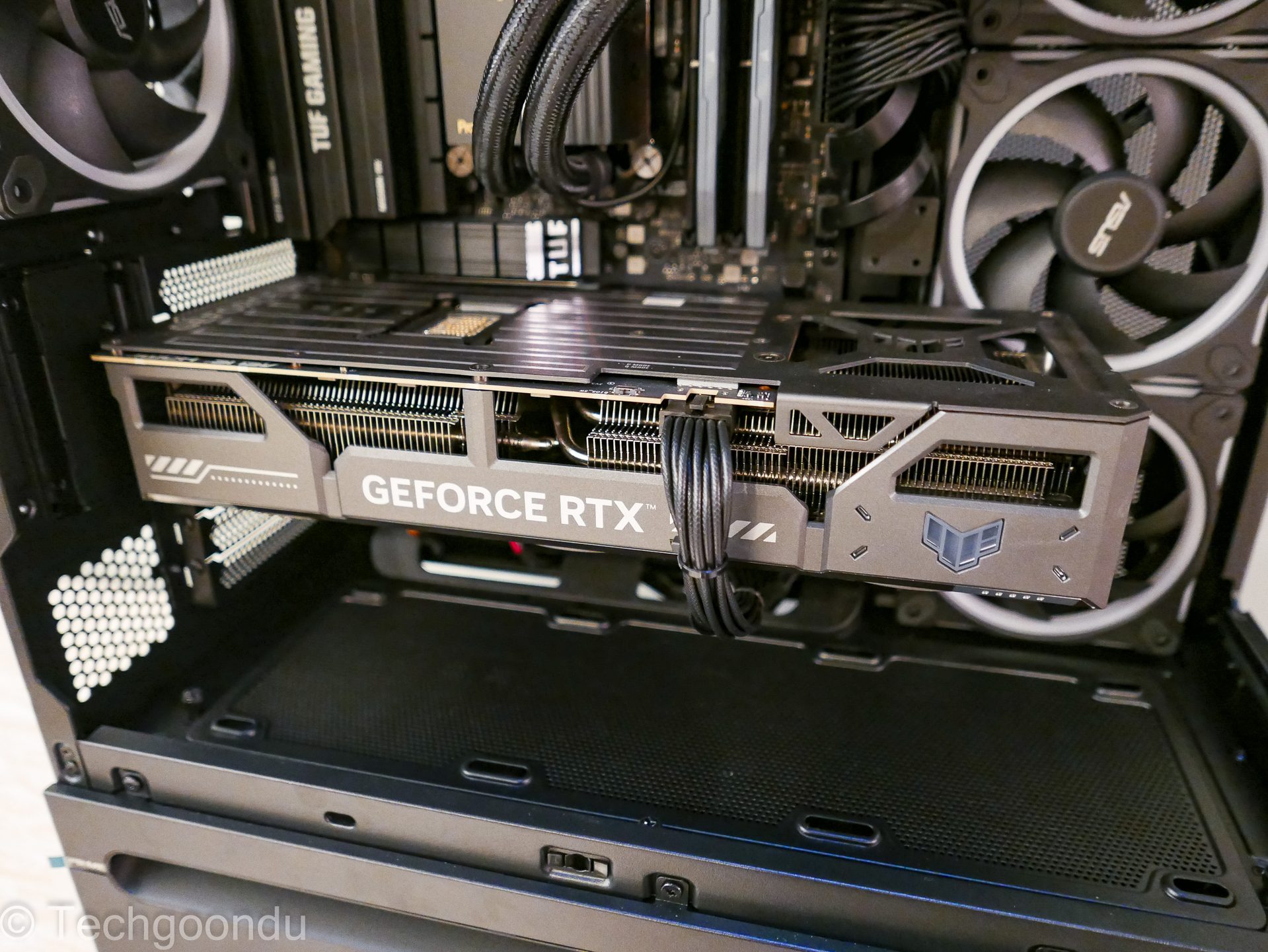
Depending on how fancy your hardware setup is, you could actually break-even in as fast as seven to 12 months, compared to spending on cloud API acces all the time.
Running AI locally on an Asus Agent Computer delivers predictable cost as well. Once you invest in the hardware, your ongoing expenses are limited to standard electricity. In other words, zero surprise API invoices, no matter how many hours your agents run.
Plus, local AI provides complete control over sensitive data. When processing client records, financial spreadsheets, or proprietary code via Ollama and Qwen on your own drive, your confidential information remains on-premise and never travels to external cloud servers.
Matching the hardware to your AI workload
Every user’s computing needs are unique, which is why Asus offers a versatile ecosystem tailored across both custom desktop builds and compact mini PC lines:
Everyday productivity and gaming: Powered By Asus (PBA) desktops and Asus NUC compact PC offer a great start. These PCs feature Asus motherboards, GPUs, and power supplies that let users run everyday AI agents while maintaining top-tier gaming performance. Ultra-compact options like the Asus NUC 16 and Asus PN55 offer quiet, space-saving alternatives for light daily automation.
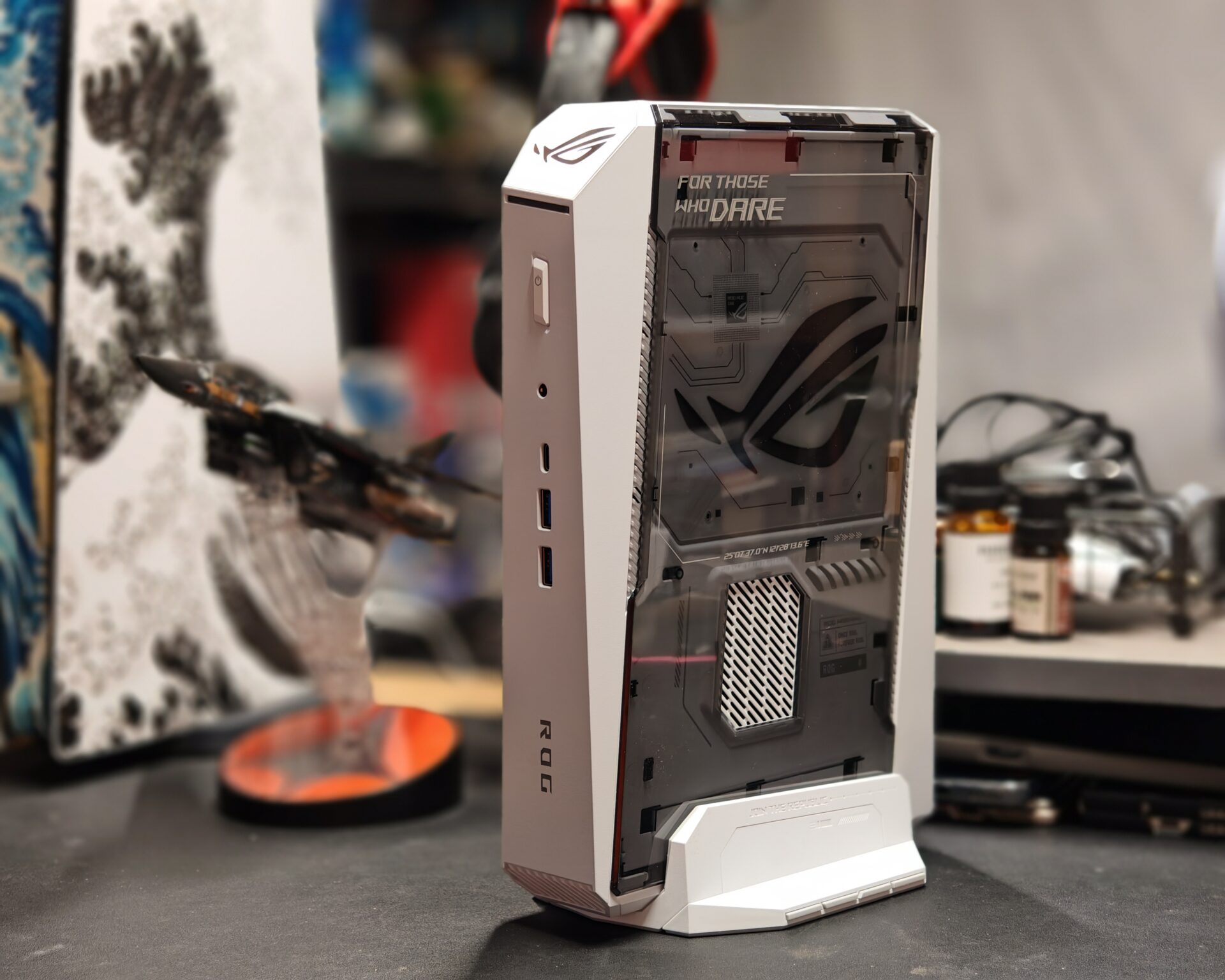
Demanding workflows: Asus’ ROG NUC 16, Ascent GX10, & ProArt GR1X will fit power users. For creators and developers running larger 7B to 32B parameter models, personal RAG pipelines, or intensive multi-agent loops, compact powerhouses like the ROG NUC 16, the ProArt GR1X, and the Ascent GX10 desktop supercomputer provide high VRAM capacity and sustained processing power.
Commercial enterprise deployment: Here, the Asus ExpertCenter Pro ET900N G3 is the kingpin. For expanding organisations requiring multi-user serving, enterprise-grade orchestration, and department-wide knowledge bases, such a server platform scales up to handle large-scale commercial AI demands.
Your own 24/7 local AI operations
Running AI agents continuously in the background requires hardware built for sustained endurance. Asus Agent Computers feature industrial-grade components, robust power delivery, and advanced thermal engineering to prevent thermal throttling and ensure quiet 24/7 operation under heavy AI loads.
Backed by a comprehensive hardware ecosystem and local warranty support, Asus provides reliable systems you can trust to run unattended day and night.
Taking control of your local AI future
Agentic computing is no longer a distant concept. The hardware is here right now to run tasks through AI agents. By giving your AI agents their own local hardware environment on an Asus Agent Computer, you turn AI from a simple Web chatbot into an always-on digital workforce.
Ready to supercharge your productivity and gaming setup? Get your custom Asus Agent Computer in Singapore at local PC builders such as Aftershock PC, Invader PC, or VII PC.