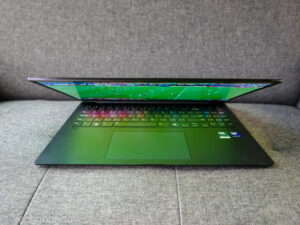
When the Asus ExpertBook Ultra was introduced to reporters recently in Singapore, the Taiwanese company’s intention was clear – take on top-notch business laptops like Lenovo’s ThinkPad X1 Carbon.
The basic premise from Asus, which has been designing excellent laptops over the years, is an ultralight design that also packs in performance and durability.
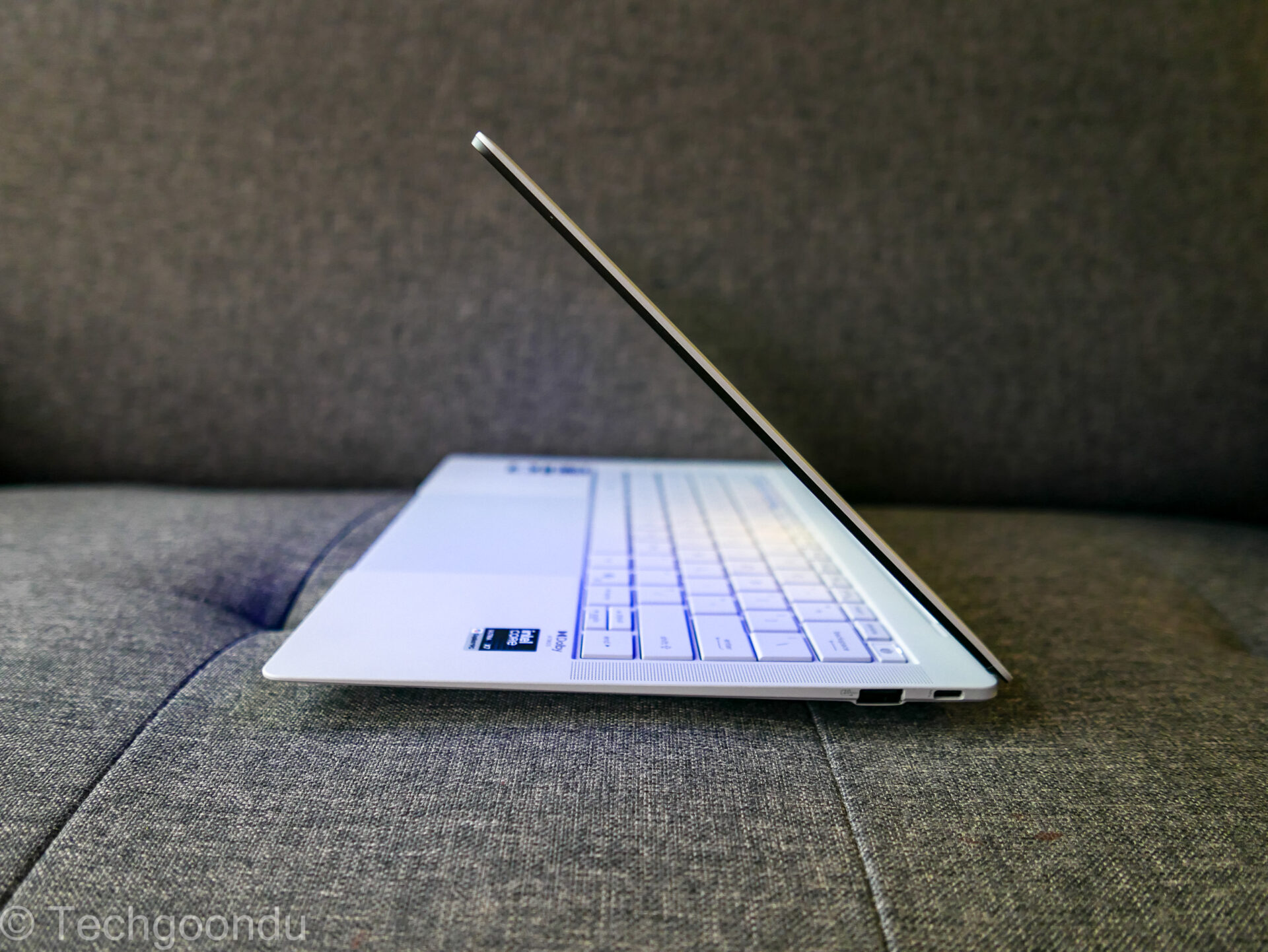
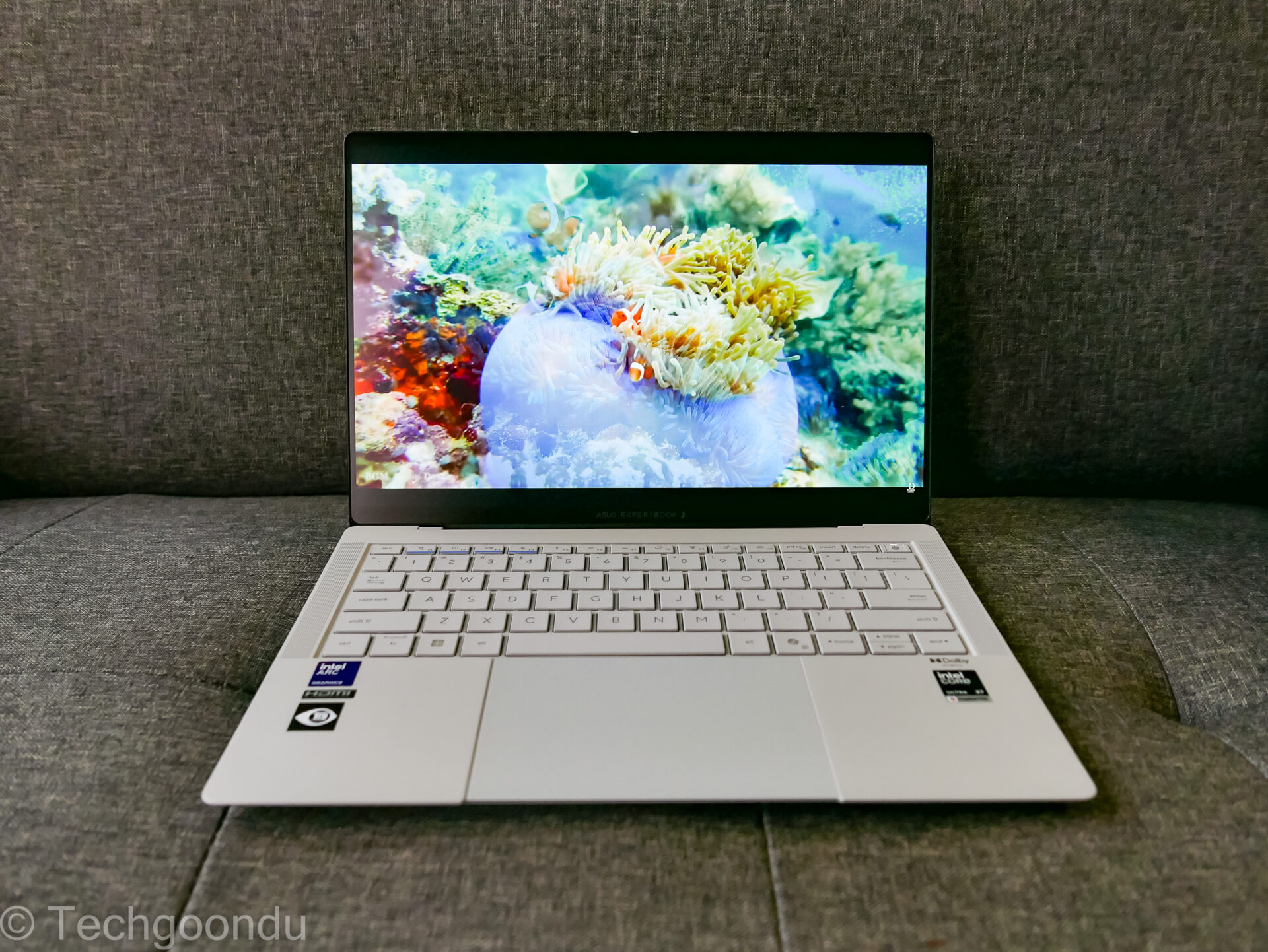
First, the design. The lightest versions of the ExpertBook Ultra which packs a 14-inch screen weigh just 990g, taking on the ThinkPad X1 Carbon directly.
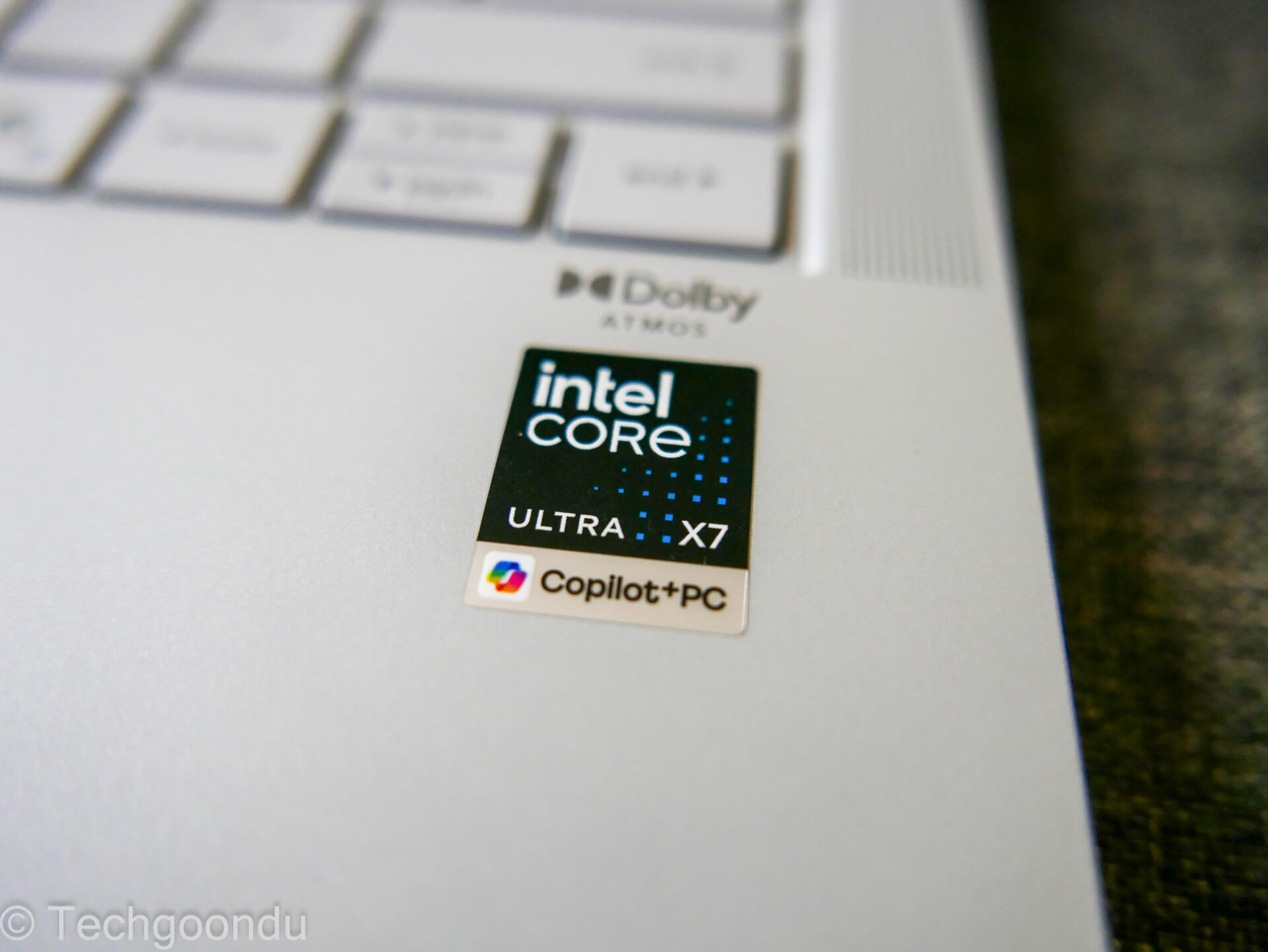
Asus’ biggest selling point is a fast Intel Core Ultra X7 AI processor with a powerful graphics processor – a combo that usually can’t fit in the most portable machines.
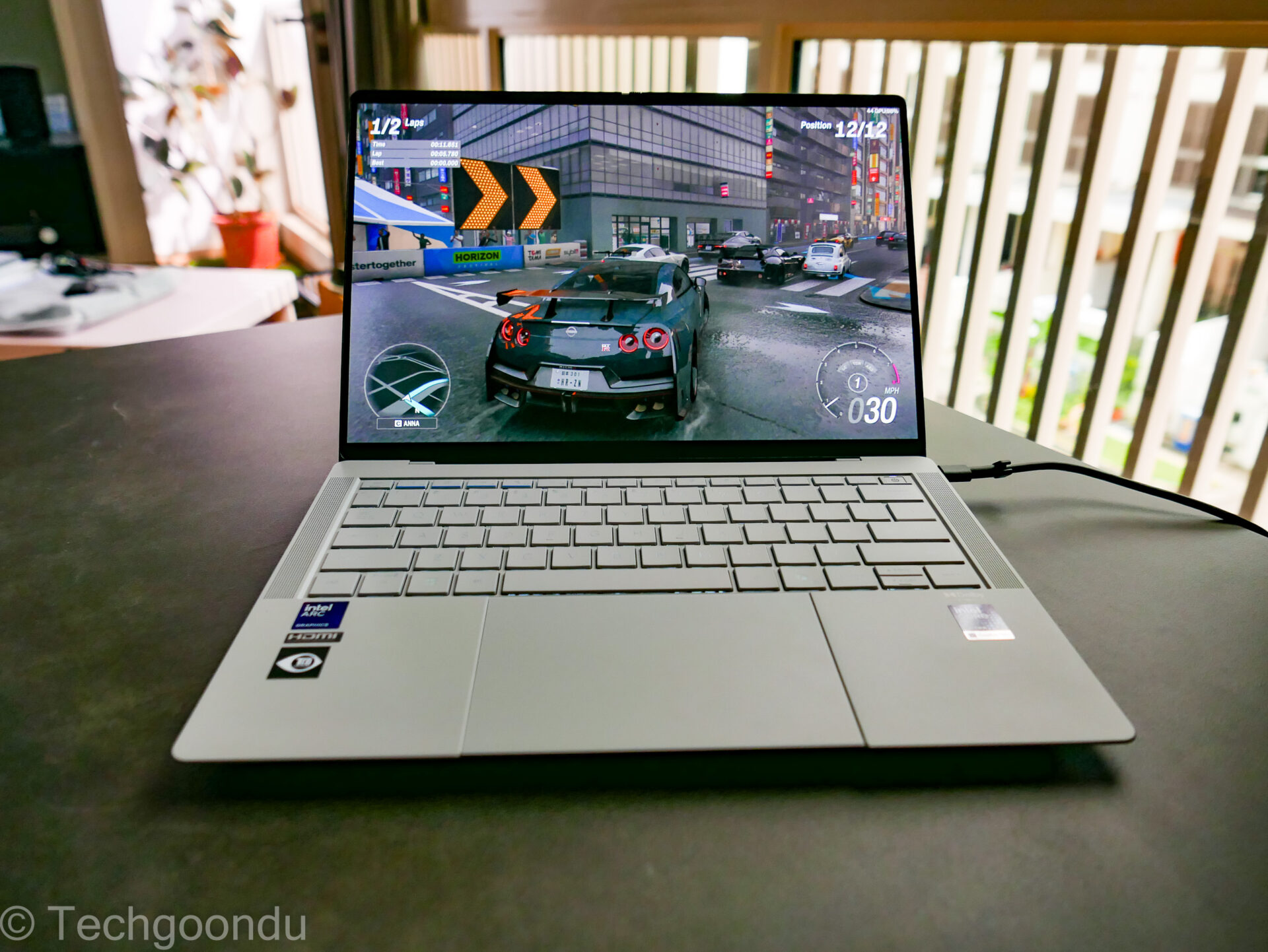
Notably, the review unit I have sports a 3K dual-layer or tandem OLED screen that offers better brightness and reduced burn-in risks than regular single-layer ones, but this tips the scale just over 1kg.
That said, the Asus ExpertBook Ultra I tested is still extremely light in the hand. Significantly lighter, I’d say, than other models that may go up to 1.3kg if they pack in the faster Intel processors (and extra cooling).
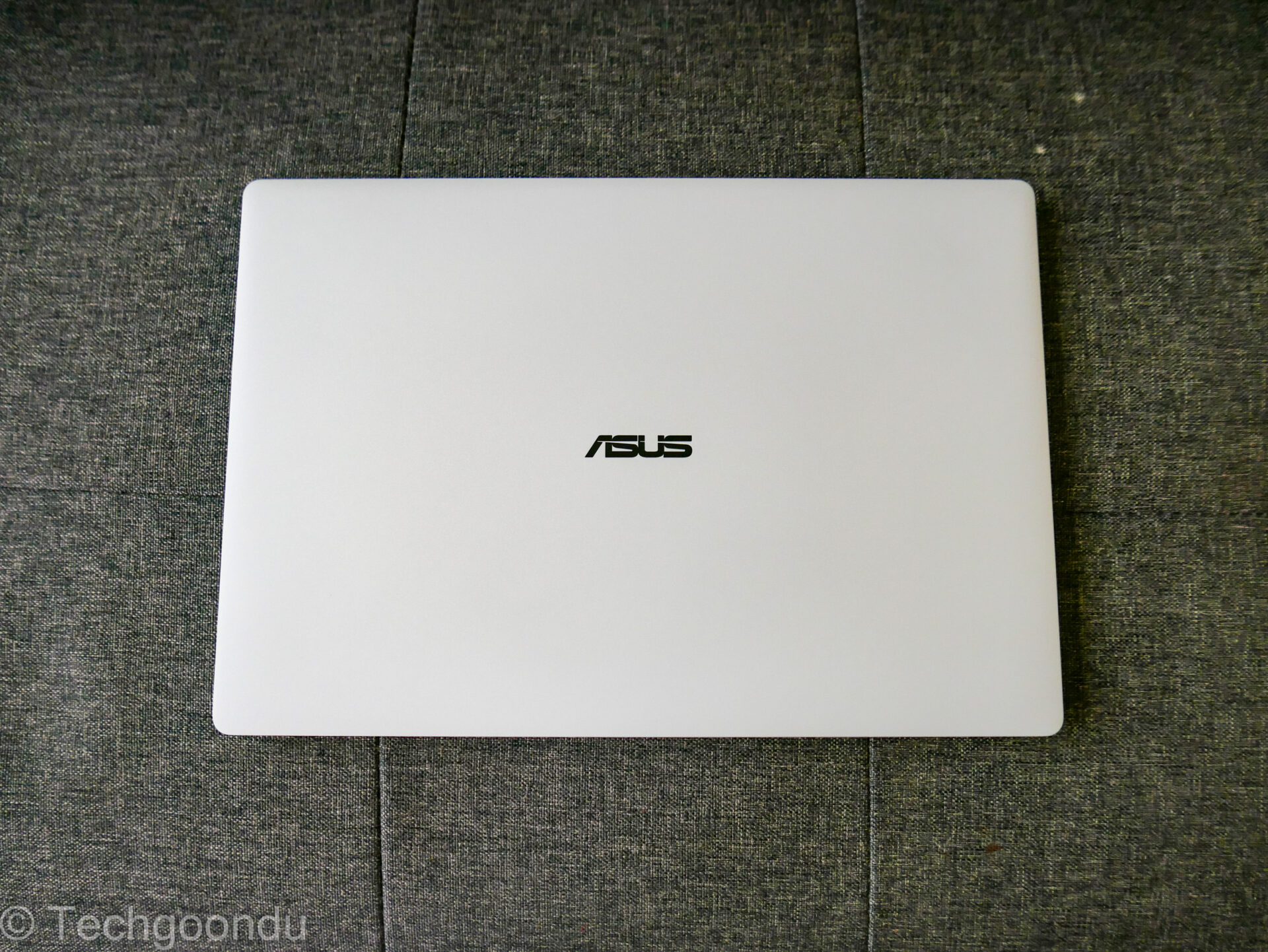
In terms of looks, this Asus laptop is on par with any pretty Zenbook you’d find in the market. The matt finish is fingerprint-free and the surface offers a nice feel when you run your fingers over it.
This ceramic-based surface is also scratch resistant, keeping this premium laptop. Yes, you can even run your key on it, just not too deeply.
Unlike consumer-focused Zenbooks, the ExpertBook line of laptops from Asus goes through some rigorous tests. Besides scratching, think of dropping one from height, standing on it (don’t try if you’re over 100kg) or even yanking a USB device out of a port.
These machines, as Asus showed reporters, are made for the rough and tumble of real use on the road. Now, I haven’t tried to destroy the laptop for review but it does feel solid enough for the usual bumps and scratches that can be expected.
I did try out the “signature hold” by Asus, which means holding one end of the screen with the laptop open. This way, all the weight on the laptop rests on the screen, which flexes slightly, yet things continue to work. It’s quite a sight.
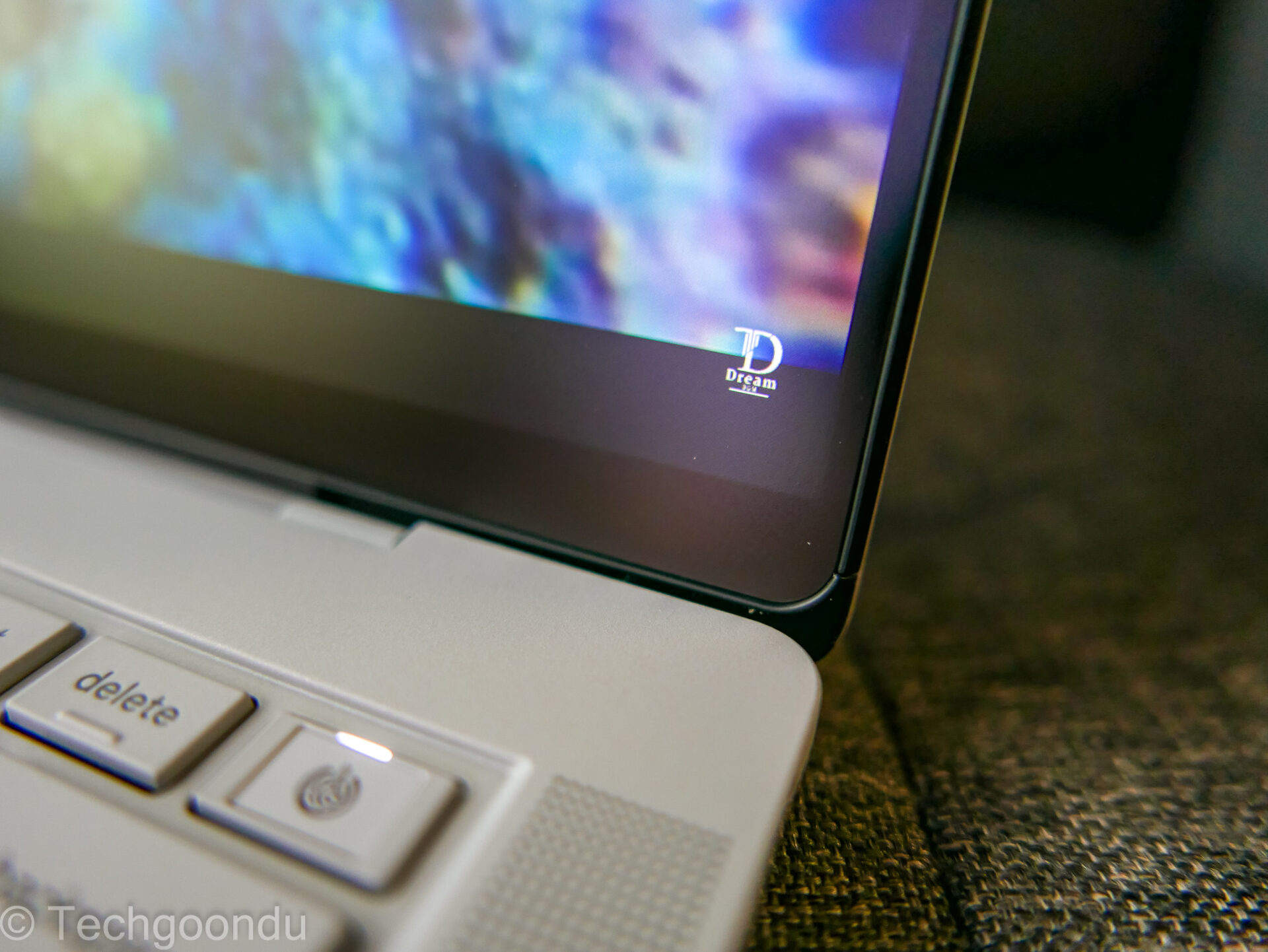
Speaking of the screen, the 3K resolution is sharp. Plus, OLED is as high-contrast as you’d like with its unrivalled image quality. Once you get used to an OLED screen, you really can’t go back to a regular one.
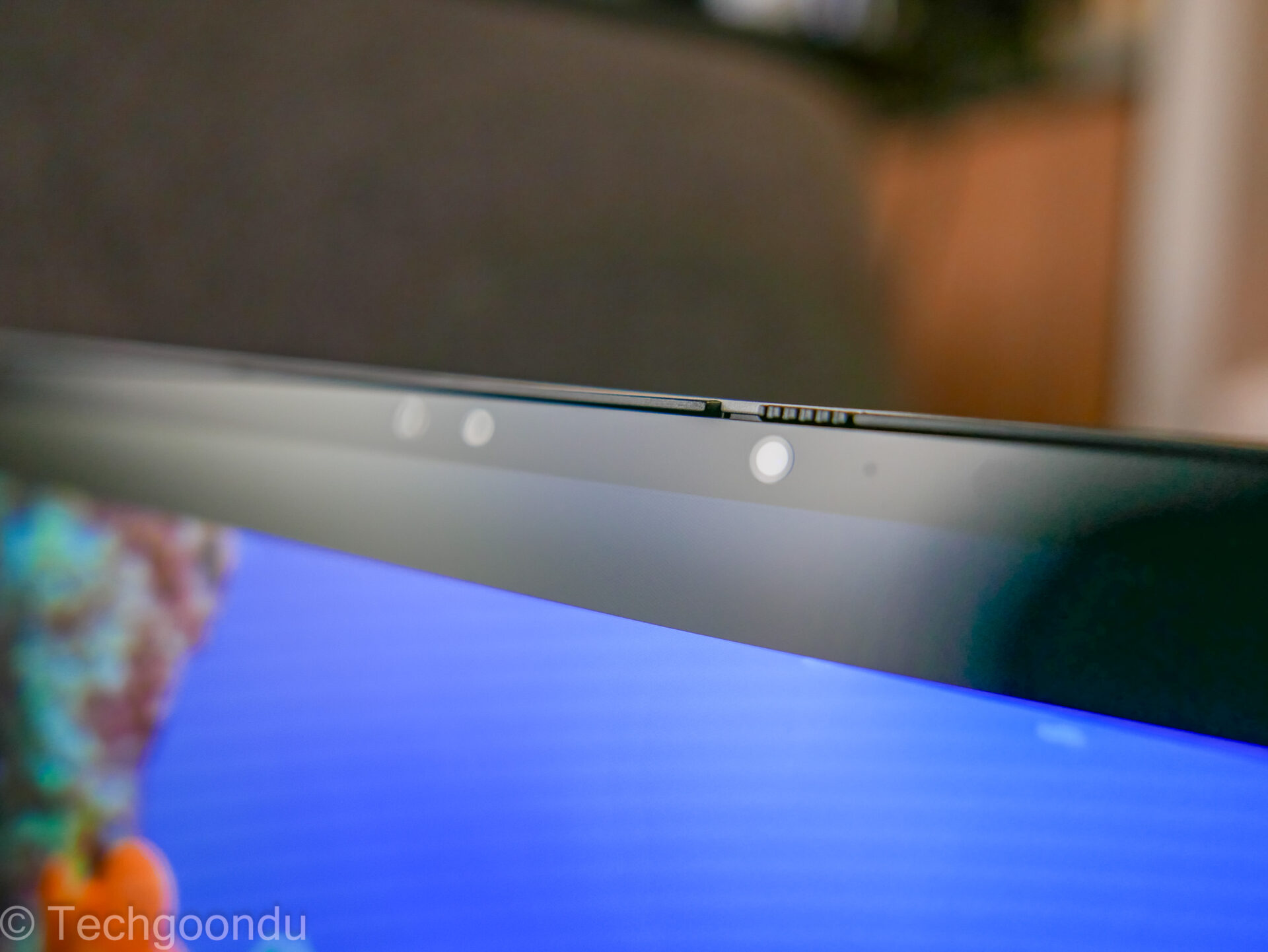
Crucially, the Asus ExpertBook Ultra’s screen is also anti-glare, which is essential for any real business laptop in a sunny place like Singapore.
One small thing that the Asus machine doesn’t do is open up 180 degrees like the Lenovo ThinkPads do. It’s a cool trick that lets you share a screen easily with someone sitting opposite but I think it isn’t a biggie.
What impresses is the performance in such a thin and light laptop, as the Asus ExpertBook Ultra. Powered by an Intel Core Ultra X7 358H processor, 32GB of DDR5 memory and a 512GB solid state drive (SSD), the laptop scored high in benchmarks for everyday tasks.
In the Geekbench test, Asus’ new laptop scored 2,539 for single-core performance and 14,902 for multi-core performance. This is pretty close to an MSI laptop sporting a similar Core Ultra X7 chip.
In another test of everyday productivity, PCMark 10, the Asus ExpertBook Ultra scored a high 9,381, surpassing even the same MSI we reviewed earlier.
What about AI tasks, like imaging processing? Well, you’d expect the Intel chip to do well here as well.
With Geekbench AI, the Asus laptop’s neutral processing chip (NPU) returned with 4,186 for single-precision, 34,973 for half-precision and 54,408 for quantised scores. Again, this is close to the MSI laptop.
The new Asus ExpertBook Ultra also comes with a zippy graphics processor, in the shape of the Intel B390, which appears in new Intel Core Ultra processors with an X. Yes, like Core Ultra X7 in this review unit.
This means the laptop will produce enough performance to let you play AAA games with reasonably good graphics turned on.
How good? Well, I tried out the new Forza Horizon 6 racing game and came away happy. With graphics set to Medium, you get about 57 frames per second on the built-in benchmark test. That’s smooth gameplay without any help from AI for frame generation or resolution scaling.
If you turn on AI assistance like frame generation and resolution upscaling turned on, the game looks even better. With those features turned on, you get close to 60 fps with the in-built graphics chip, which is stellar.
I also fired up 3DMark, a test which simulates how games run on PCs. Here, the graphics chip on the Asus laptop performed well again as you’d expect, scoring 6,070 for the Time Spy subtest.
This is higher than an earlier test we ran on the MSI laptop with the same integrated B390 graphics chip. In other words, you’d be playing some great games on such a slim laptop.
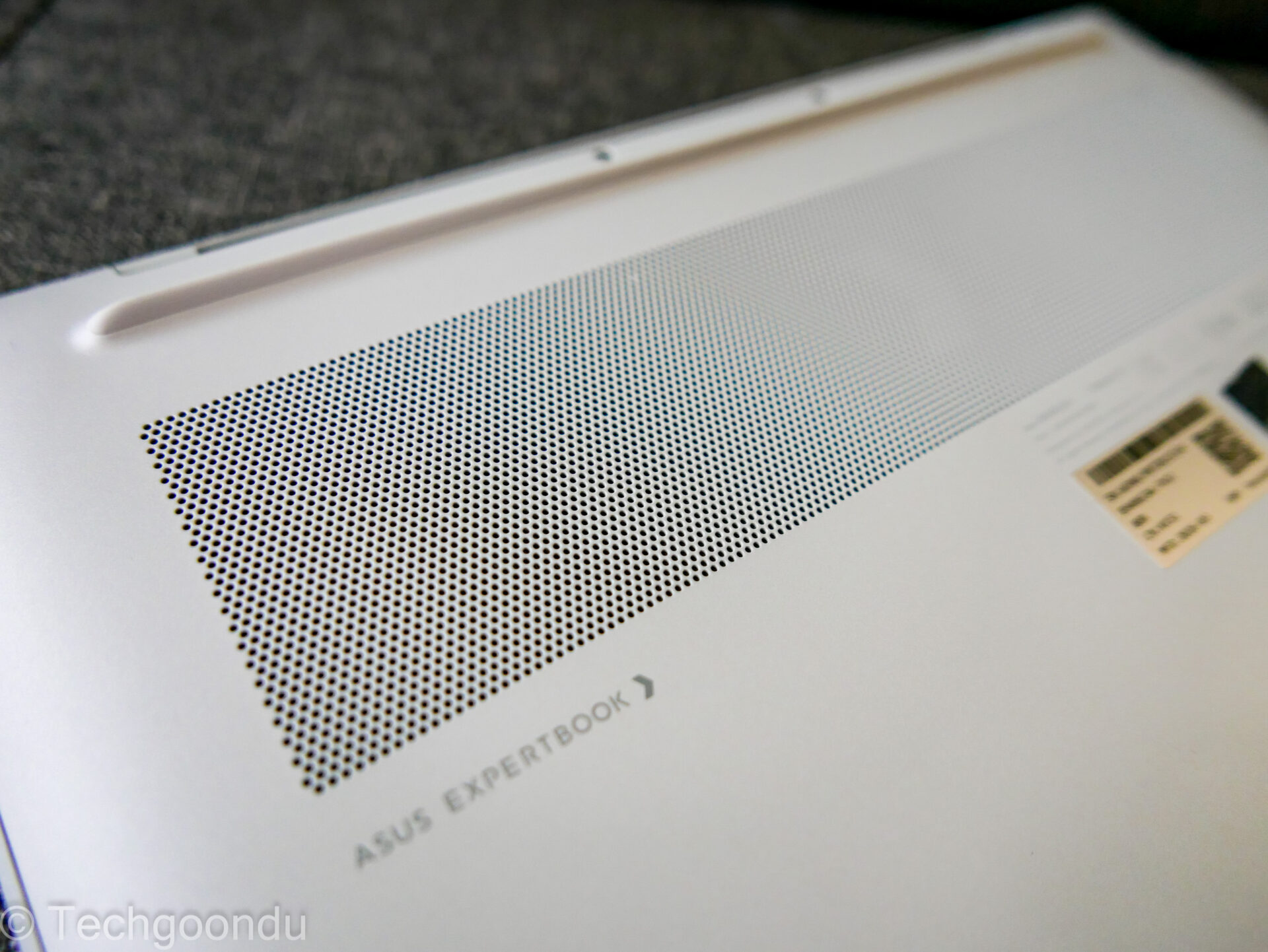
The magic to this is really in the engineering of the airflow. The Intel B390 graphics chips run hot – I’ve tested several of them – and in the ExpertBook Ultra, the heat is effectively channelled away from where your hands are.
Yes, the top part near the screen, where the heat exhausts, is pretty warm, but I’d much prefer this to, say, the MSI laptop that is too hot to touch.
For the ExpertBook Ultra, the palm rest and keyboard are only slightly warm even when the graphics chip is running at full throttle. Asus’ heatsink fan design, comprising a couple of fans and large heatsink fins, is key here.
There’s a fan spinning, you hear, but it’s nowhere near the loud turbine you’d expect from pushing out so much heat. This is quite a feat by Asus.
To power everything up, the new laptop has a beefy 70Wh battery that is larger than many rivals like the ThinkPad X1 Carbon Gen 13’s 57Wh power pack.
I didn’t attempt to drain the Asus laptop’s battery this time, but from earlier tests on the same Intel chip, you can be certain this is one laptop that’d last more than your usual eight to 10 hours in the office.
If you use the ExpertBook Ultra for a couple of weeks, it’s clear Asus has thrown in the kitchen sink into this laptop to win over business users. It’s pretty as well as practical.
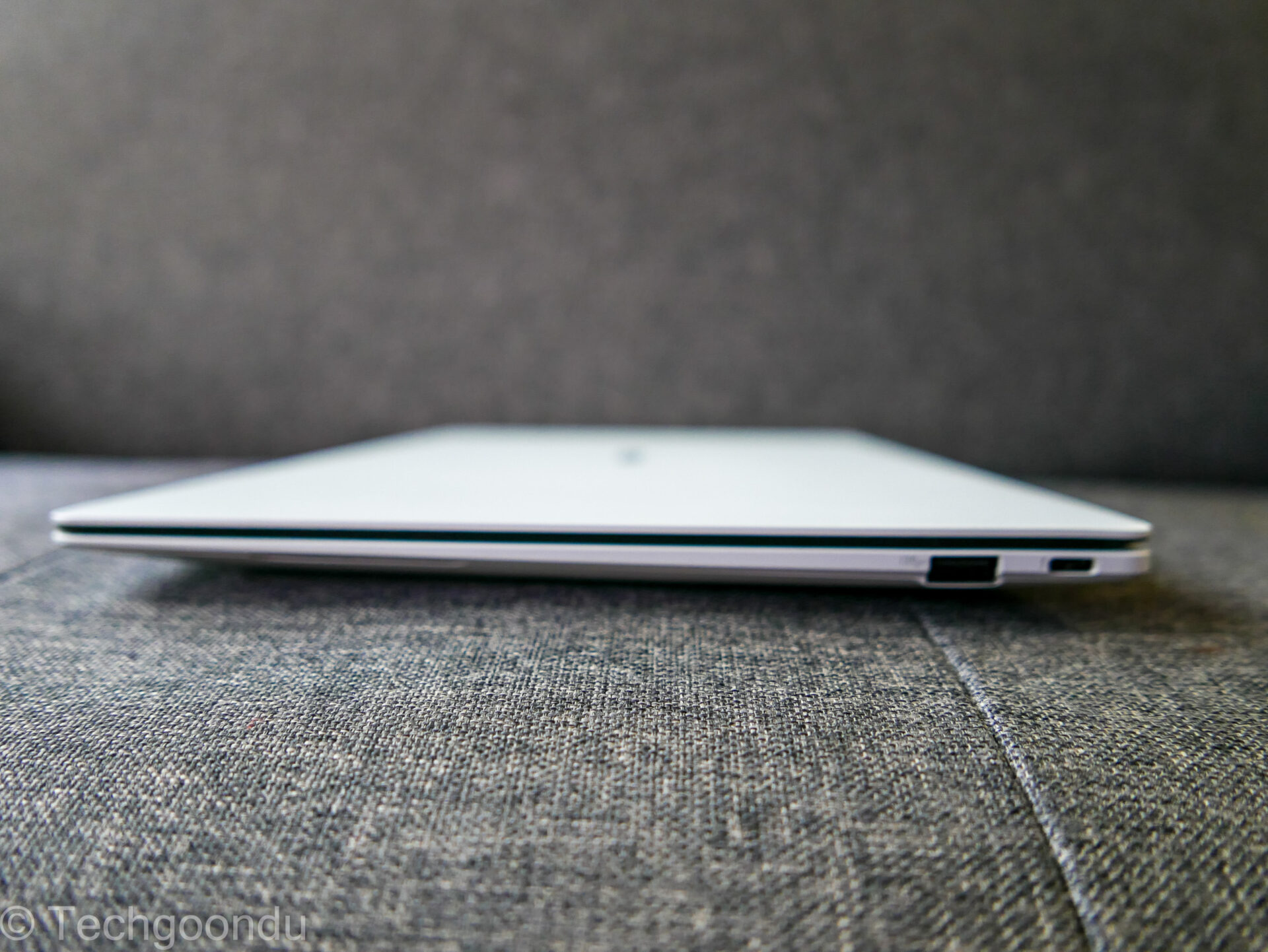
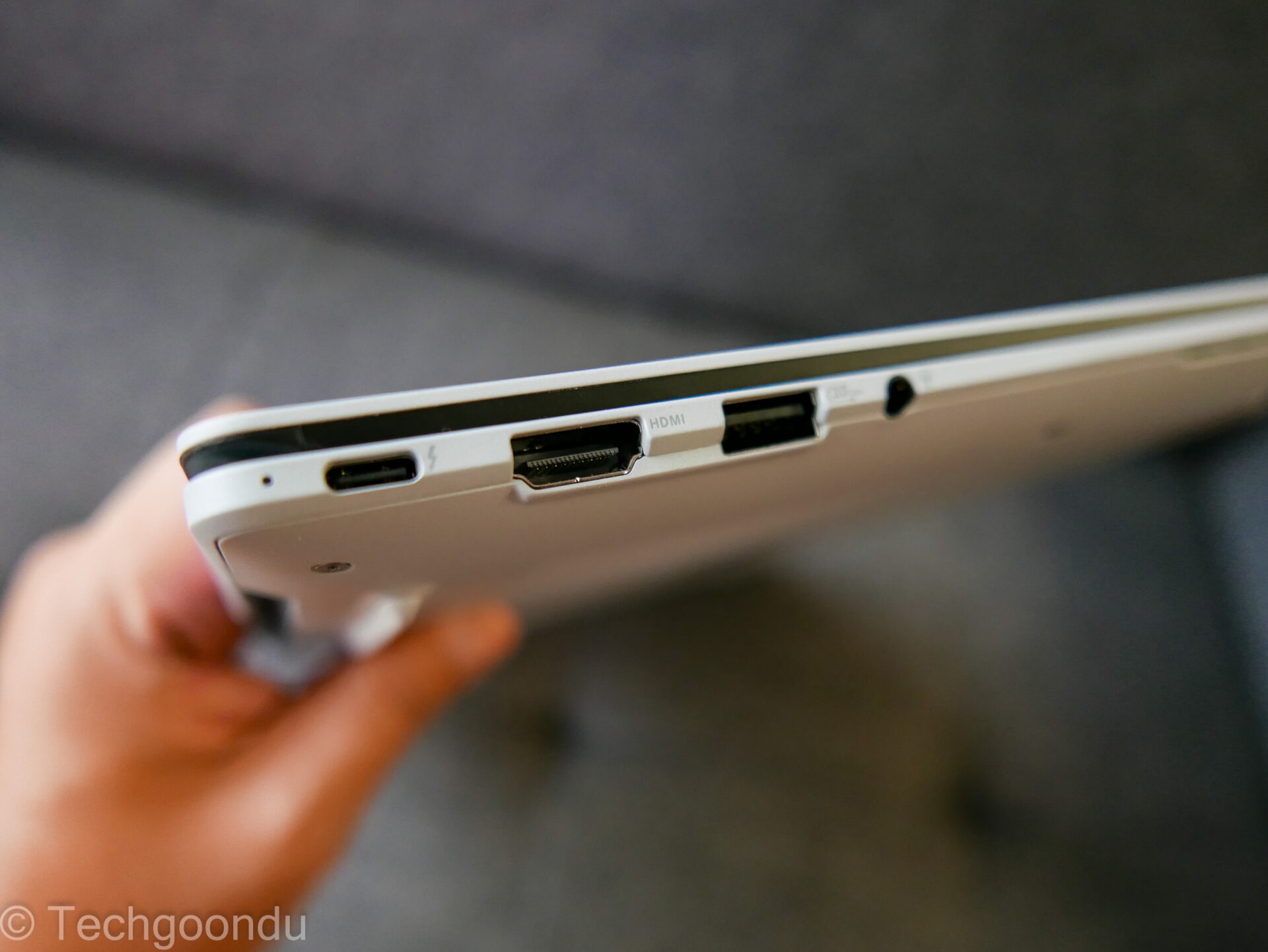
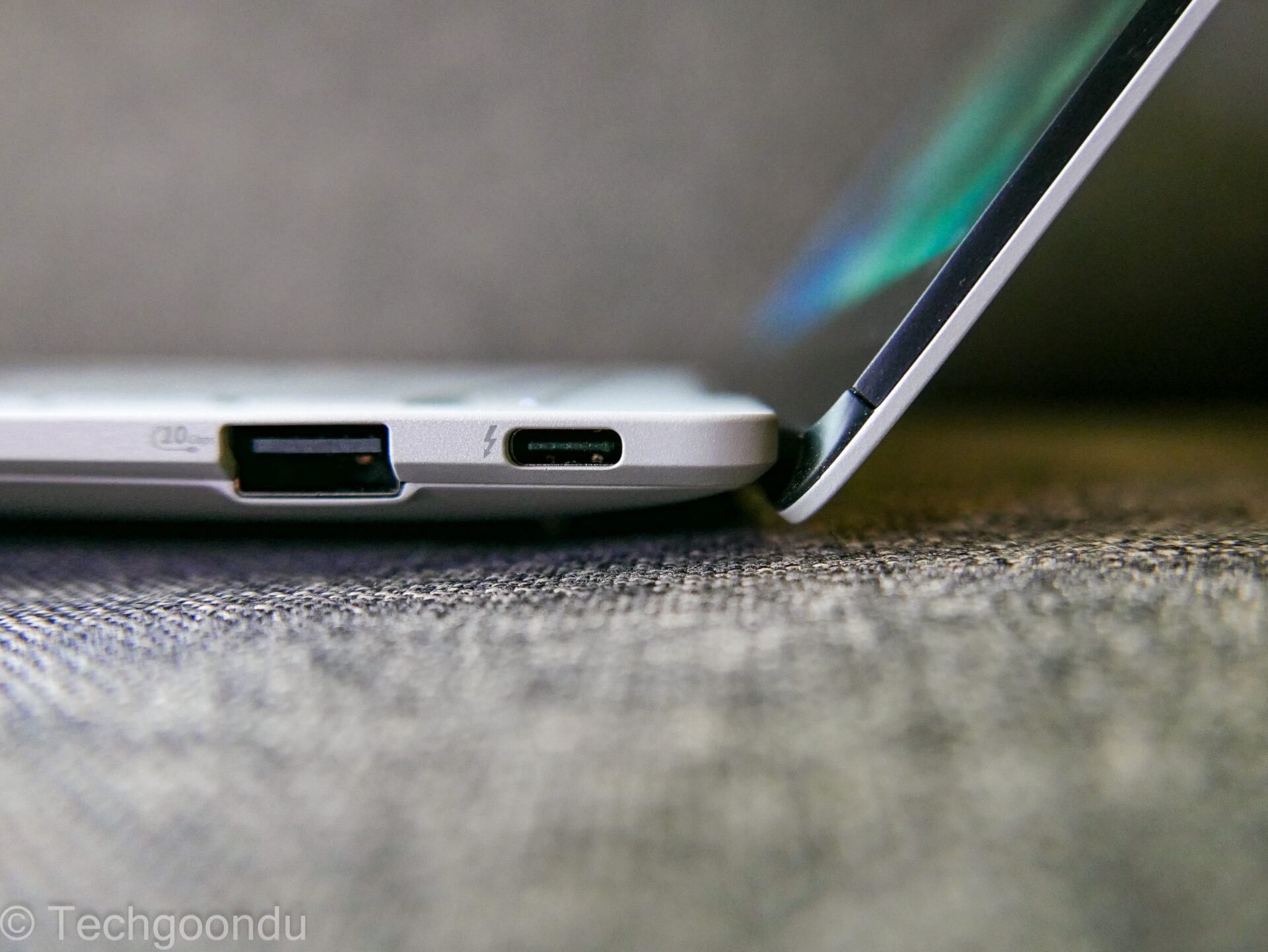
There are full-sized ports for plugging in stuff. On the sides, you’d find both USB-C and USB-A ports for flash drives or monitors, as well as an HDMI 2.1 port for screens or projectors.
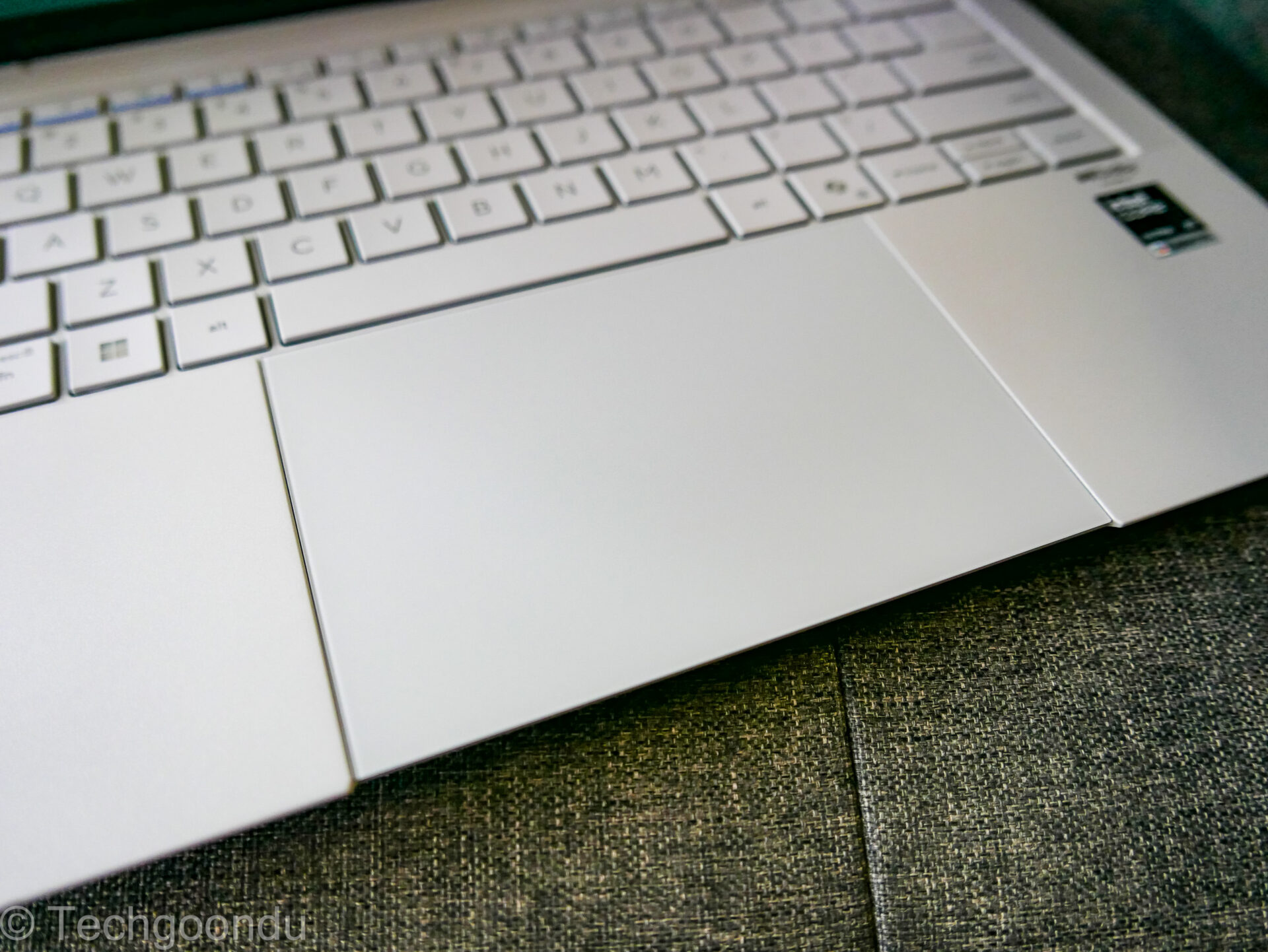
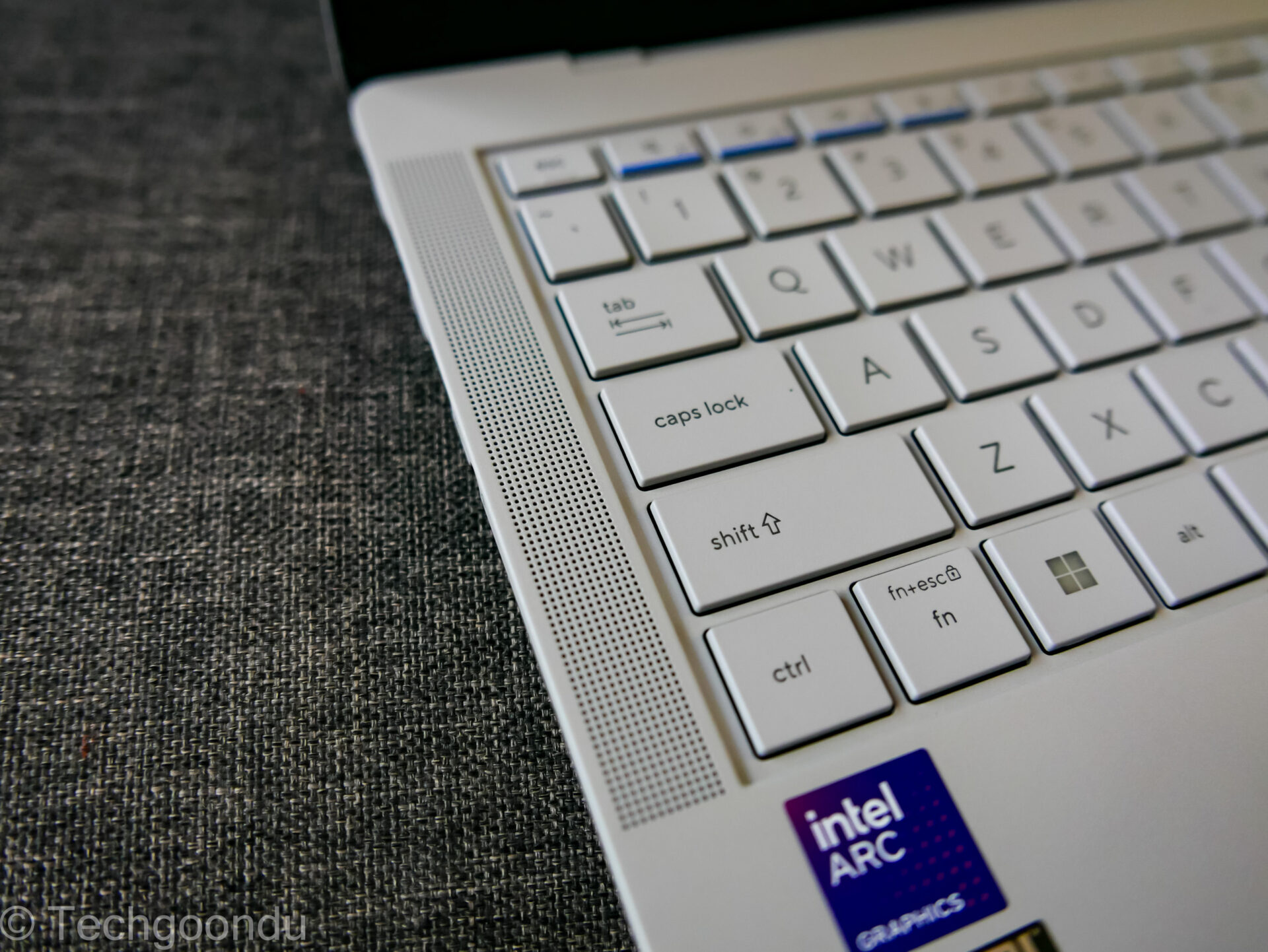
The keyboard has great tactile feel, thanks to a long key travel of 1.5mm. There’s even a slight “dish” design to match the shape of your fingers – not as pronounced as on the ThinkPad X1 Carbon, but decent.
To be sure, Asus has made a great keyboard to type on, which you can’t say about many thin-and-light machines that focus too much on a skinny design and sacrifice comfort.
Just as important is the large haptic touchpad on the Asus laptop, which is responsive and easy to access. Again, this is a handy feature that is not compromised to shed weight.
Don’t forget about audio, either. Here, Asus has also thrown in no fewer than six speakers, including tweeters and woofers driven by two Class D amps.
Dolby Atmos is supported as well, though I’d say the speakers work great but aren’t the most impressive as the rest of the machine, which are class-leading. With sound, there’s just no overcoming physics in a small machine.
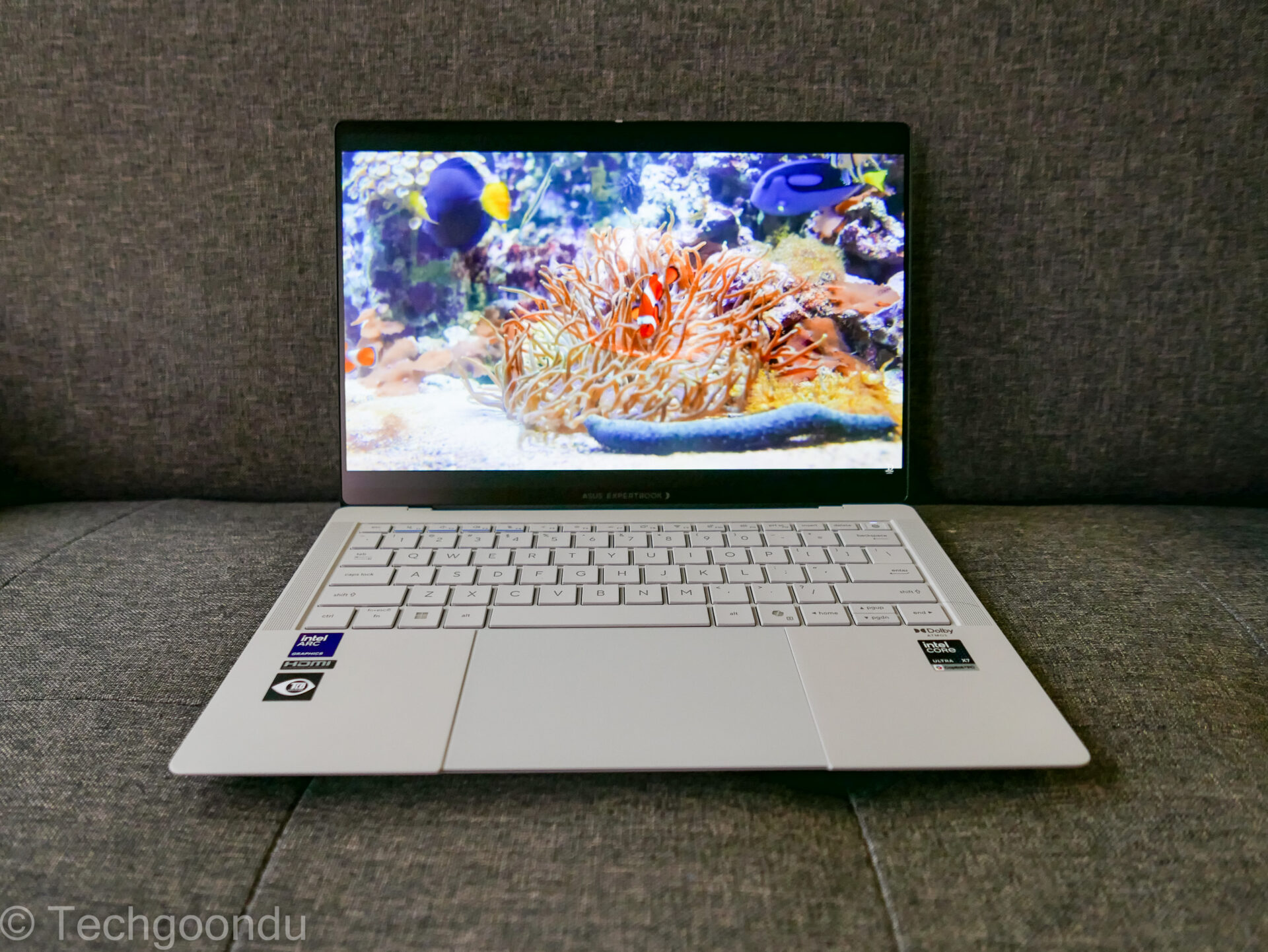
For the other features, however, Asus has done an excellent job with the ExpertBook Ultra. It has managed to bring such great performance on a lightweight design.
With a great design, high performance and extreme durability, this machine is a solid challenger to any ultraportable business laptop.
So, as you’d expect, Asus is also asking for top dollar for the ExpertBook Ultra in Singapore.
Prices start from S$3,099 for version with an Intel Core Ultra 5 with slower graphics and go up to S$5,099 for a version with a Core Ultra X7 and 1TB SSD. All of them come with 32GB in Singapore.
So, for my review unit, which isn’t sold in its configuration here, you’d expect to pay just under S$5,000, which is a grand sum even without the mad memory and SSD prices today.
Indeed, price is the only thing that holds back the Asus ExpertBook Ultra from an unreserved recommendation as a Techgoondu Editor’s Choice.
Even for a great laptop that leads the pack, S$5,000 is a lot of money to spend. It’s for companies with big budgets.
CORRECTION at 1:10pm at June 16, 2026: An earlier version of the article included benchmark scores for the game Cyberpunk 2077, which were incorrectly reported. They have since been removed from the review. We are sorry for the error.