The Asus Zenbook Duo never fails to catch the eye with its dual screens and this year’s model with Intel’s latest processors ups the performance further for folks who can afford this one-of-a-kind laptop.
The S$3,999 portable PC opens up like a clamshell notebook except that both sides of the fold are excellent 14-inch OLED 3K touchscreens that are pretty handy on the go.
This is like having two high-resolution monitors to work on anything from spreadsheets to video editing, except you can carry this 1.7kg machine around.
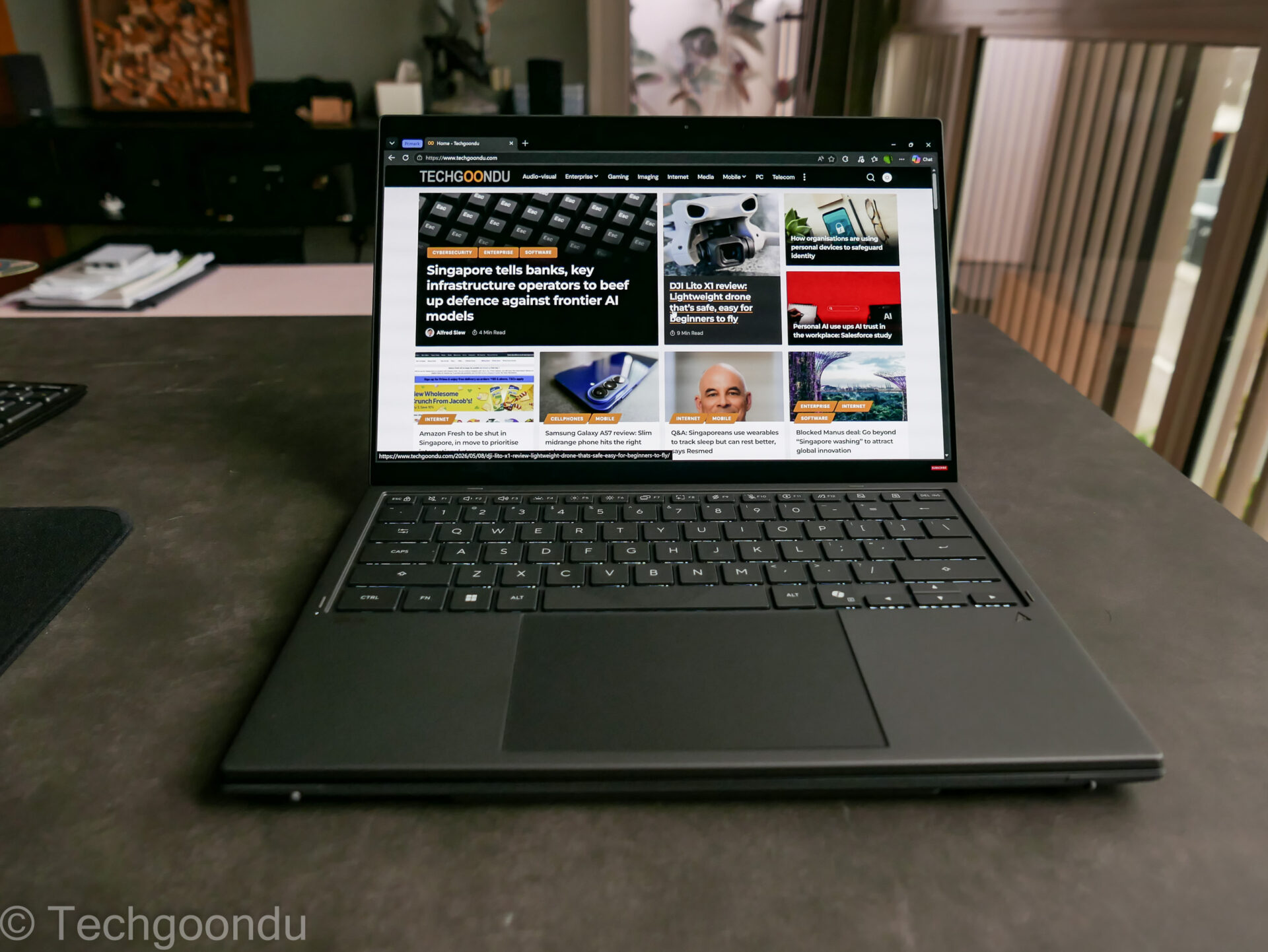
If you wish to use it like a regular laptop, just snap the included physical keyboard on the bottom screen and fire away like you usually would. Best of both worlds is the promise.
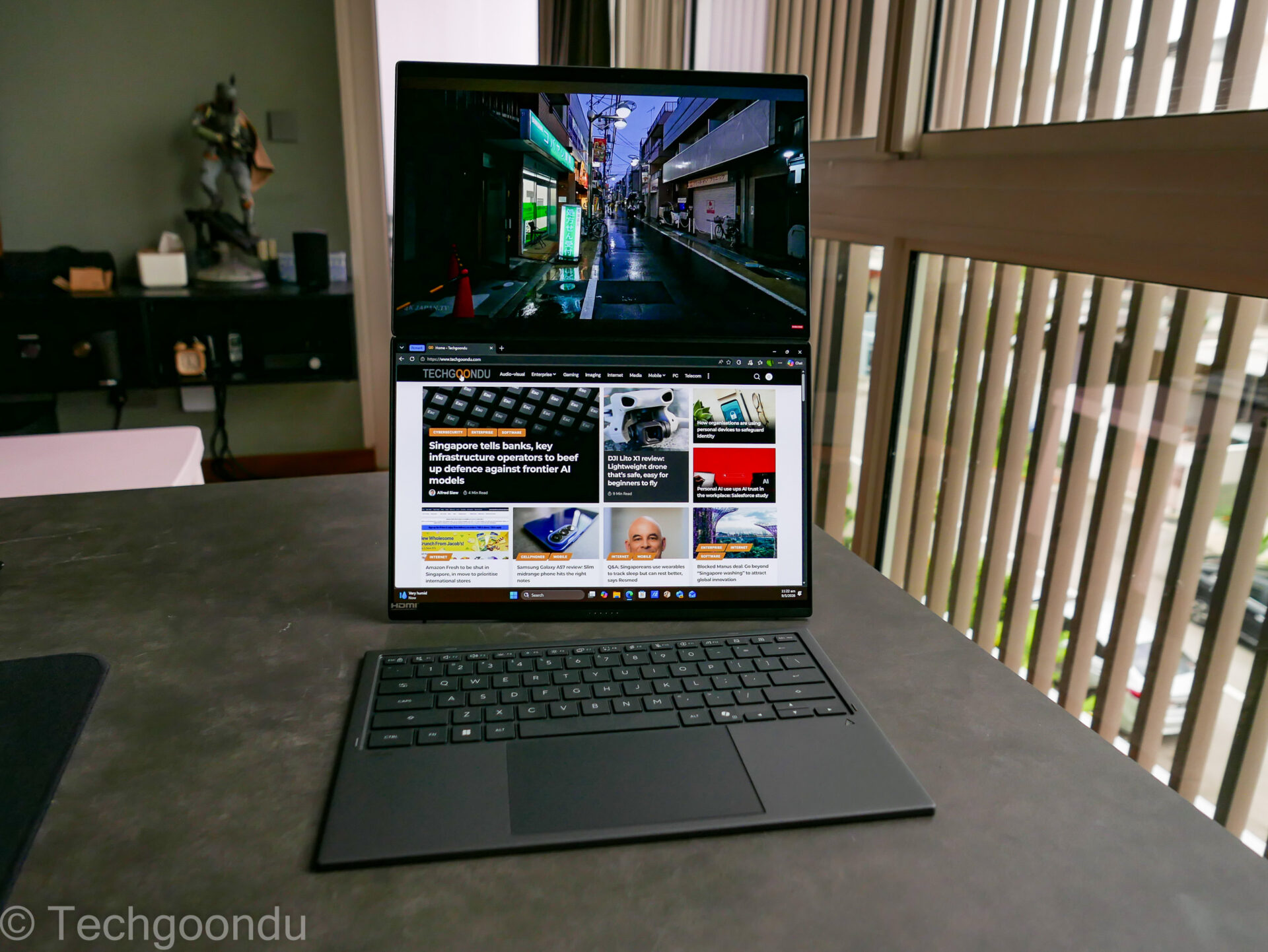
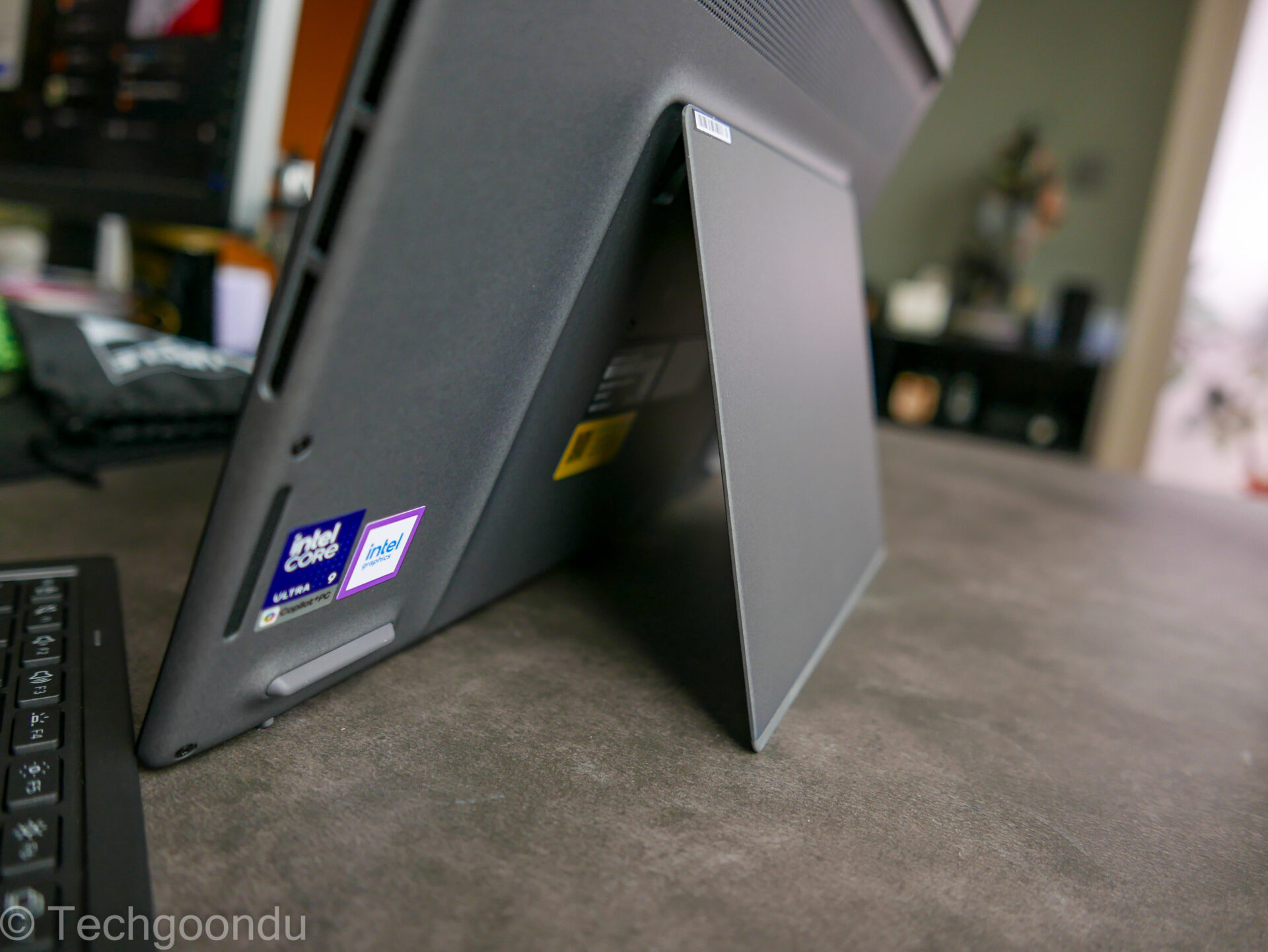
The main thing about the Asus Zenbook Duo is the additional kickstand at the back of the device that props it up with two screens stacked vertically. This takes up less desk space than if you were to connect a portable screen next to a regular laptop.
I like it that the kickstand can be adjusted to your preference, so the angle of tilt for both screens can be customised to your liking. Totally flat or angled to face you? Your choice.
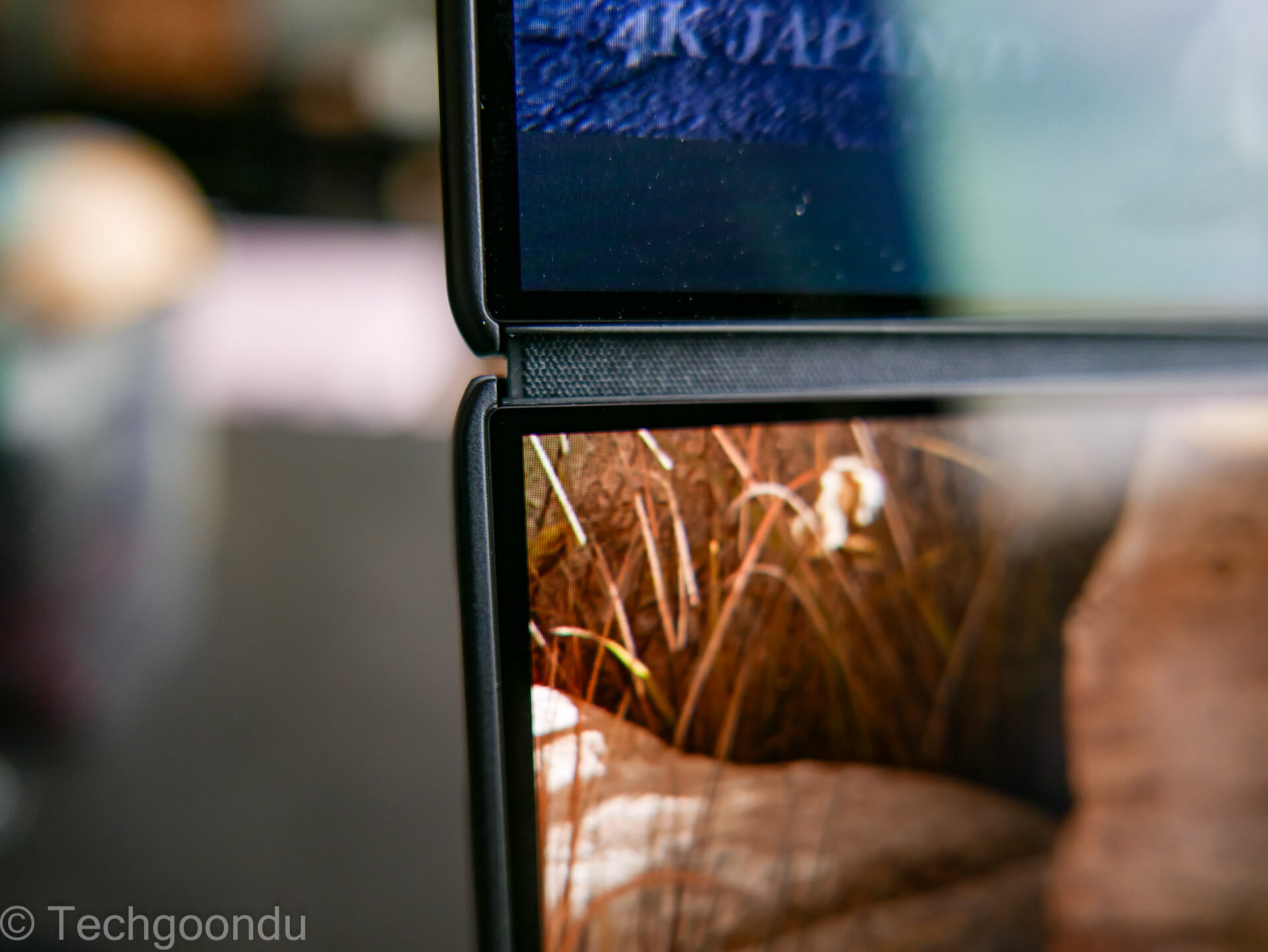
What’s new in this year’s dual-screen version is a hinge that makes the space between the screens less obvious. Asus says the gap is 70 per cent less than before, which means a seamless experience when you stare at the two displays in front of you.
If the thin and light structure worries you, don’t be scared. The Taiwanese PC maker says it has applied as much as 5kg of force onto the OLED screens and the hinges can hold up to 15kg of weight. So, no the machine won’t fall off on its own.
This setup is great for, say, video calls. You can have one large screen to see everyone in a Zoom call, while the second lets you explore a deck or spreadsheet shared by others.
If you’ve ever tried to multitask like this on a 13.3-inch laptop, you’d know you’ll have to keep switching windows and zooming in and out on some PowerPoint decks. Not if you have two 14-inch screens, like the Asua Zenbook Duo.
Two screens are also great for editing videos on the go. If you have footage from a drone to edit, for example, you can be doing some heavy lifting with the Asus Zenbook Duo.
One screen would be the workspace for managing and cutting clips or overlaying audio while the other can be the preview screen. Niftier than switching windows constantly.
Speaking of the screens, these are top-notch displays. Showing off OLED’s trademark contrast and smooth motion (thanks to the 144Hz refresh rate), they are also said to be brighter this year than before.
Certainly, in my bright study room, I have no issue watching videos or reading text off websites and documents. There’s minimal reflection too, thanks to a coating that reduces that.
Asus has been making similar dual-screen laptops for a few years now so it’s obviously got a following. What I’ve always been impressed with is the amount of engineering and thought involved.
While most people will get by with a small ultraportable laptop for everyday work like e-mail and social media, Asus’ dual-screen setup should be handy for those who want to do more on the road.
Though this setup with the additional screen is slightly thicker than the usual ultraportable today, it’s not ridiculously so. The slim bezels around the screens also mean that the new Asus laptop is compact enough to slip into a bag easily.
Performance-wise, it helps that the 2026 model (UX8407) comes with Intel’s souped-up Core Ultra Series 3 chips. There are a couple of Zenbook Duo versions sold in Singapore, but my review unit sports a Core Ultra 9 386H with 32GB of memory and 1TB of solid state storage.
This means fast performance. In Geekbench 6, which tests performance in common tasks like image processing and music playback, the Asus laptop scored 2,620 for single-core performance and 15,929 for multi-core performance.
This is close to an MSI laptop we tested earlier this year, which sported an Intel Core Ultra X7 processor with a beefier graphics processing unit (GPU).
In another test for productivity performance, PCMark 10, the Zenbook Duo scored 8,369. This is again close to what you get on the MSI machine we tested earlier. Certainly, the Asus laptop is no slouch.
I also tried out some AI tests for the laptop, since it boasts a 50-TOPS neutral processing unit (NPU) that promises to do heavy lifting for tasks like image recognition and video editing.
Here, I used the Geekbench AI benchmark, which tests things like image classification, language processing and face detection.
With the Asus laptop’s NPU doing the work, it scored 4,763 (single precision), 37,246 (half precision) and 56,002 (quantised) using the OpenVino AI framework.
This is solid, if you’re thinking of running AI tasks on the laptop. It’s almost identical to what you’d find on a laptop powered by a similar Core Ultra Series 3 series PC, like the MSI laptop we had tested earlier this year.
What about graphics performance? The Core Ultra 9 386H processor is more than decent but it doesn’t pack as much as a punch as top-end versions sporting a more powerful integrated graphics processor.
In 3DMark’s Time Spy subtest, which simulates real-world games, the Asus laptop scored 3,442. This is slower than the MSI laptop we had tested earlier, which sported a Core Ultra X7 358H with a faster grahics processor.
Having said that, while the Zenbook Duo isn’t aimed at hardcore gamers, you certainly can fire up a less-demanding game on the go.
With so much packed in, it’s a good thing that Asus has packed in a 99-watt-hour battery. This is a lot more than the 55Wh unit on my 14-inch Lenovo ThinkPad X9 ultraportable.
With its power pack and efficient Intel processor, Asus promises more than 18 hours of battery life, which is enough for most workdays where you actually have some sleep.
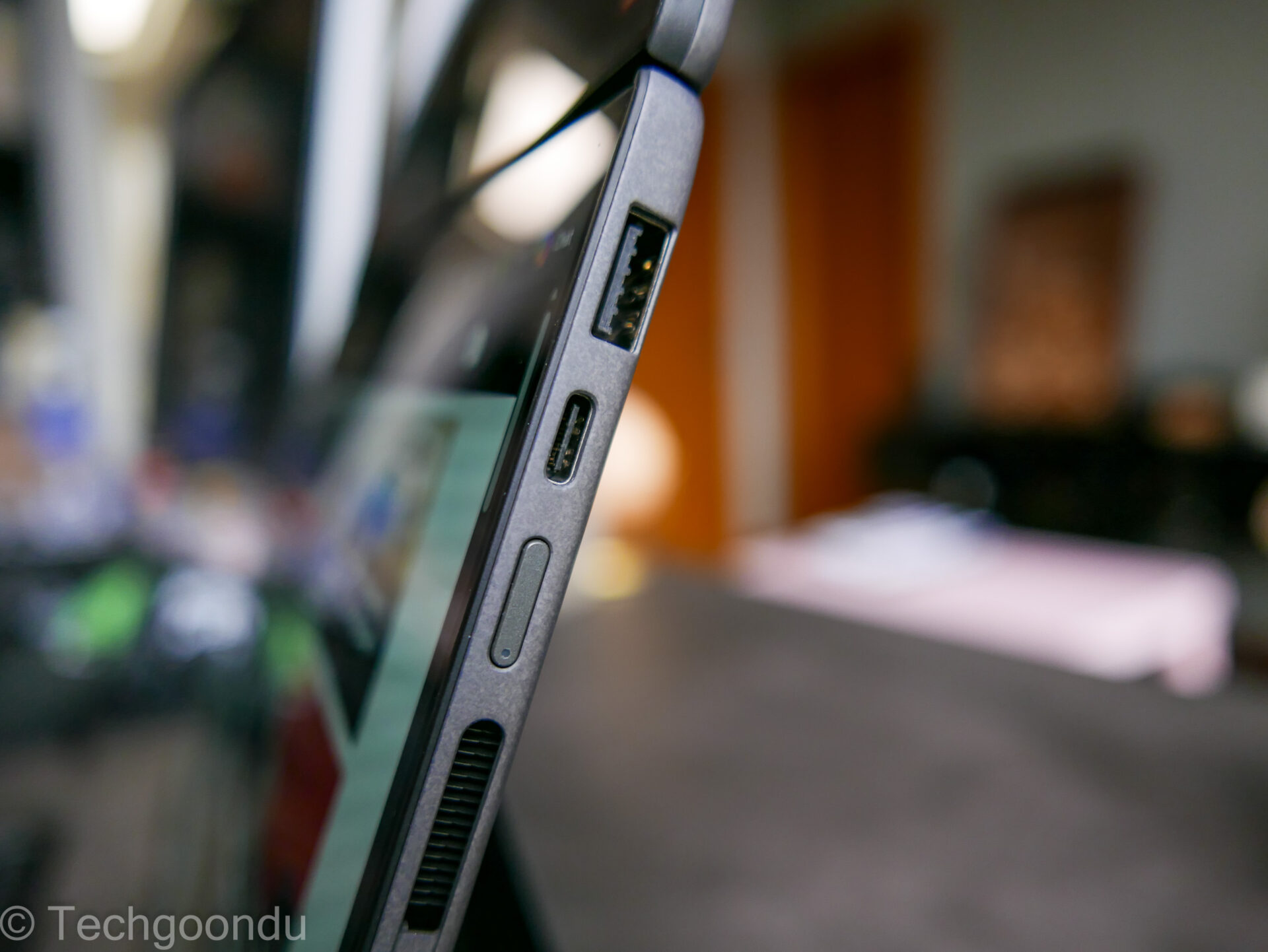
I’m really surprised how much the PC maker has managed to pack into the Zenbook Duo. On the sides of the laptop, there are two USB-C ports supporting Thunderbolt 4 for fast connections, plus a USB-A port and an HDMI port for hooking up to external displays.
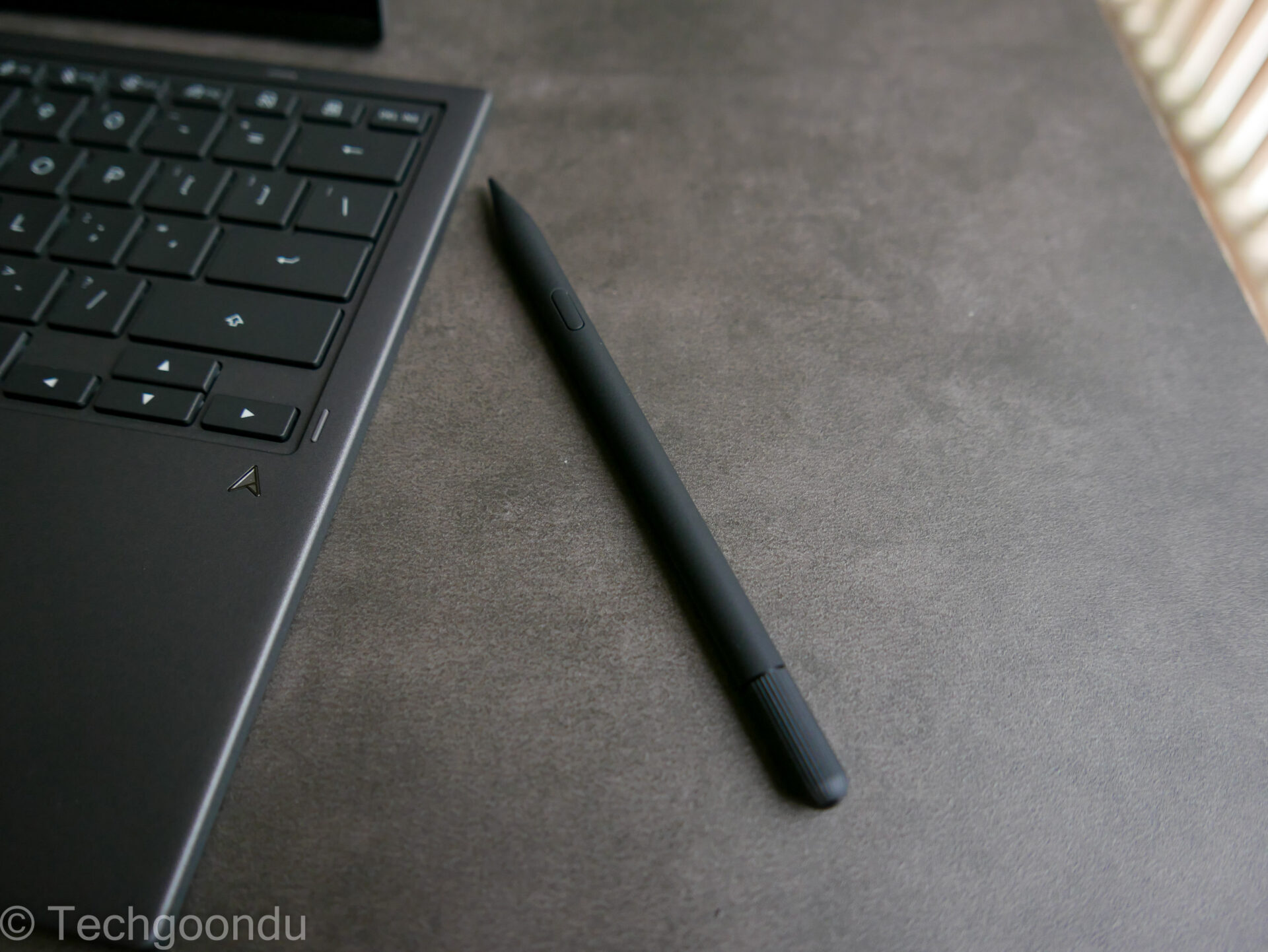
There is also a stylus, complete with its own sleek snap-on charger that you can bring along with some creative drawing or simple note-taking while on the go. It comes, like the rest of the laptop, sleekly packed in the box.
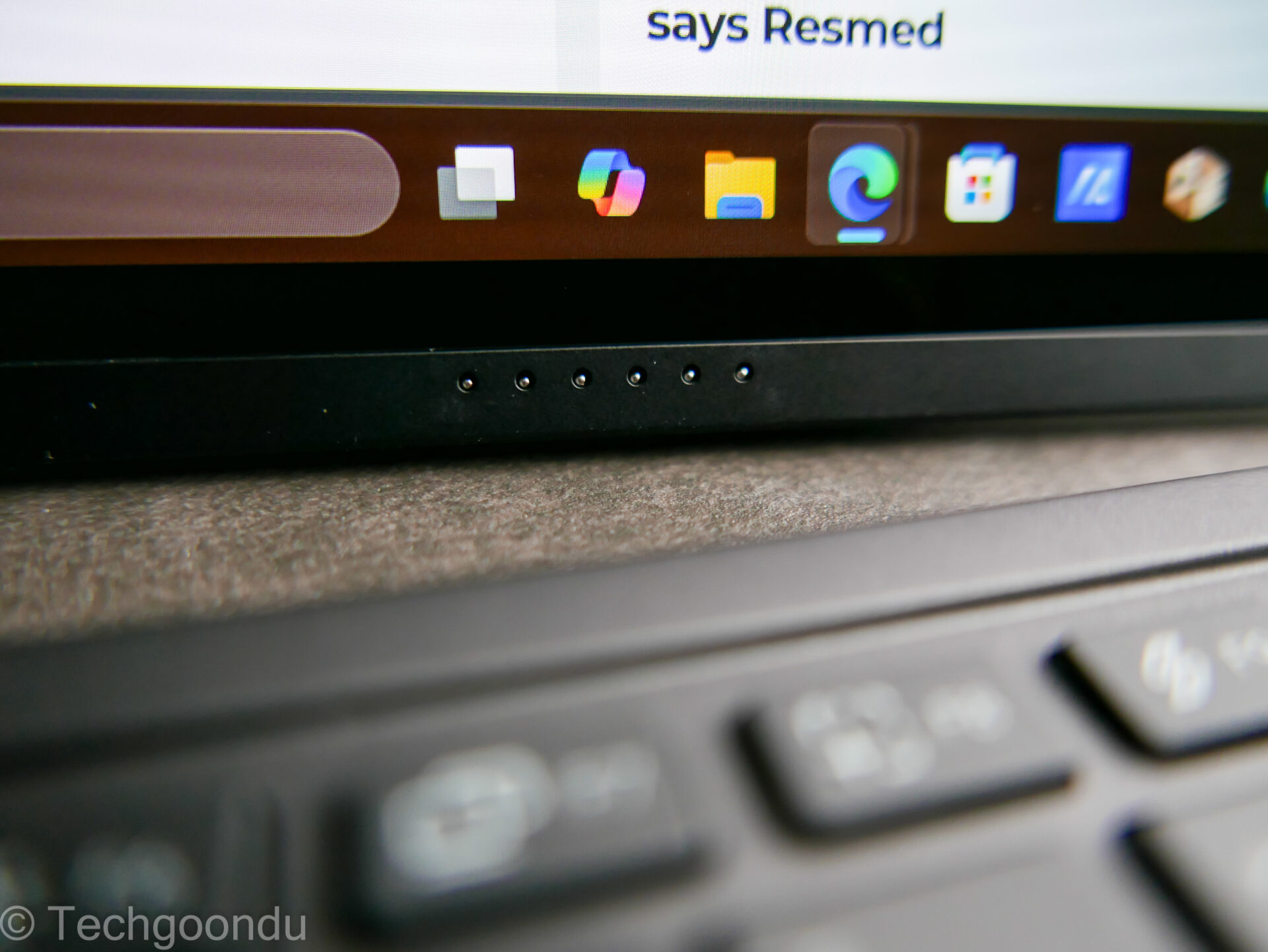
Even the speakers on the laptop, which I expect to be lousy, since this is such a thin machine machine up almost entirely of screens, are not lousy at all.
Six speakers, actually, are packed into the slim frame. When I play back videos, I can hear a good amount of detail. Heck, even some fullness in the bass, which is a surprise.
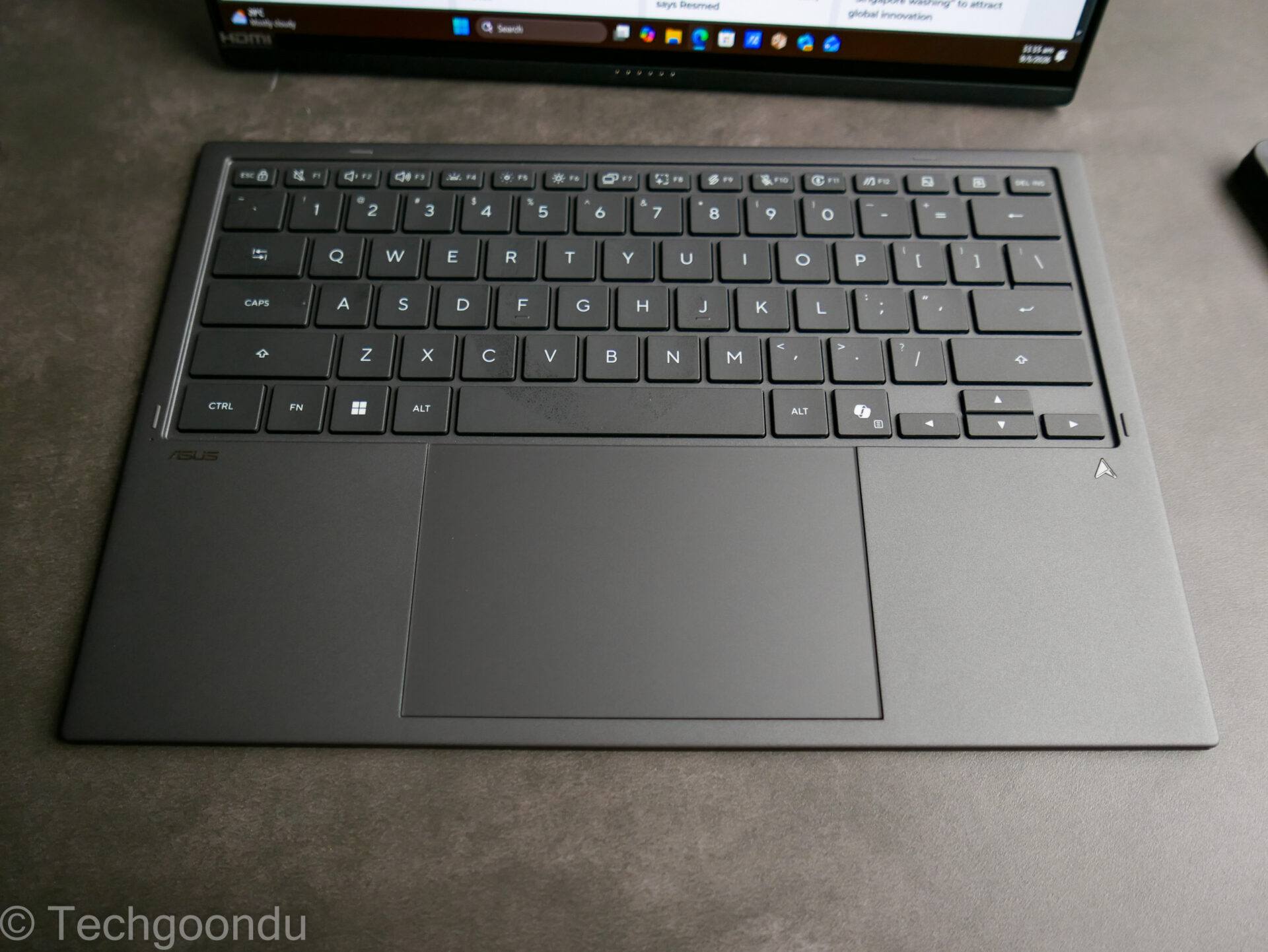
So, what are the downsides? Clearly, there have to be some compromises. The snap-on keyboard, for example, isn’t the best to type on. Being slim, it doesn’t offer the best key travel.
I also had some issues connecting it when it was detached. Only after some resetting and repairing via Bluetooth did I manage to get it to work.
That said, I’m impressed by this clearly over-engineered two-screen marvel. It’s no longer some sort of engineering curiosity because it lets you do more on the go, whether in a hotel room or an airport lounge.
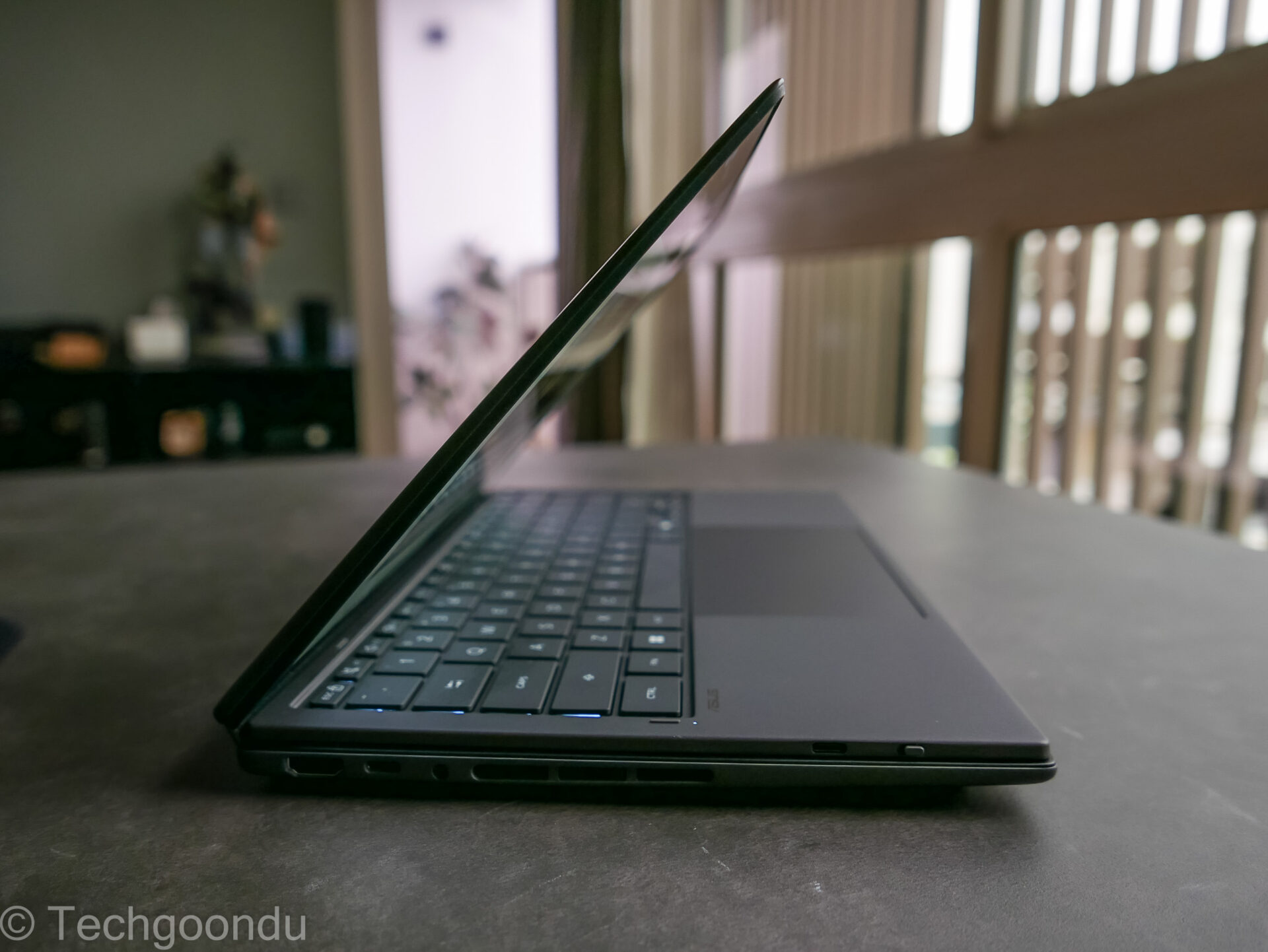
Okay, I wouldn’t flip open the whole vertical setup on a tight Economy seat since the person in front might suddenly recline their seat. But I can still use it as a regular laptop in tight spaces.
For almost S$4,000, the Asus Zenbook Duo isn’t cheap. Today’s crazy components prices don’t help, of course.
Yet, this new laptop packs in so much more with its unique design, which busy executives and creative professionals will especially appreciate. I can see them splurging on one.