When I first heard about the Razer Pro Type Ergo a couple of weeks ago, I knew I had to get my hands on this ergonomic keyboard from the gaming gear company.
After all, such ergonomic keyboards – with reverse slope and “split” or angled portions for better placement of your palms – are limited to a few options from mainstream keyboard manufacturers.
Yes, there are costly DIY options as well as some hardcore mechanical versions, but what if you wanted a simple, comfortable yet effective ergonomic keyboard that saves you from a painful neck? Well, you look out for keyboards such as the Razer Pro Type Ergo.
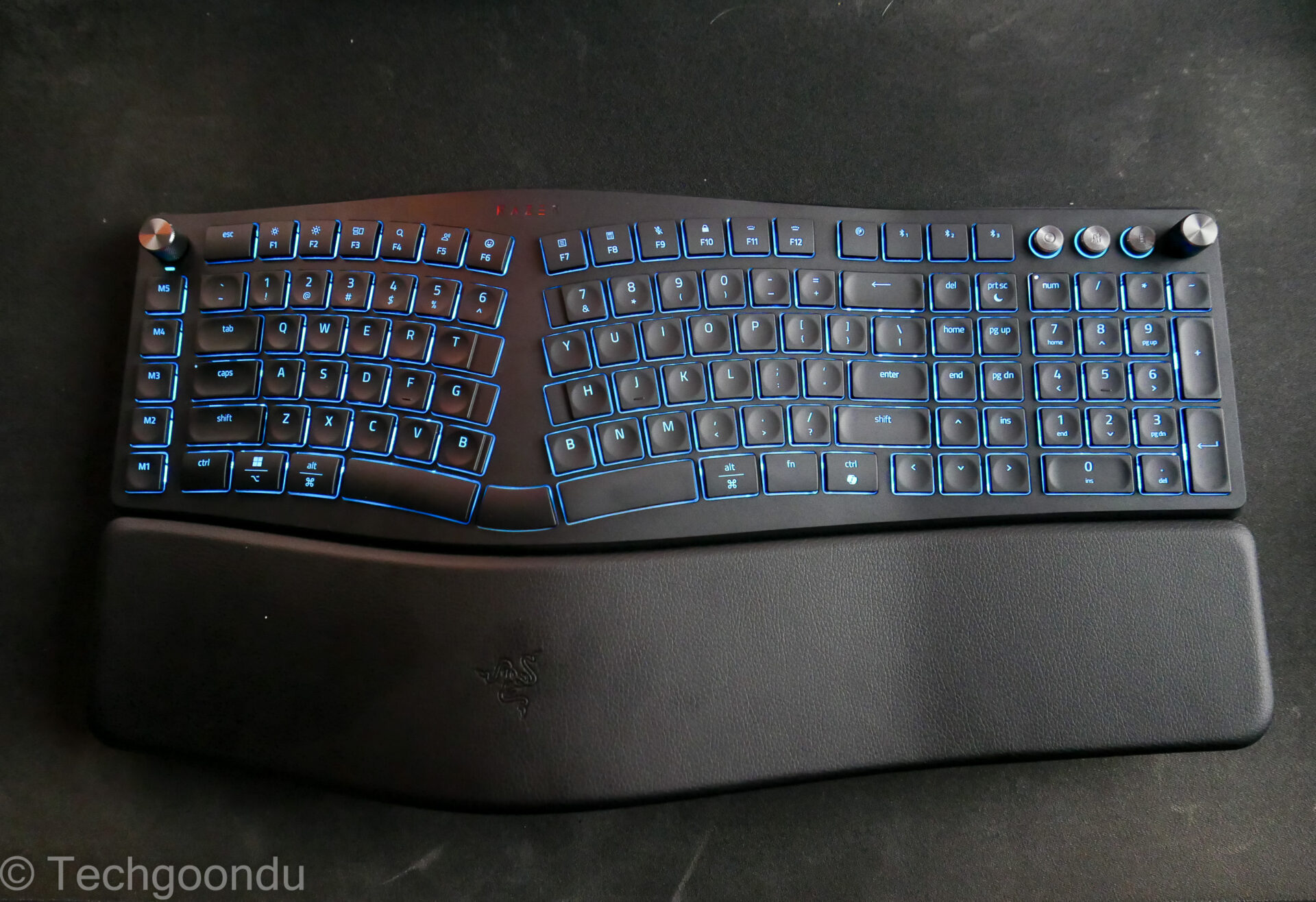
To be clear, this isn’t a mechanical keyboard, as most of Razer’s keyboard lineup are for gamers. So, don’t expect long key travel and loud clickety noises when you fire away your latest AI prompts.
Instead, Razer Pro Type Ego uses membrane-style switches, which are shallower and quiet. Fortunately, these are not the cheapo variety you find on entry-level keyboards.
The first thing that catches your gaze as you take the Razer keyboard out of the box is the large size. This is a “full fat” keyboard with the number pad integrated on the right, next to the gap/split between the left and right sides.
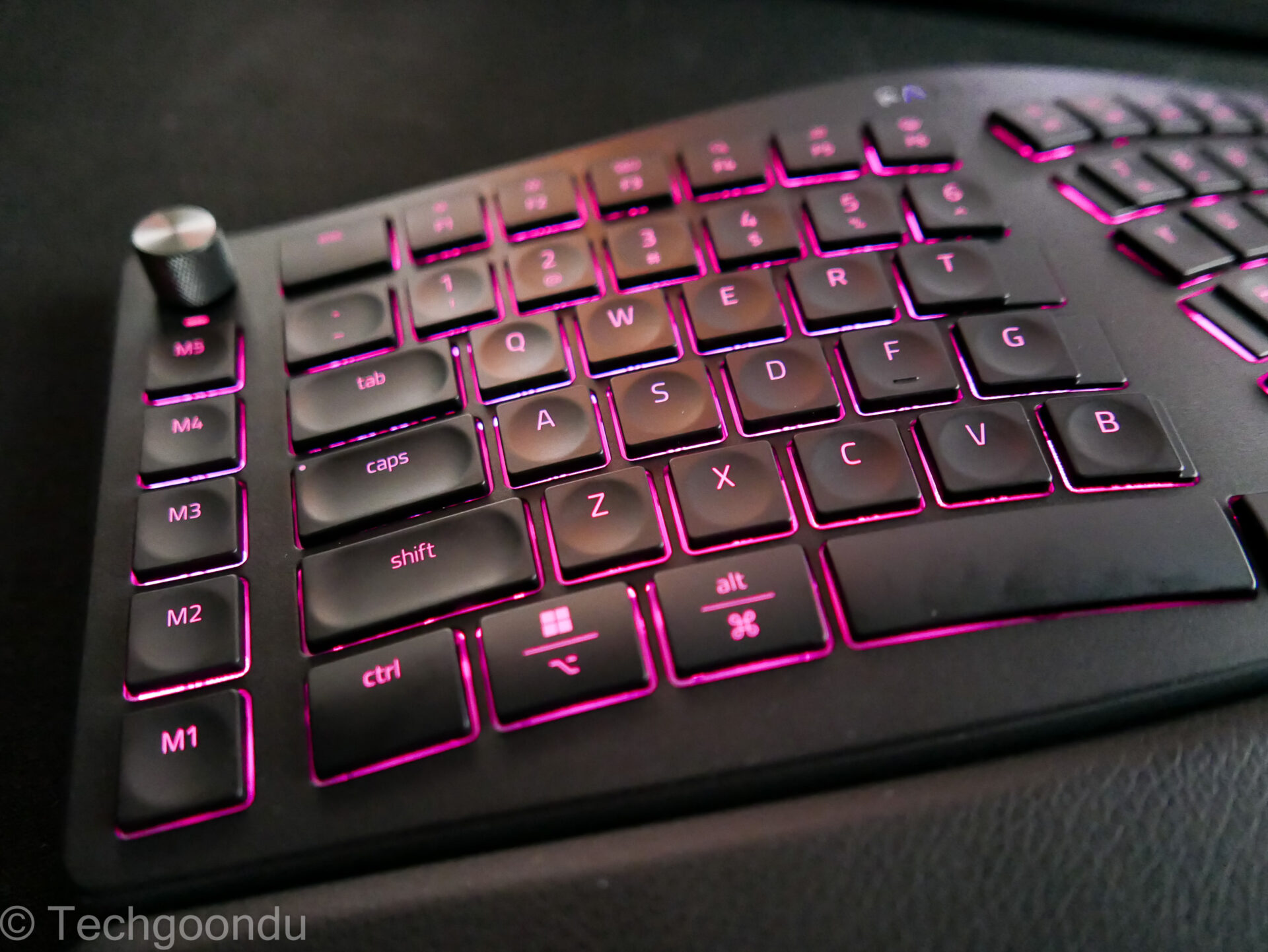
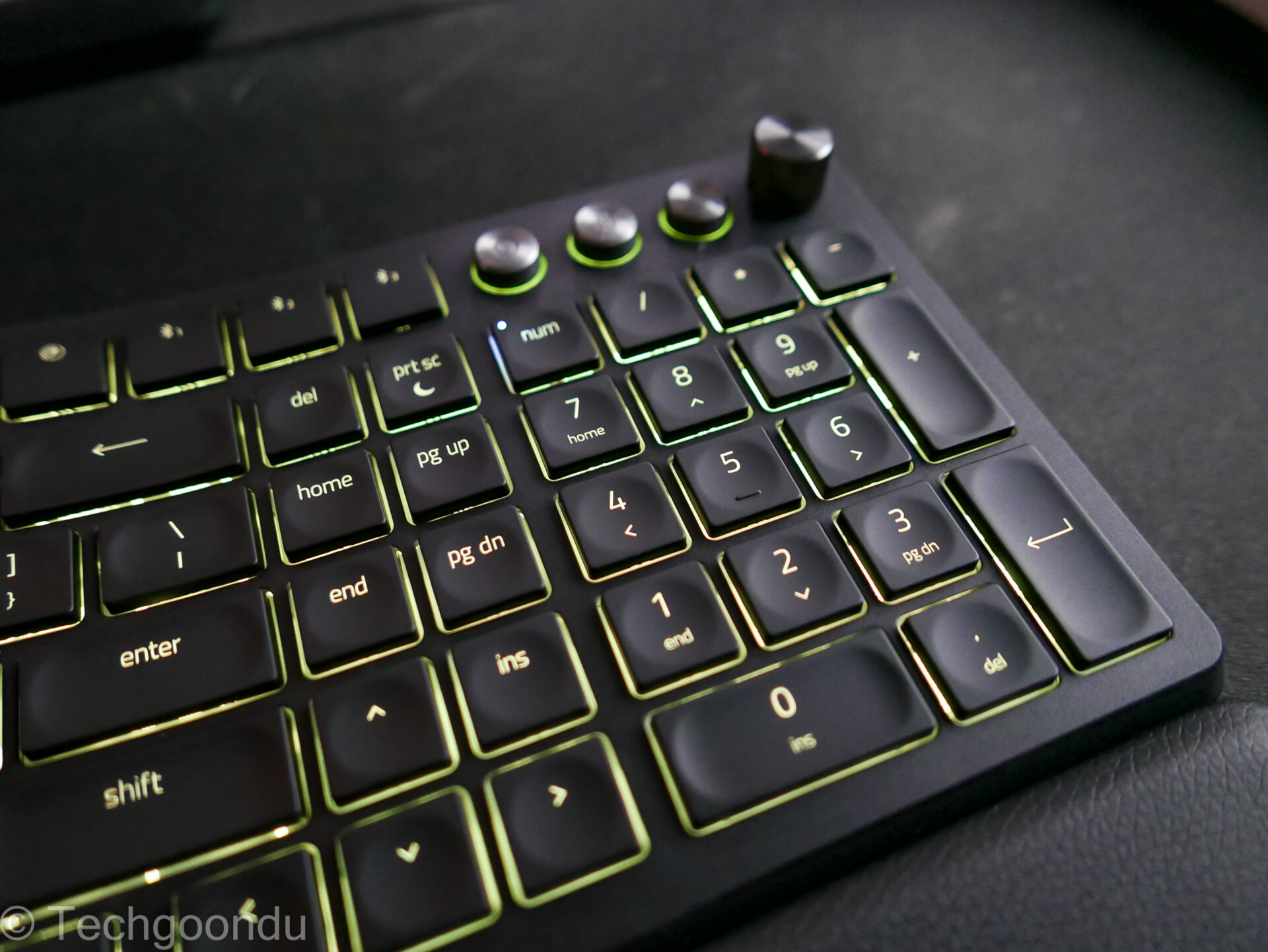
Then there is a column of five programmable keys on the left. These can be be set to give you quick access to oft-repeated tasks, like Undo or Redo in Adobe Photoshop or Microsoft Word.
There is also a generously-sized wrist rest, which is stuck on permanently and adds to the overall surface area. The “leatherette” material is firm yet doesn’t feel too hard after hours of typing.
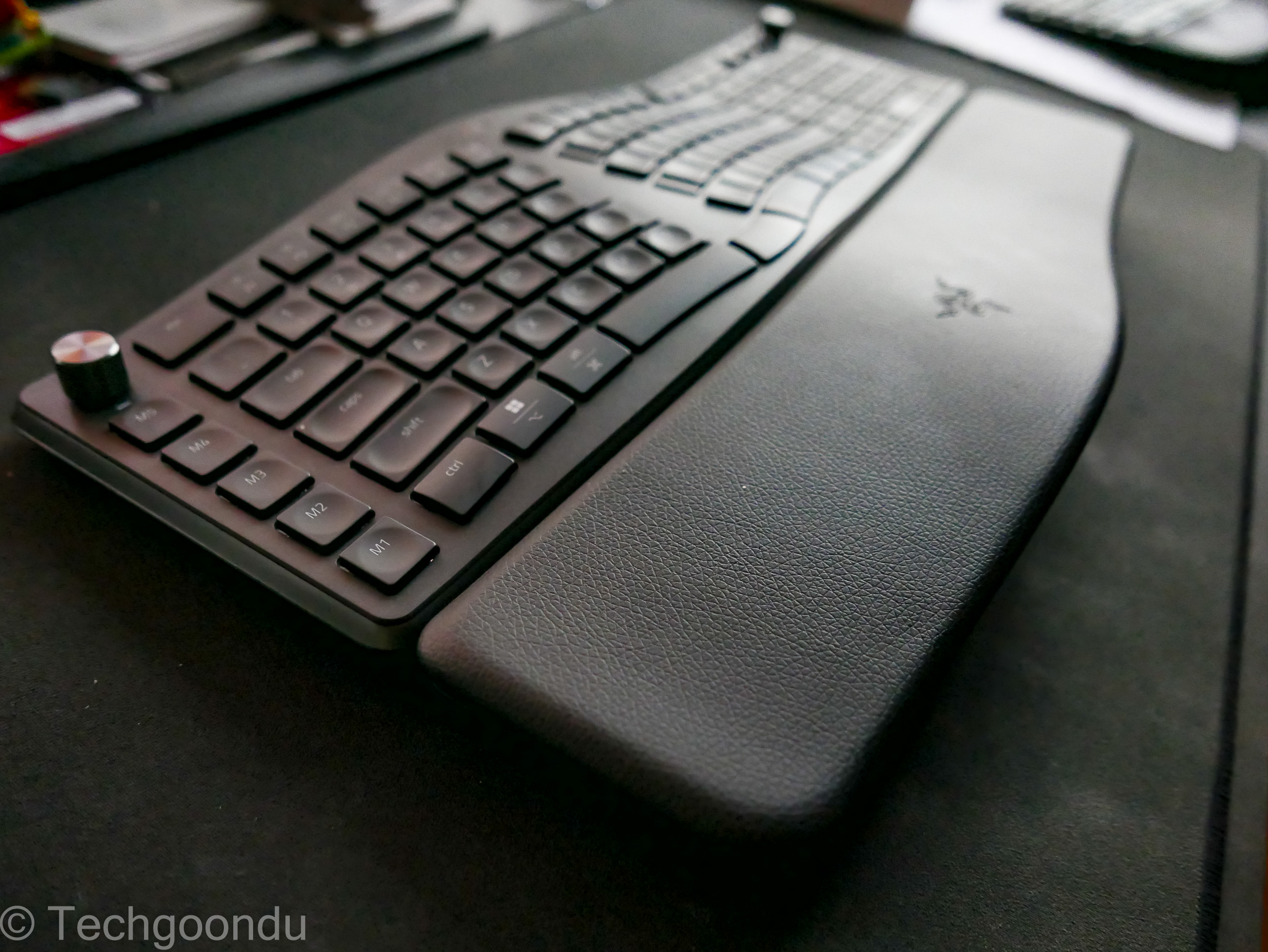
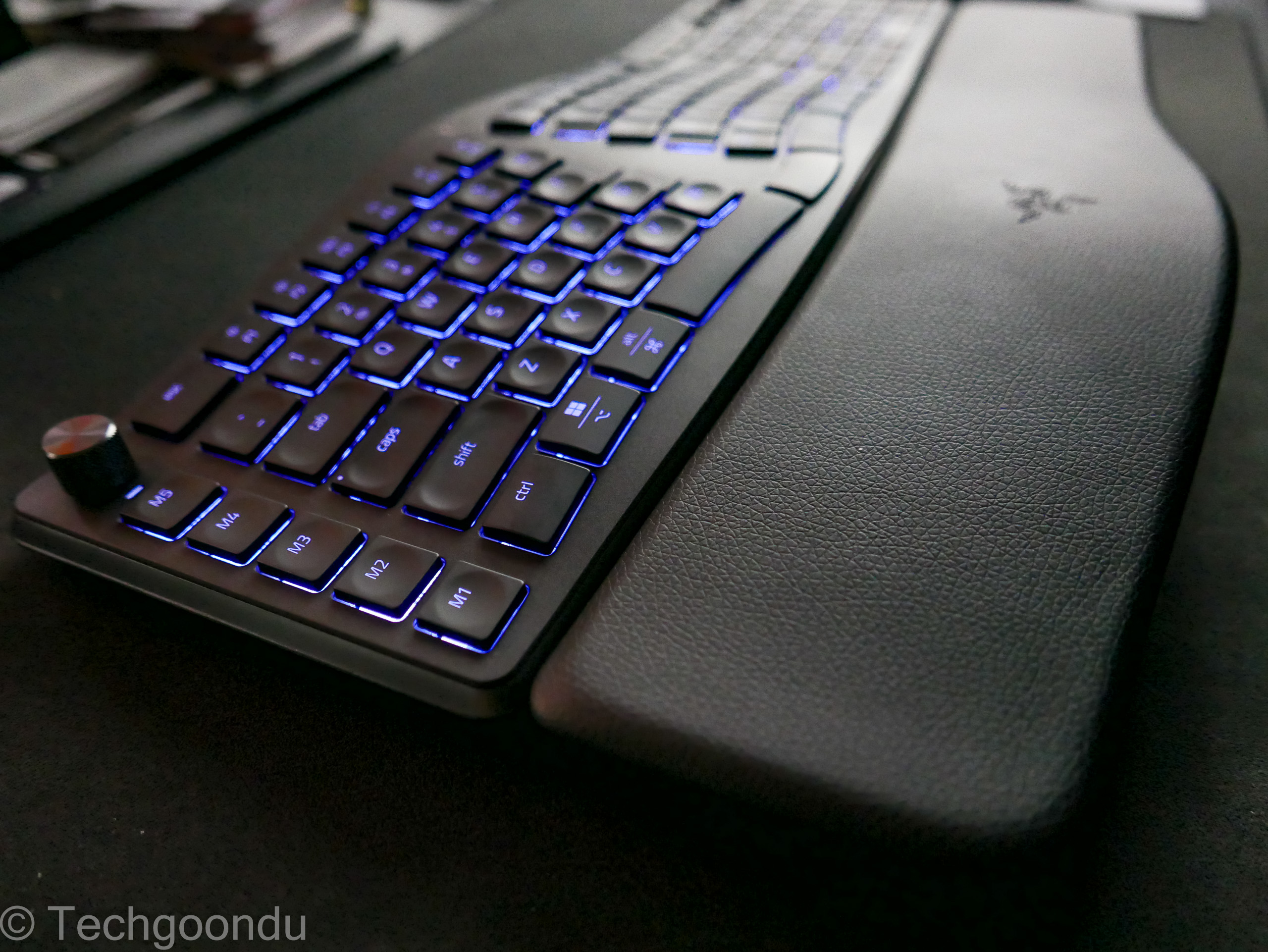
If you’re using this Razer keyboard, you’d probably need a decent-sized desk. As a user of a smaller Microsoft Sculpt Ergonomic Keyboard which has a separate number pad, I had to adapt to the bigger keyboard.
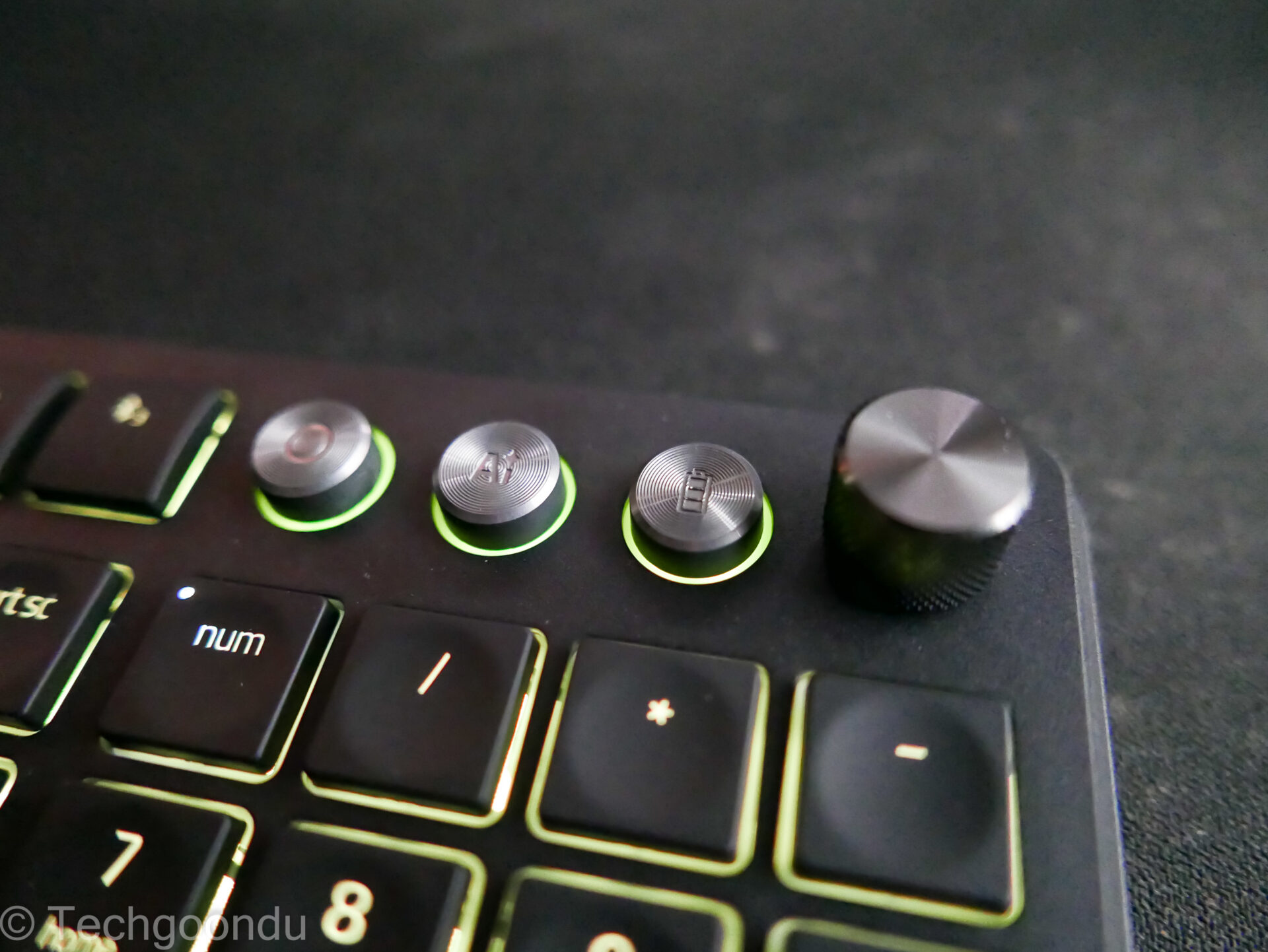
Of course, Razer wouldn’t just make a plain ergo keyboard. There are a number of hefty metallic knobs that bring the premium feel. They let you adjust the volume or switch between windows quickly, along with other customisable controls.
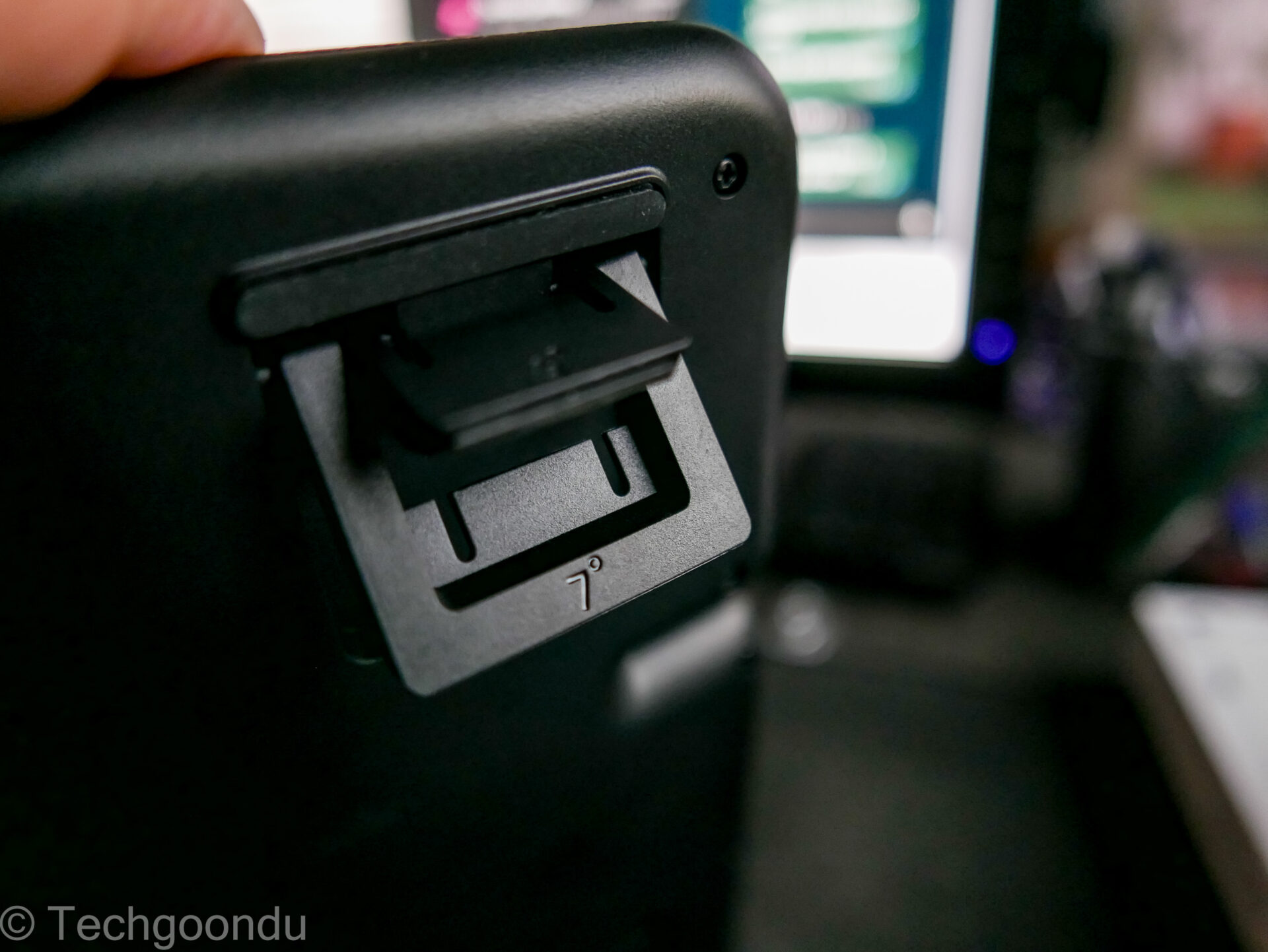
One key ergonomic feature for me is tenting, or the ability to tilt the keyboard in both directions – towards and away from you.
If you are a traditionalist, you can prop it up at an angle sloping down to you; if you’re like me, wanting to have your wrists elevated to prevent pain, you can prop up the Razer keyboard sloping down away from you.
I like it that Razer has two levels of tilt for either direction, so you can go extreme or light depending on your preference and possibly desk height.
To connect to a PC, you hook up via USB or go wireless with Razer’s 2.4GHz dongle or regular Bluetooth. Flexible options, depending on your setup.
What about the actual typing? I’d say the experience is definitely a good one, though I’d have to make some adjustments coming from my usual habits with my old tenkeyless Microsoft keyboard.
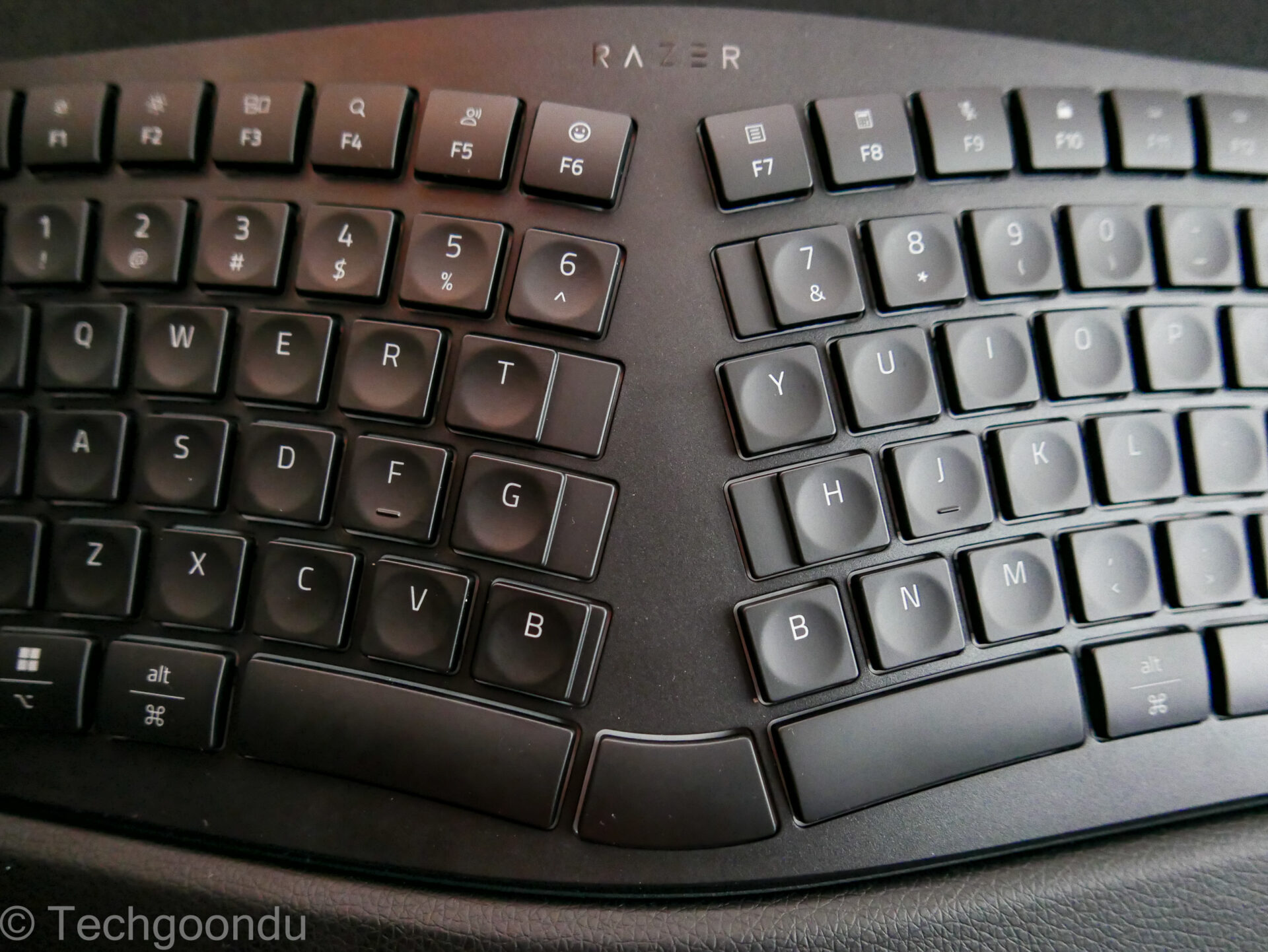
That’s because the Microsoft keyboard has elongated keys near the split – the T, G, H and N – while the Razer keyboard retains a standard size for its letter keys.
It does have two Bs – one on either side of the split – so you can adapt more quickly. The space bar also runs across the split in three portions to make it easier to transition from a regular keyboard.
I also like it that the keys are slightly indented, so you catch the keys better when you fire away quickly while touch-typing, for example.
For a membrane-switch keyboard, there is decent tactile feedback when you press down on each key. You know when you’ve hit a key.
The surface also seems to have a non-slip feel that keeps errors to a minimum. Typing this review out requires me to realign my fingers slightly from habit, but I have no complaints about the keys used by Razer here.
When it comes to comfort and user-friendliness, you can say the Razer Pro Type Ergo is easy to like once you take it out of the box.
The gentle “split” design is something that has been proven over the years, after all. It helps to keep your arms and shoulders separate enough to avoid compressing too much on your back.
Take it from someone who has had a painful impinged nerve at the back of his neck from a previous job typing on a tiny laptop: These ergo keyboards do work.
This is why I swear by my Microsoft keyboard, which has served me well over many years and is made by Incase today since there are many fans of it.
In recent years, Logitech’s wave-style ergo keyboards have also captured the attention. So, it’s about time Razer came up with the Pro Type Ergo, of course.
This being Razer, you’d have a bit of bling on too. The new keyboard comes with the company’s Chroma RGB that you can customise to your liking. It’s neat and not that intrusive, though you can turn off the lighting, if you wish.
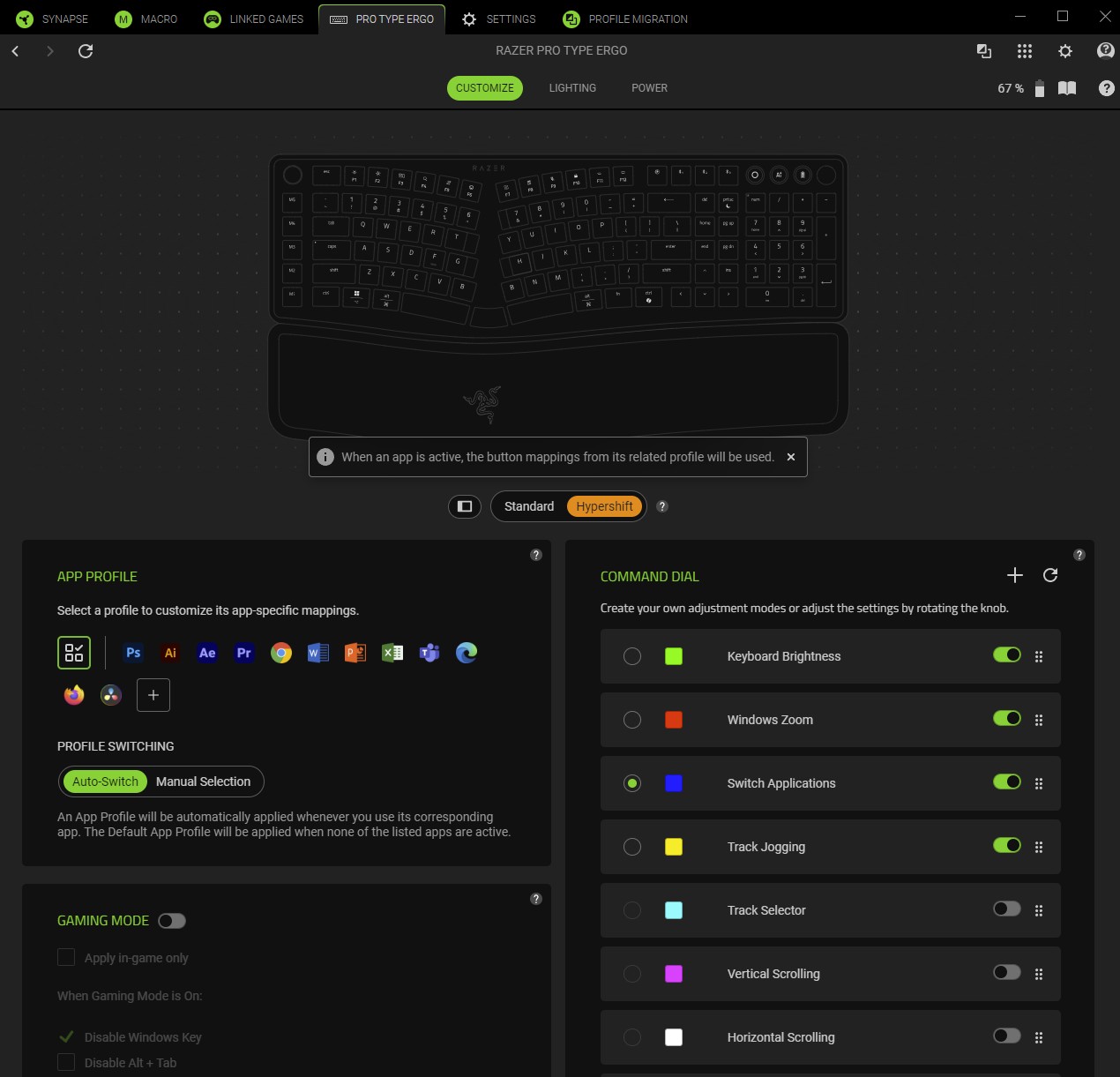
As with other Razer devices, you can also customise the new ergonomic keyboard extensively via its Synapse app.
From macros for work apps to preset actions for games, the keyboard can be set up to get you up to speed a lot faster – if you spend the time to personalise stuff.
How well does the Razer Pro Type Ergo perform in games? It’s handy, especially with anti-ghosting features that prevent missed key presses, but I wouldn’t use it as my first choice.
When I fire up my games, I usually bring out my cheaper compact mechanical keyboard. It’s hardier to stand up to the furious banging of keys, for starters
While I’m cool with membrane keyboards for typing (unlike many keyboard aficionados), I prefer a mechanical keyboard for gaming.
Does that make the S$269 Razer Pro Type Ergo too expensive? Well, it certainly is pricey but it is a step up from, say, Logitech’s Wave Keys which costs less than half the price but lacks the same premium feel.
I can see the new Pro Type Ergo’s appeal if you’re a Razer fan who has recently decided to take a break from mechanical keyboards and want a more ergonomic option.
Or perhaps you just want a large premium keyboard for work that feels like a good, old ergonomic typepad you once had before these mechanical wonders came along.