| |
|
| |
| 
It’s something that has happened to many people, even those who think they’re tech-savvy.
You’ve got an urgent conference call over Skype, so you pick up your good old Bluetooth headset, pair it with your PC or phone and think that you are all set for the call.
Then, just as you connect up over Skype, you realise there’s no sound coming from your headset. You struggle to get things going as the meeting starts, turning eventually to your PC or phone’s mic and speakers in desperation. It’s a painful hour listening to the PC speakers or pressing your phone to your ear.
The cause? Your Bluetooth headset probably doesn’t transfer the audio from the PC or phone. Or you may not have set up your PC or phone right. Here’s one way to get it fixed. …
|
|
| |
| |
|
|
| |
|
| |
| 
If you are signing up or renewing a broadband, mobile or pay-TV service these days, the questions you face can sometimes be rather daunting, given big changes – mostly positive – that have shaken up the telecom market in the past few years.
Who has the best broadband deals in Singapore? Who has the best bundled “triple play” deals with all three services packaged nicely and billed in a single envelop? And, of course, how do I switch all my plans over to one operator?
Answer these questions well and you could be on the way to substantial savings by buying wisely and also enjoy the convenience of having fewer bills from so many operators.
About four years ago, I’d have told you, if you watch live football, the choice was simple: go for StarHub, because it had the fastest (cable modem) broadband, per-second billing for its mobile services and of course, the crown jewel – English Premier League (EPL) on its cable TV channels.
But things have changed so much in the past few years that consumers are sometimes spoilt, perhaps even confused with choice.
Fibre broadband has truly given users better deals – S$39 a month for an unheard of 100Mbps, for starters. The upcoming three seasons of the EPL could well be shown on both SingTel and StarHub, and possibly even M1, thanks to Singapore’s new pay-TV rules. And let’s not forget number portability, which lets you keep your mobile number while switching telcos.
With so many changes in the past few years and more upcoming, what should you be aware of when you next sign up for those two-year contracts? Here’s a little guide, gleaned from my own experience buying these services. …
|
|
| |
| Tagged in:
broadband, Cellphones, Internet, IPTV, Pay-TV, Singapore, VOIP, diy, fibre broadband, M1, mobile broadband, number portability, SingTel, StarHub, triple play, |
|
|
|
|
| |
|
| |
| 
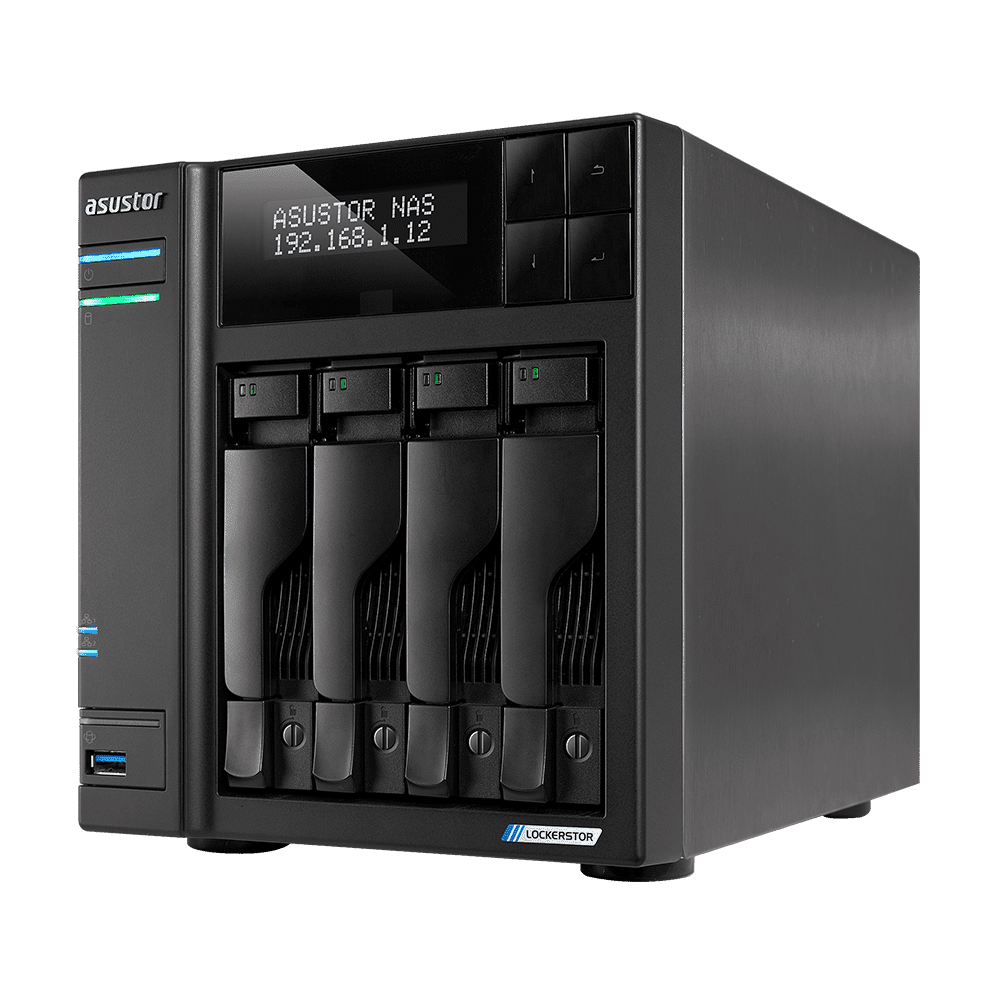
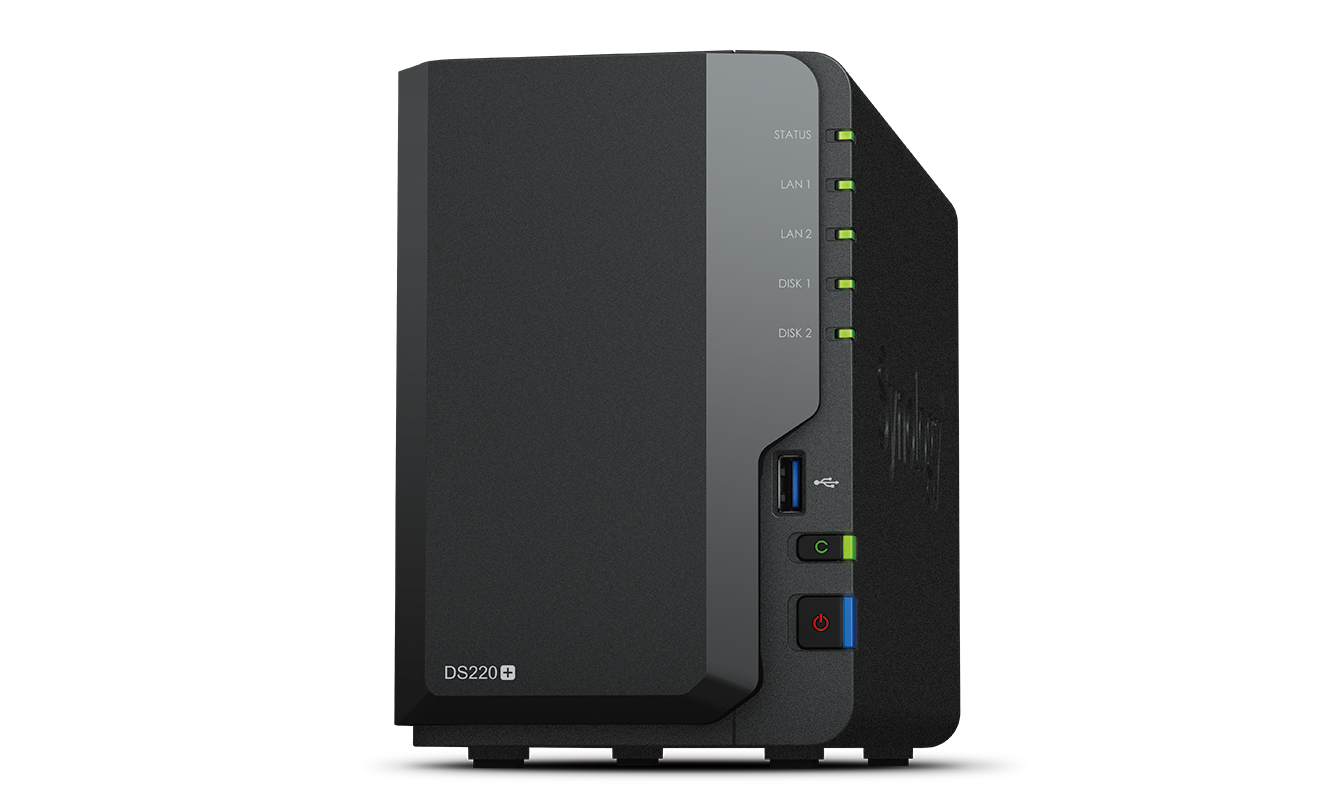
Of all the things that can happen during Chinese New Year this week, I accidentally made the data on my network attached storage (NAS) device unreadable – and could easily have wiped out all the years of reports, financial statements and holiday pictures I’ve stored on those two 1TB drives.
After days of pulling hair out, I eventually salvaged everything. But the entire episode prompted me to ask if I was really as prepared as I thought if I had accidentally deleted my data or, in this case, plugged my drives into a new NAS without backing things up.
The answer lies in a series of software tools you can use at home, before really going to the pros in data recovery for help. Here are a few that I tried out while panicking through my attempt at rescuing my data.
…
|
|
| |
| Tagged in:
PCs, Storage, data recovery, diy, Goondu DIY, hard disk recovery, iCare Recovery, NAS, partition recovery, QNAP, R-Studio, TestDisk, TS-419P+, TS209 II, |
|
|
|
|
| |
|
| |
| 
If you’ve been paying your credit card bills online, you should be familiar with the token PIN that’s required to access most Internet banking services in Singapore.
This security mechanism is commonly known as two-factor authentication (2FA), which requires users to enter a token-generated PIN, plus the usual username and password to access online banking sites and corporate networks.
Besides financial institutions, the Singapore government and some large corporations have also issued employees with tokens for an added layer of security. …
|
|
| |
| |
|
|
| |
|
| |
| 
Okay, so you’ve just bought your spanking new Samsung Galaxy SII (read review) but hate it that Samsung has put in those kiddy icons along with a lot of junk from your telecom operator?
Fret not. There are ways around these little annoyances, as I found out as a Nexus One user who is used to configuring everything to his whim. After all, it’s my phone. …
|
|
| |
| Tagged in:
android, Cellphones, google, Software, Android 2.3, CSC Selector, diy, jailbreaking, Launcher Pro, ROM upgrade, Samsung Galaxy SII, Touchwiz, XDA Developers, XSP, |
|
|
|
|
| |
|
| |
| 
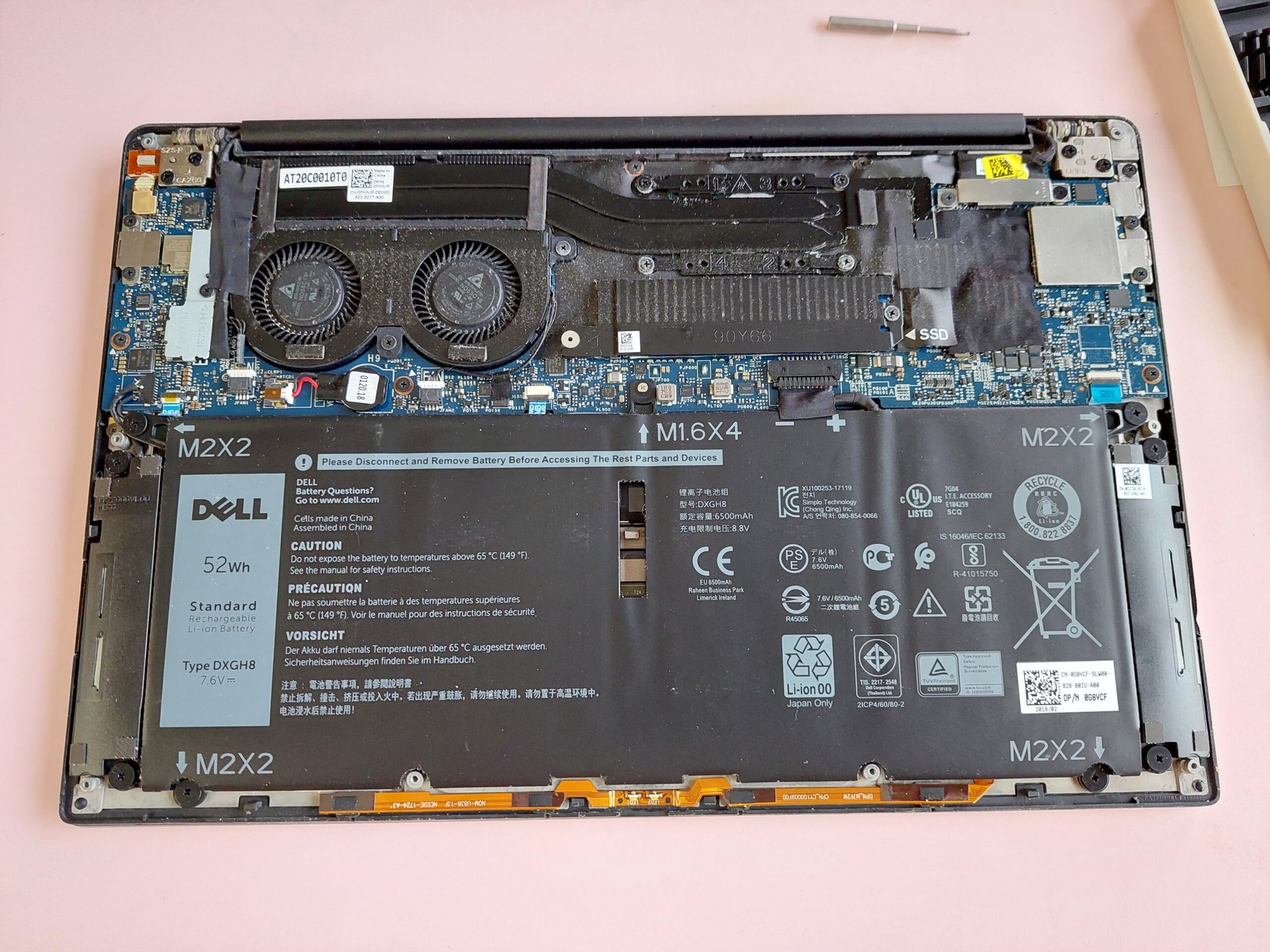
So you’ve just bought your laptop and want to swap out the hard disk for a speedy solid state drive (SSD) instead? This is usually a straightforward task thanks to the modular designs these days, like on the Apple MacBook Pro and fortunately, the HP Envy 14 I had just bought recently.
But some things still need to be taken care of to ensure everything runs smooth with your speedy new drive. Here’s a guide to install an SSD into your new HP Envy 14.
(Disclaimer: Techgoondu is not responsible for any damage or loss of warranty to your laptop!) …
|
|
| |
| |
|
|
| |
|
| |
| 
A few months ago, I did what was once unthinkable for many audio geeks and unplugged my Marantz CD player from a living room hi-fi setup that was beginning to get more complicated than it should be.
I had decided there was no turning back from what audiophile snobs once called “digital music”. Sure, the CD was digital but how could music encoded, stored and delivered from home computers be any good, compared to what’s played on a $20,000 CD player, they would say.
Well, thank goodness that type of argument is no longer the in thing now in audio circles, thanks to advancements that enable “bit-perfect” ripping and playback – with no detail lost. For me, the argument was settled by the fact that my Marantz CD6002 was no S$20,000 CD player, but a money’s-worth budget player that could be improved quite easily with a new digital music setup.
Thus began a sometimes unfamiliar – but ultimately fulfilling – journey to build a setup that could play high quality music using the affordable utility that everyday computing offers. …
|
|
| |
| Tagged in:
android, Cellphones, Featured, Music, Speakers, Tablet, android, B&W, Bel Canto, diy, FLAC, FreeNAS, Goondu DIY, Intel Atom, Logitech, Media Monkey, QNAP, Slimserver, Squeeze Commander, Squeezebox, |
|
|
|
|
| |
|
| |
| 
The Samsung Galaxy Tab may be a great tablet out of the box, but it won’t stop us from customising it to work even better, would it?
Here are three essential tips for the Android gizmo. …
|
|
| |
| Tagged in:
android, Tablet, Advanced Task Killer, diy, Galaxy Tab, Goondu DIY, Opera Mini, samsung, SGS SCS, Skyfire, |
|
|
|
|
| |
|
| |
| 
Let me kickstart a new series here on Techgoondu – Goondu DIY, which gives a look at what goondus like us get our hands dirty with. By the way, it’s also disguised as a guide, so if you want to get your hands dirty, keep following these pages!
First off, I’m going to share my experience with FreeNAS, the freeBSD-based, open-source NAS software for turning your old PC or new, low-powered Atom-based PC into a NAS (networked attached storage). Since NAS is all the rage now, why not build your own, right?
Well, actually, it’s not for everyone. If you want storage, then a D-Link DNS-323 or QNap TS209 II, both of which I’ve tried and used, is a better bet. But what if you want to download fast over Bittorrent while sharing your files with your friends online and also to serve the media to your PS3 or XBox in the living room?
Then you need a proper server! This not only offers NAS functions, but also provides much faster BT downloads than the pitifully slow BT clients on regular NAS boxes.
Popular with many DIYers online, FreeNAS is the free software you might want to install onto your server to offer features that are essentially as good as regular NAS boxes. Why FreeNAS? 1) It’s free 2) It’s powerful 3) It’s relatively easy to run 4) It has low hardware requirements. Here’s my experience with FreeNAS… …
|
|
| |
| |
|
|
| |
|
| |
|
|
|
|
|
| |
| |
|
|