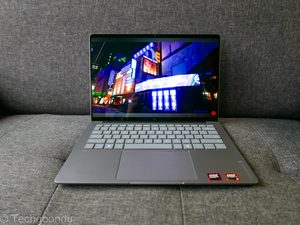
The Belkin ConnectAir is a nifty little gadget that helps solve one of life’s most annoying tasks – hooking up your laptop or phone to a screen for a meeting in the office.
It should be as simple as plugging a cable into your laptop but often, you end up spending precious minutes setting things up to show your screen.
What about Windows’ built in wireless connections? Most times it might work, but the latency often makes any moving images or videos look buggy.
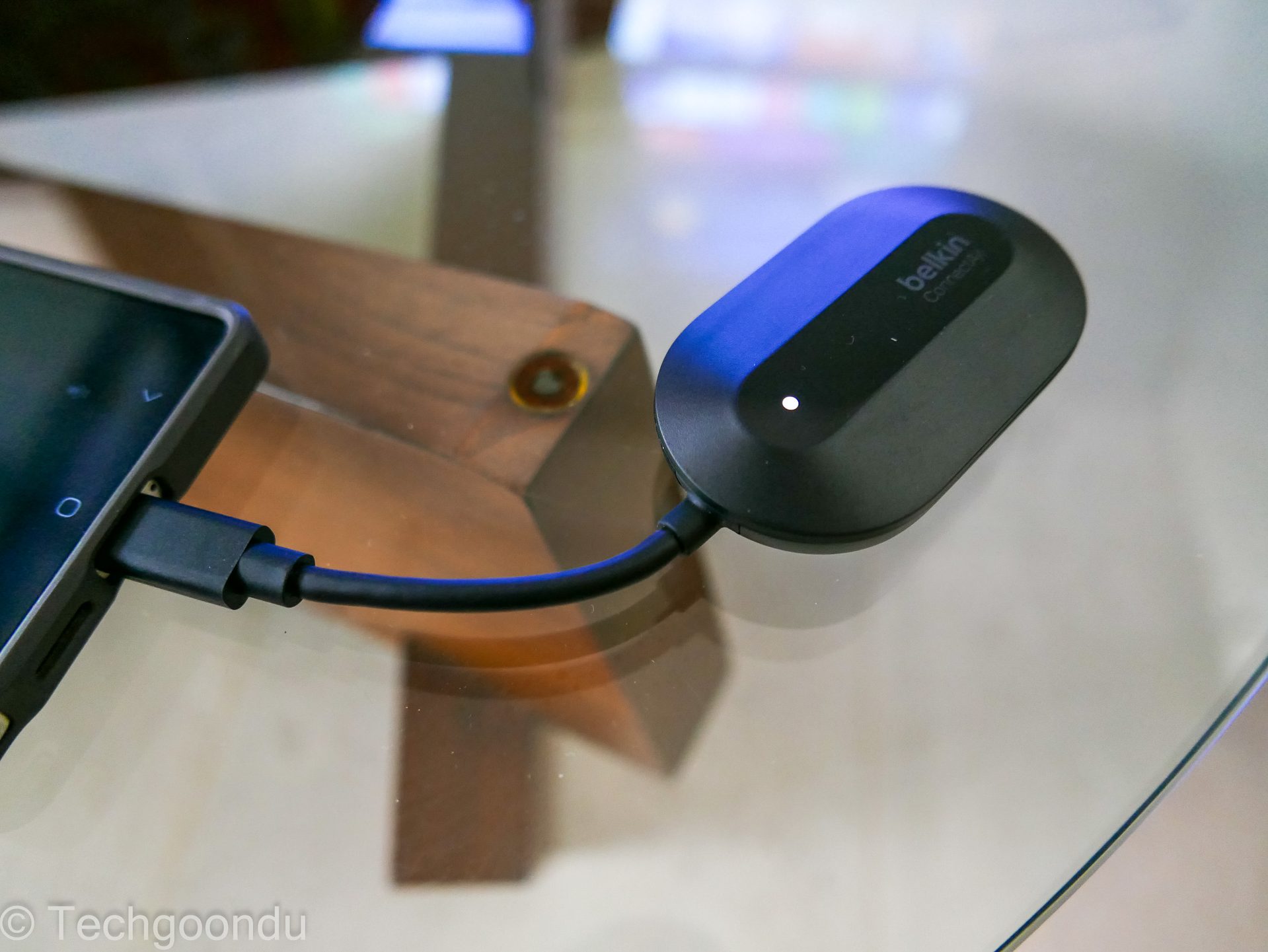
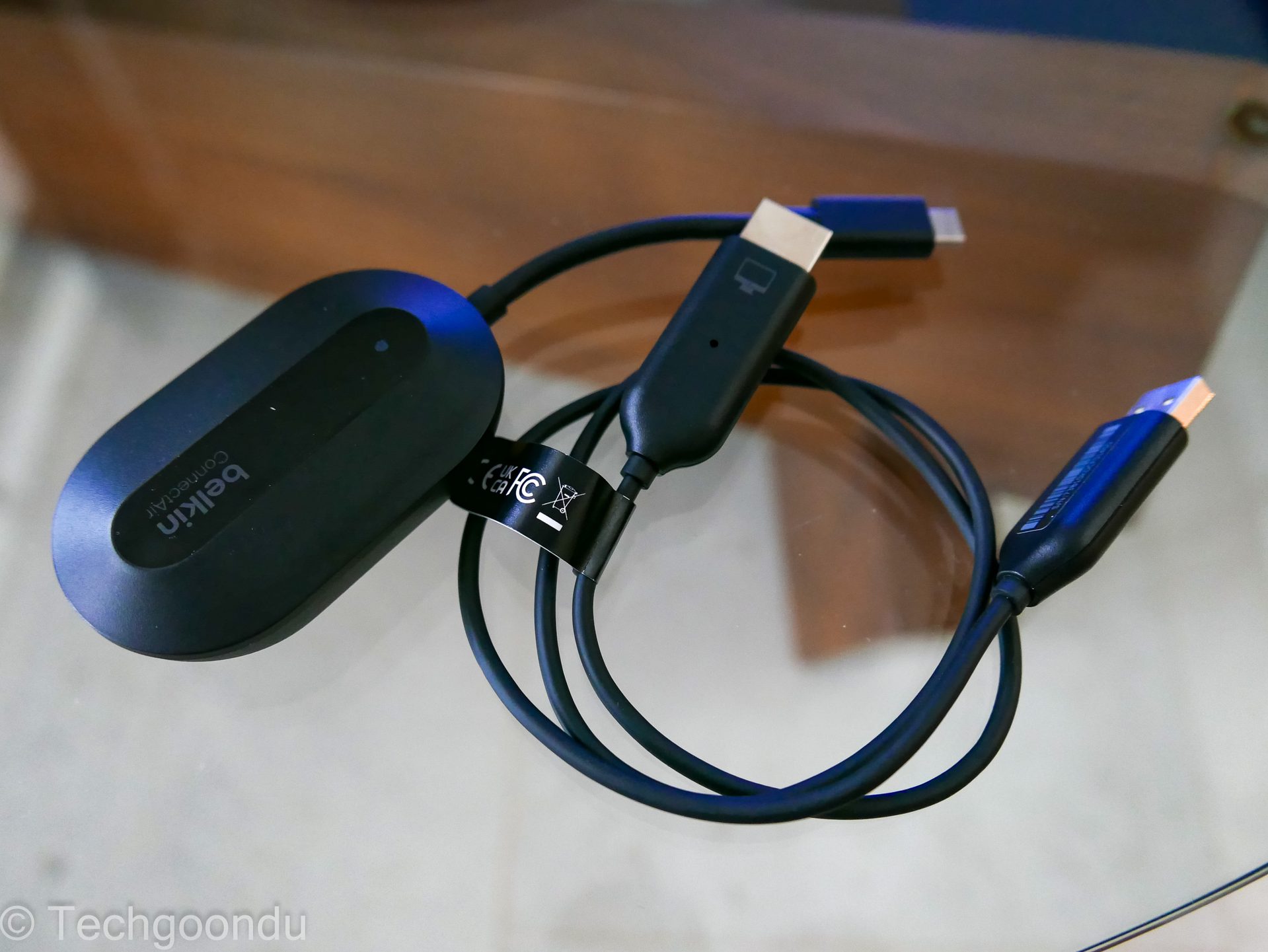
This is where Belkin hopes its wireless HDMI display adapter will come in. It is essentially a two-piece kit, where you plug one end to your TV or screen and the other to your laptop.
The receiver connects to your TV via an HDMI input, as well as a USB-A connector to hook up for power. If you have a relatively new TV, you should have one port for that. If not, you’d need a separate power source.
The other part of the Belkin ConnectAir kit is the transmitter – a small dongle that connects to your PC (or phone) via a USB-C port. This automatically hooks up to the receiver plugged into the TV.
As advertised, the setup is easy. There isn’t any pairing involved, like Bluetooth or a direct Wi-Fi link, and all you need to do is plug in both parts of the kit.
I got my Windows laptop screen onto an LG OLED TV effortlessly. In no time, I was looking through Google Maps – something I’d always liked to do on the big screen when planning trips with my family.
YouTube plays well too and generally, the low latency of the wireless link appears superior to a direct Wi-Fi connection. You get less of jerky motion, say, of a video showcasing a drive through Tokyo’s streets.
The audio is also streamed well, which means you don’t worry about mismatched music or dialogue if you’re casting a movie, for example.
Speaking of that, one downside of the Belkin ConnectAir is the limitation in the resolution. It only supports up to 1080p@60Hz resolution, which isn’t shabby but would not be ideal for a movie offering 4K sharpness.
As for the connection, I didn’t have an issue walking around the living room and kitchen area in my house (which were unblocked from the TV).
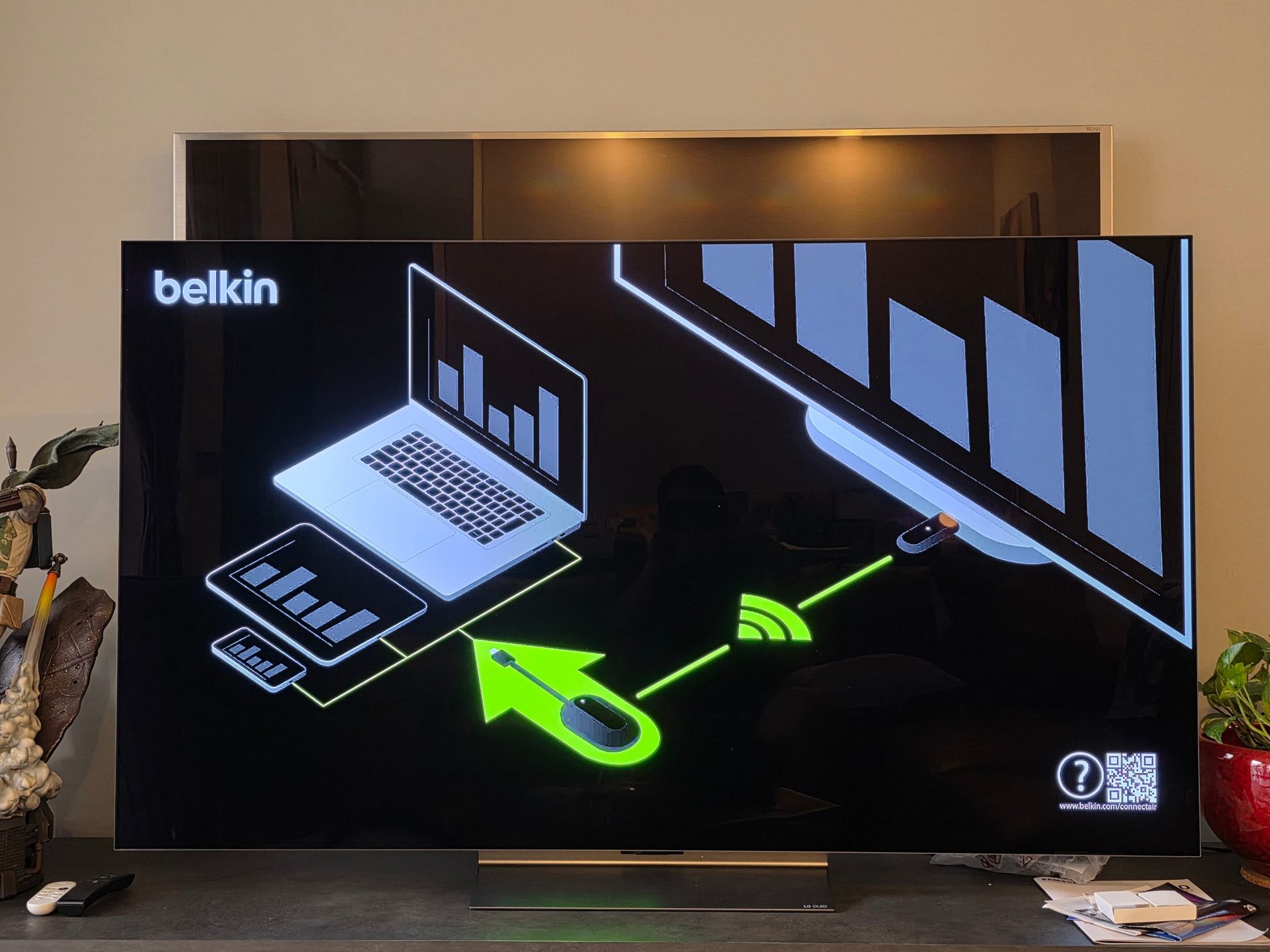
Belkin says its wireless HDMI adaptor will work up to 40m, which is a bit extreme for home users. It might be good for hooking up a projector in a lecture hall, for example, though I haven’t tested that out.
For many offices, I can imagine the Belkin gadget becoming really handy. So, instead of running cables in conduits in a boardroom, the Belkin ConnectAir can be plugged into your large-screen TV, while the dongle can be left on the conference table for whoever steps in to show a presentation deck.
This could be great, say, for startups or small offices where it is more convenient than renovating the conference room to run and hide HDMI cables neatly.
This also means that anyone, including guests, don’t have to go through the hassle of trying to see if their HDMI connector works. Or fiddle with wireless display settings on their laptops.
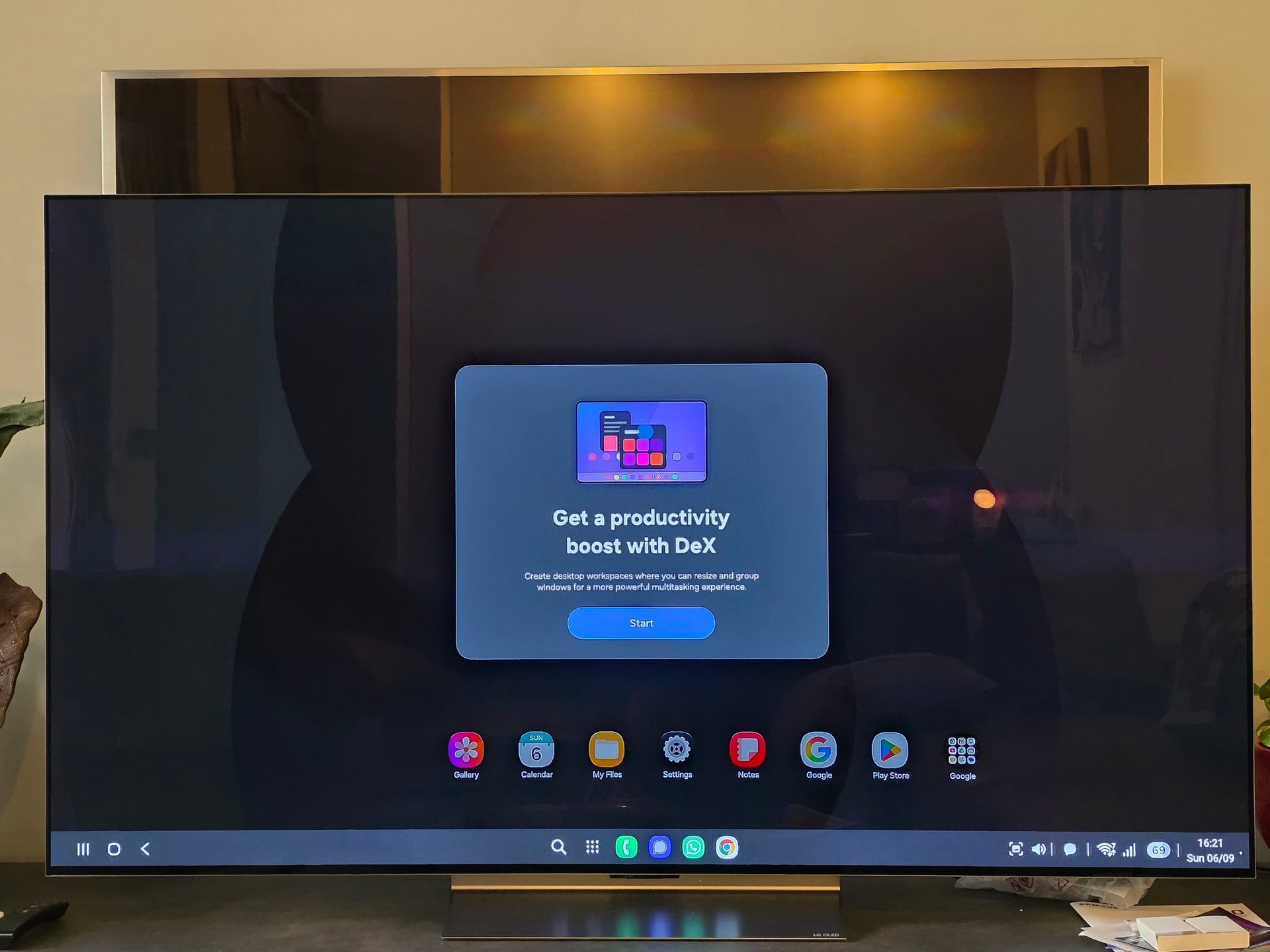
By the way, the Belkin wireless HDMI adapter also works with smartphones. I plugged the dongle into my Samsung Galaxy S25 Ultra and the Korean company’s DeX desktop interface automatically started on the large screen.
I can, of course, still go back to showing my phone’s regular Android interface on the TV if I choose to, but the flexibility is there.
The main pitfall I’d think of, usage-wise, is the lack of a power connector for the dongle to connect to your PC or phone. This means it will keep drawing power from your device.
Another issue is the heat. The Belkin dongle does get a bit warm after being hooked up for more than an hour, so just be aware when picking it up after prolonged use.
Would consumers take to this device? Well, there are some niche uses. If you’re staying in a hotel, it might come in handy, say, to connect to the large-screen TV to review the day’s photos or videos together with friends.
That means not having to plug in a long HDMI cable that might be a tripping hazard or having to connect your phone or PC to an unfamiliar TV via Wi-Fi.
That said, the cost of the Belkin kit might be prohibitive for potential Singapore buyers. At a rather steep S$279, it will take some convincing for consumers here.
I did a quick search online and you can actually buy it for considerably less – at S$149 from Amazon Japan (before some promotional discounts) – which makes this a lot more appealing.
To be sure, the Belkin Connect Air is a great wireless HDMI adapter that works out of the box as promised. If it is priced more attractively, then it’s well worth considering.