With crazy component prices today, it’s nice to find a laptop like the HP OmniBook 5 that doesn’t break the bank to deliver the machine you need for everyday computing.
The version I have for testing is the 14-inch version that comes with a solid Ryzen AI 5 430 processor, along with an ample 16GB of DDR5 memory and 512GB of solid state storage.
Though not a speed demon, it should be fast enough for the stuff you’d do every day, from student projects to office work like e-mails and even photo editing apps.
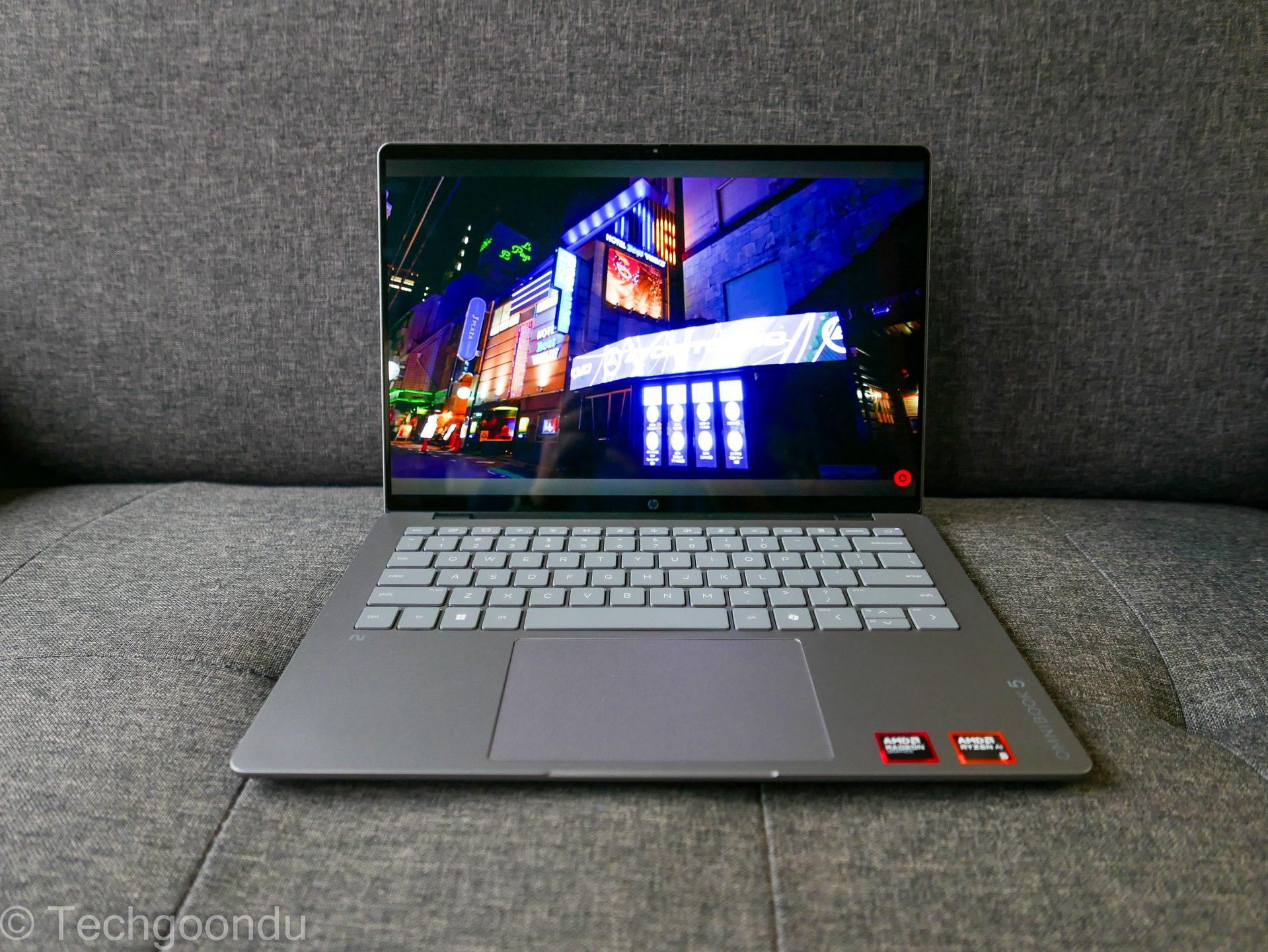
Plus, you get a welcome 14-inch OLED display that offers a handy touchscreen, which is a nice surprise for a budget laptop. Okay, the resolution is stated as 2K, but it’s closer to Full HD at 1,920 x 1,200 (I’d rather call it Full HD+).
For all that, HP is asking for a reasonable S$1,599 on its online shop, though you might be able to squeeze some discount from your favourite computer or electronics chain store.
Crucially, you are not getting a fat, ugly laptop at that price. The OmniBook 5 14-inch weighs 1.33kg, just about making it into the ultraportable category.
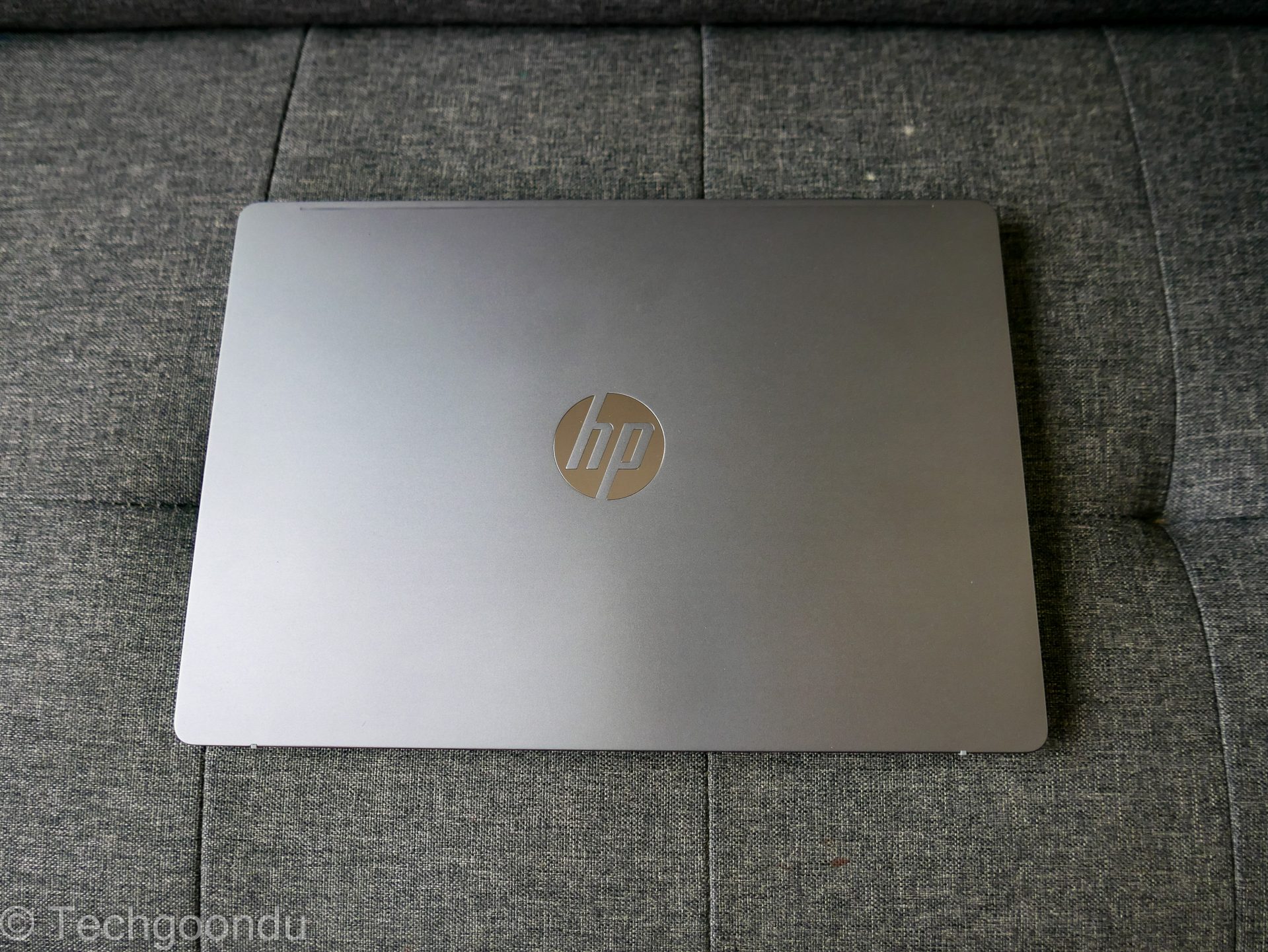
It’s also slim enough and has a dark silver finish that looks neat and tidy, even if it lacks some of the attractiveness of, say, the Asus Zenbook’s textured surfaces. The HP machine is a workhorse that looks just about good enough.
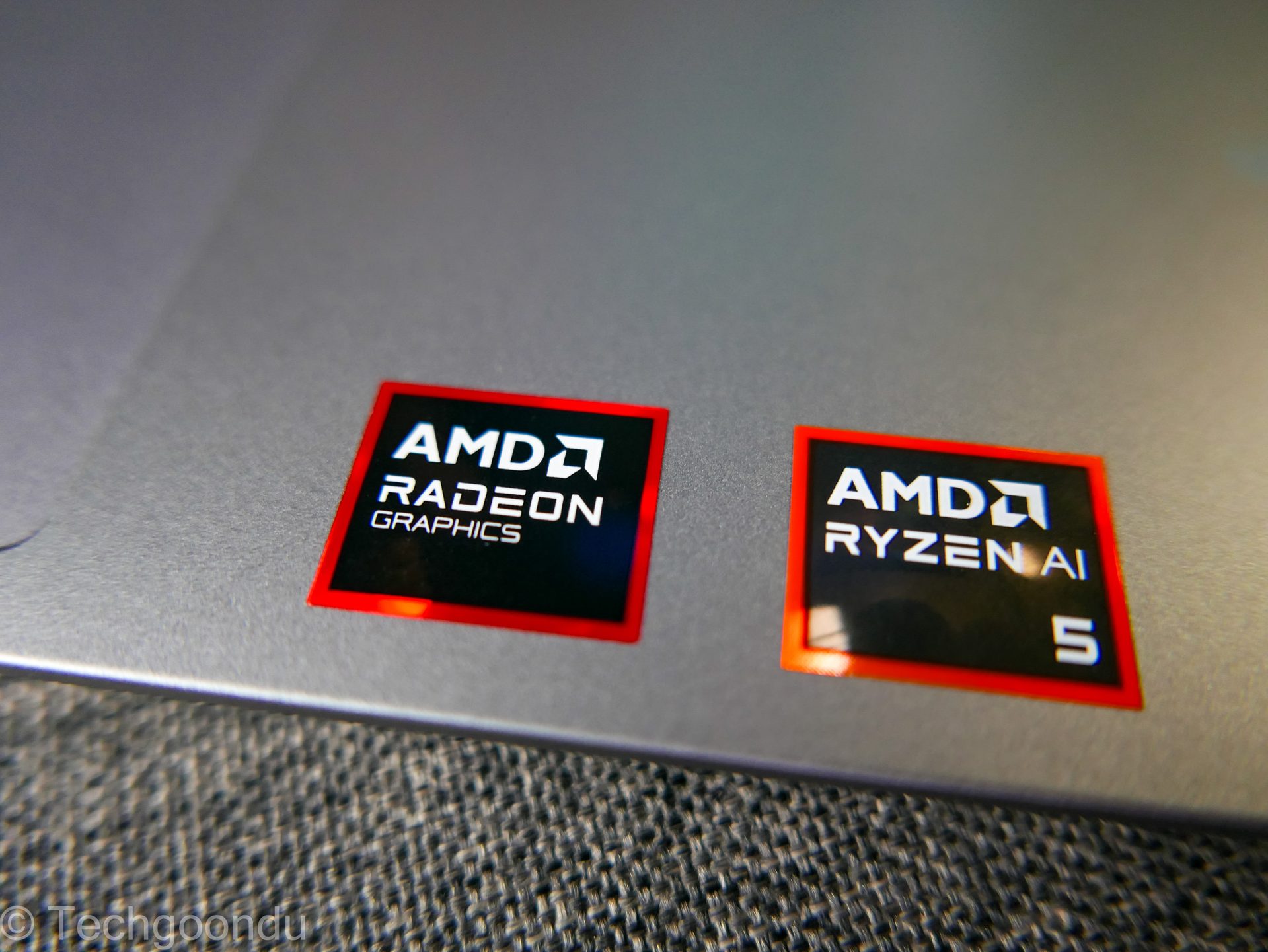
The key to the good value is the AMD Ryzen AI 5 chip, which delivers the performance you need in these lean times in terms of electronics components like CPUs, memory and storage.
This is a handy little CPU that only sports four cores (and eight threads) but still manages to get the job done. For folks looking to do a lot of onboard AI tasks, it comes with a 50 TOPS neural processing unit (NPU) as well.
First, the everyday work. With the PCMark 10 test, which runs tasks like videoconferencing and image editing, the HP OmniBook scored 6,067.
In another benchmark, Geekbench 7, the HP laptop scored 2,291 for single-core performance and 7,671 for multi-core performance.
These scores aren’t nearly as impressive as with top-end CPUs like the Intel Core Ultra X7 on the LG gram Pro 16 laptop, which I tested in June, but they show the competence of the HP OmniBook’s AMD Ryzen processor.
Note, too, that the new Geekbench 7 benchmark typically gives out lower scores than the earlier Geekbench 6 we had used earlier this year.
With AI tasks like image classification, the HP laptop isn’t shabby in its performance, either. On the Geekbench AI test and running the ONNX AI framework, the AMD CPU clocked 1,975 for single precision score, 1,157 for half-precision score and 4,837 for quantised score.
On the same benchmark but using the OpenVino framework that favours x86 chips more, the AMD CPU scored higher – 2,534 for single precision, 2,519 for half precision and 7,265 for quantised.
What the benchmarks tell us is that this AMD-based OmniBook 5 should do well in the everyday tasks that you throw at it. Performance-wise, it has a decent engine.
What about games? Though this isn’t a gaming laptop, the onboard AMD Radeon 840M graphics chip should be good for some casual and even AAA games, as long as the resolution and special effects are dialled down.
For 3D Mark Time Spy, a test which simulates games, the HP laptop came back with a score of 1,683. That’s nowhere near top-end onboard graphics like Intel’s flagship mobile CPUs, but decent enough if you want to try out some games.
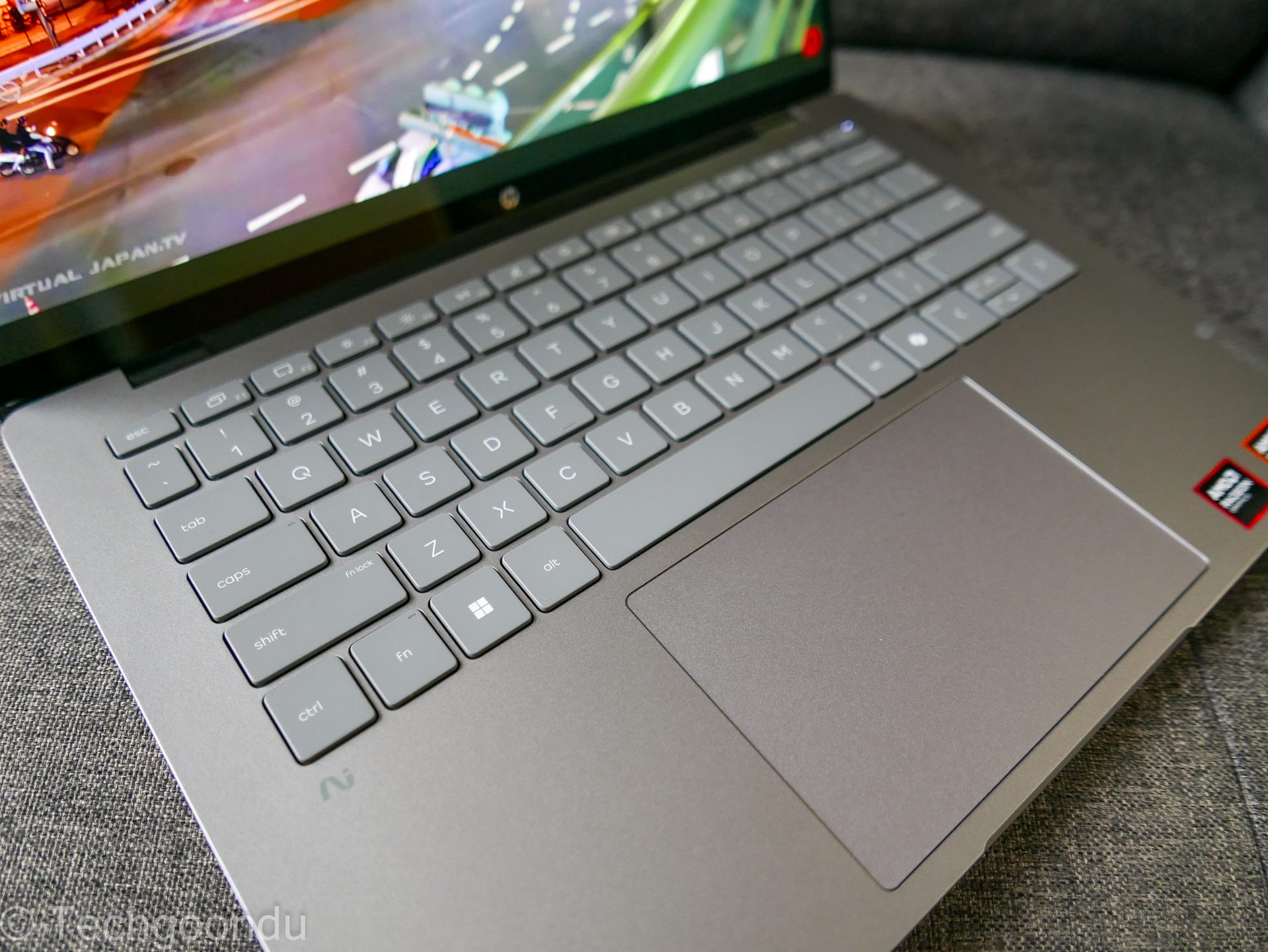
Besides performance, the laptop has what you’d expect from a no-frills but value-for-money machine. The keyboard is large and the keys offer decent tactile feedback, though I’d like a bit more spring in them. The touchpad is fast and large enough to move around easily.
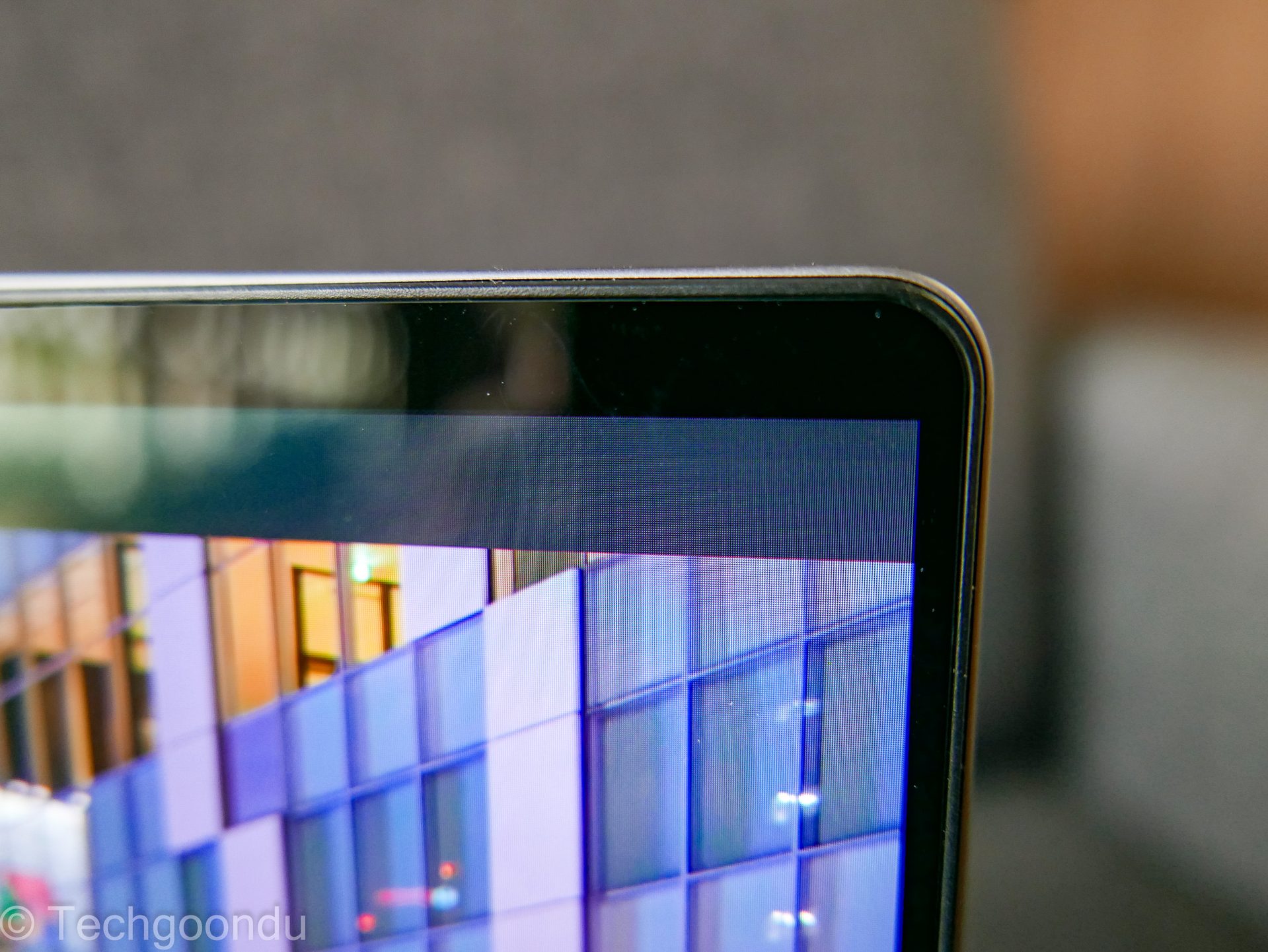
The edges of the screen aren’t super slim, like in flagship models such as the Asus ExpertBook Ultra or Lenovo ThinkPad X1 Carbon, but the OmniBook 5 does just enough to avoid looking too bloated.
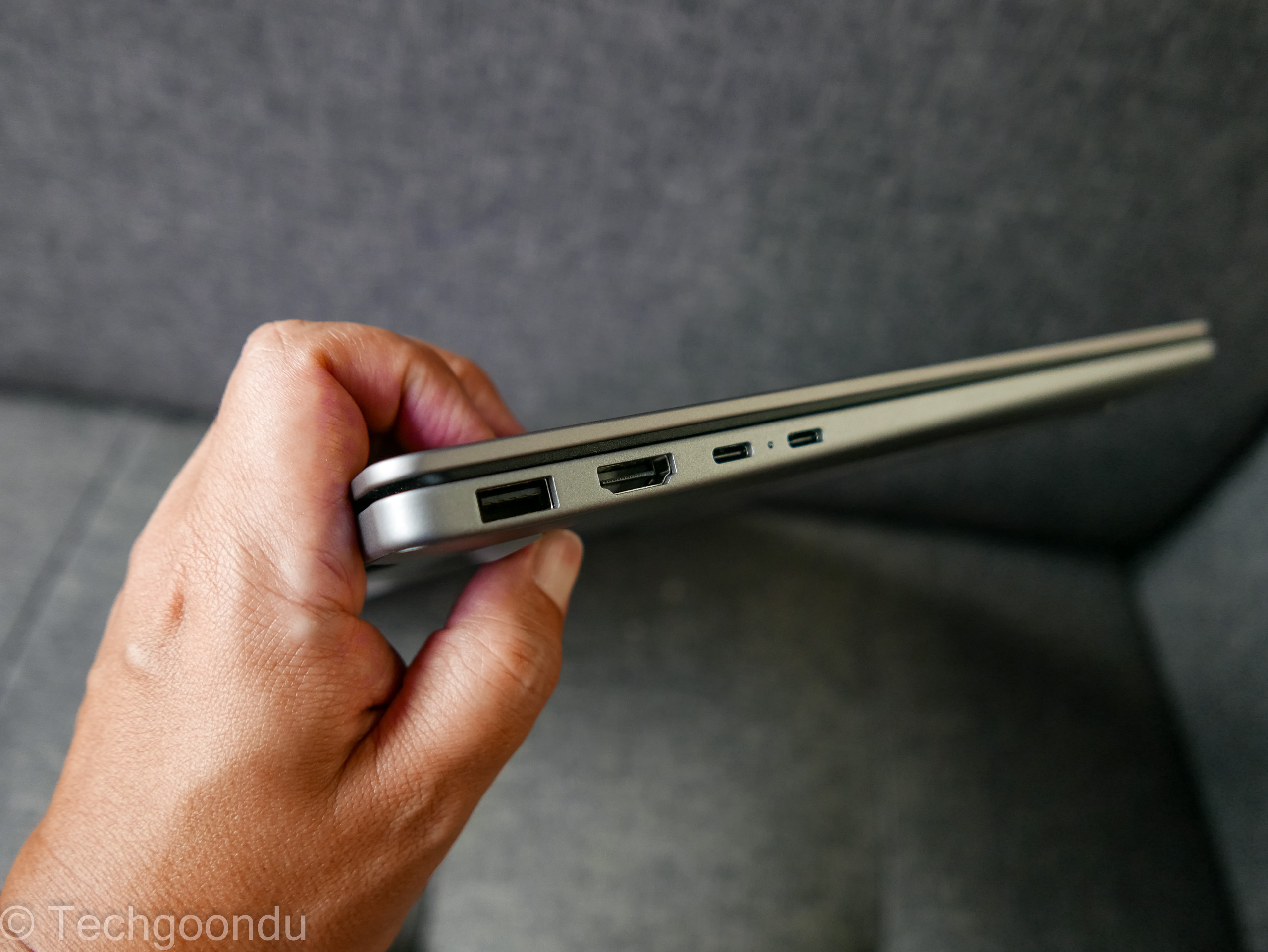
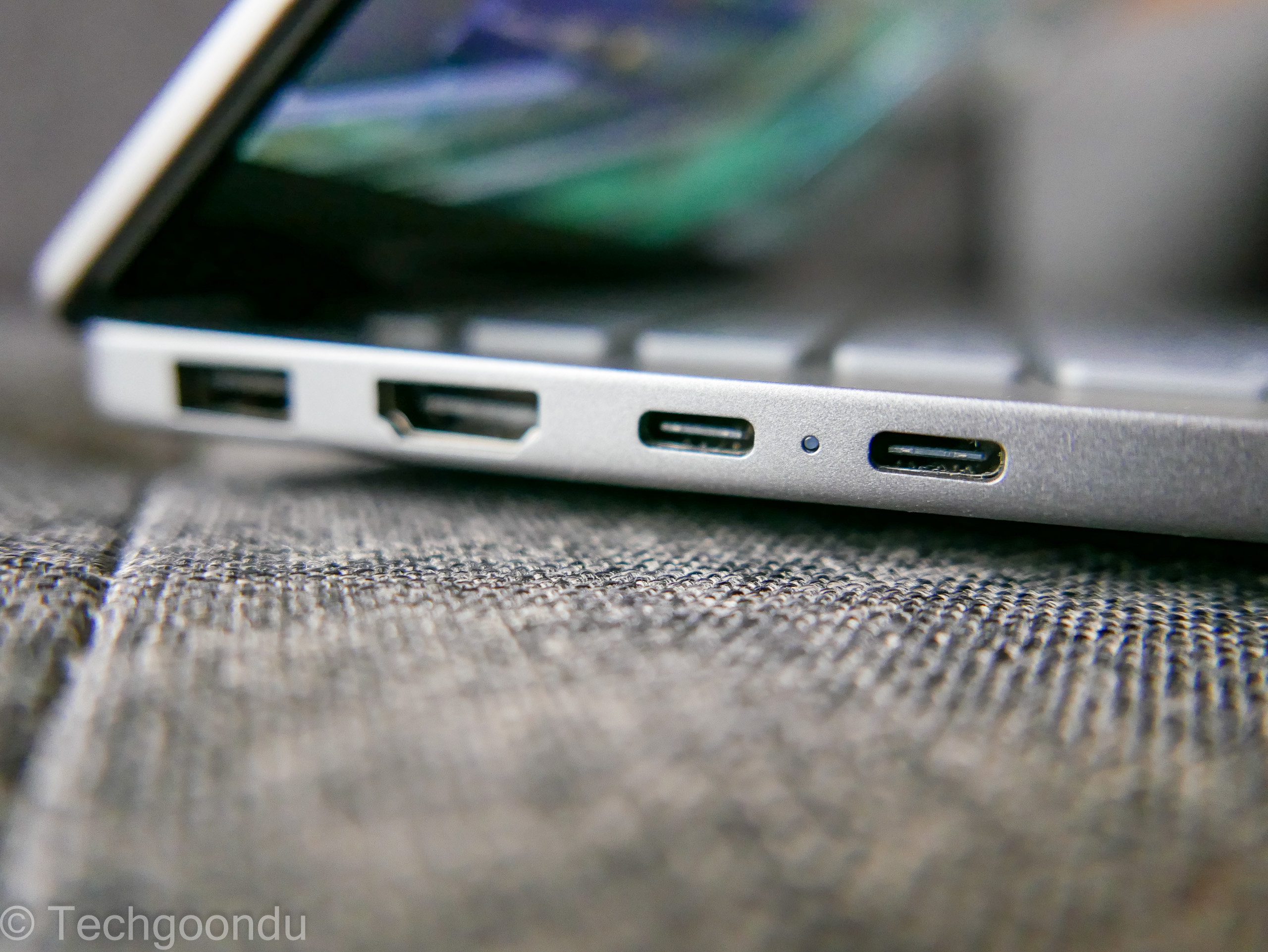
I also like it that the HP laptop has a full complement of ports, including one large USB-A port on each side. That makes for easy connections for your USB flash drives or mouse dongles (if you don’t use Bluetooth).
There’s also a full-sized HDMI port, plus two USB-C ports on the left, though I wish one of them is on the right, so you can plug in your charging cable on either side of the laptop, depending on your table configuration.
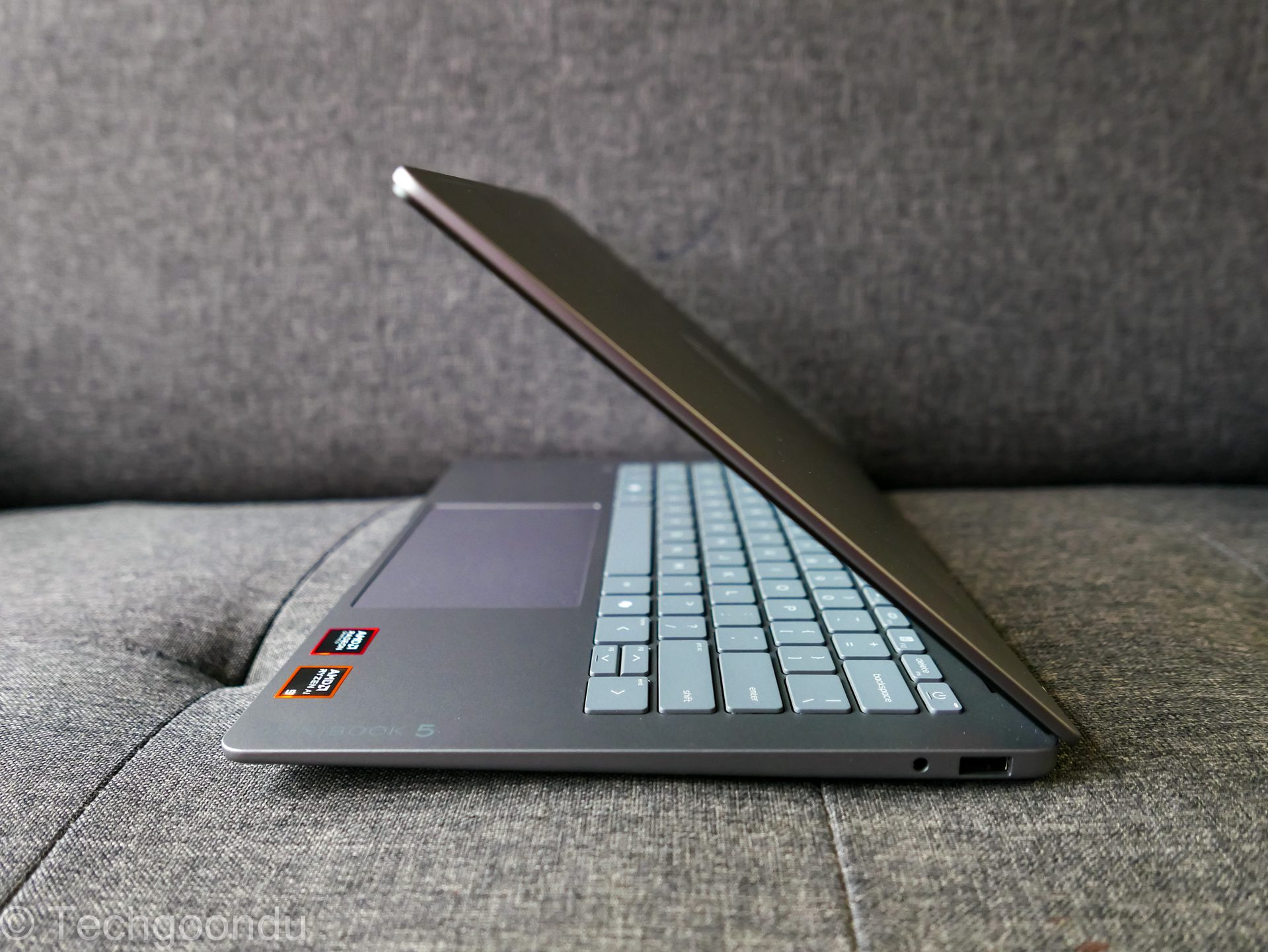
To power everything, there is a three-cell 59Wh battery. HP says it will juice up to 50 per cent in 45 minutes. So, if you’re in a hurry, take note.
In truth, it’s hard to knock the OmniBook 5. Okay, perhaps the rather annoying anti-virus subscription pop-ups that seem to be a feature of budget-priced laptops are off-putting. But you can uninstall the software to get rid of them.
If you’re looking for a decent looking machine that is portable enough to bring around and has the horsepower for everyday tasks, then the AMD Ryzen version of the Omnibook 5 should be on your list.
There are also options for a Qualcomm or Intel chip, as well as a 16-inch and 2-in-1 convertible version, which I have not tested. However, this AMD Ryzen-powered one with the 14-inch screen is priced right for a good-value buy when prices are severely distorted today.